Screenshot changes — detected by LaunchShots
Screenshot style breakdown
Sampled from 6 of smallcase - Save & Invest's App Store screenshots — background, accent and theme, measured by LaunchShots (not something Apple publishes).
#FCFCFC bg
#DDDDDD
#74A4DC accent
#111111 text
- #2[ 41] Growth at Scale Concentrated portfolio of high dividend yield stocks with upside pot
- #3[5] The Longevity Code invest in advanced genomics, medical breakthroughs & healthcare inf
- #4Debt Mutual Funds Stable returns, lower risk Recurring Deposits
- #59 Fixed Deposits est & Personal Loan T5L
- #6Aggressive Growth Plan Invest ¥1.2L/month with a higher allocation toward mid-cap, themati
Captions read from the screenshots (OCR, may contain small errors): 5 headlines, 11.4 words on average (longest 15).
Screenshots
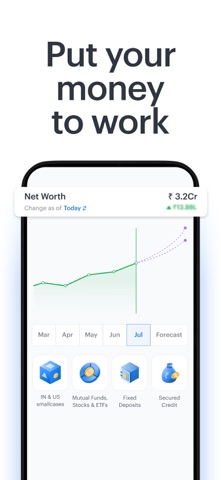


iPad screenshots


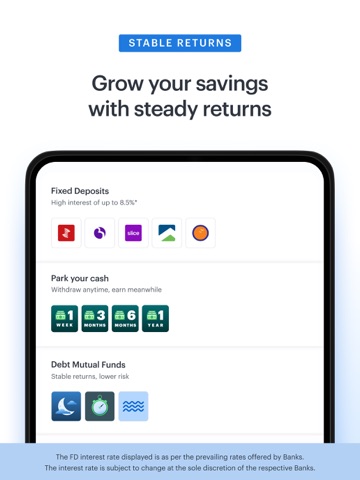

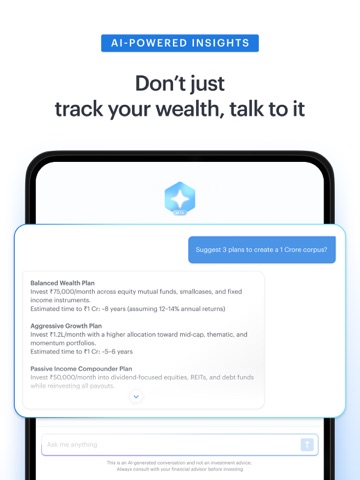


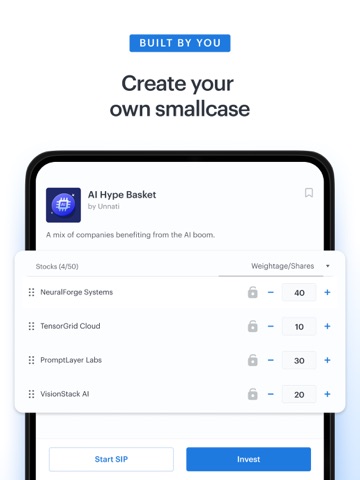

Icon palette
About this app
smallcase is a great place to put your money to work. We have investment ideas across Indian Stocks & ETFs, Mutual Funds, Fixed Deposits, and for global diversification - US Stocks & ETFs. What makes smallcase stand out from other investment apps is our ‘model portfolios’, also known as ‘smallcases’. These are baskets of Indian Stocks/ETFs, Mutual Funds or US Stocks/ETFs. These smallcases are created by investment experts, around an idea like a trending sector (Defence, Pharma, etc.), a theme (AI & Data Centers, Clean Energy, etc.) or a trusted strategy (Momentum, Value & Growth, etc.) To keep your investments fresh, these smallcases are periodically rebalanced by buy/sell recommendations of underlying stocks to keep up with market trends. INVEST IN INDIAN STOCKS & ETFs - Connect your existing broking or demat account, or open a new one. smallcase supports India's top brokers includ…
App details
What you can learn from smallcase - Save & Invest
Every shipping app on the App Store has gone through the same decisions you're working through right now: which screenshot goes first, what caption sits over it, which device frame to show, what color the background should be. The 20 screenshots above are smallcase - Save & Invest's answers to those questions — they're public, they're real, and they made it through Apple's review.
What the numbers say: smallcase - Save & Invest runs a light set with one background colour (#FCFCFC) carried across every screenshot — the listing reads as a single poster when the shots sit side by side in search results. The accent colour we picked up, #74A4DC, is the one to reuse for badges, arrows and highlighted words if you borrow this look. Hit Use this style to open the editor with these exact colours and drop your own screenshot in.
Notice the first screenshot in particular. It's the one users see in search results and on the product page, and it's where most apps spend their best caption and tightest design. Look at the proportion of background to phone, where the text sits, what one thing the image is trying to communicate.
Want to see how other Finance apps approach the same problem? Browse more Finance apps in the showcase.
Take what works into your own screenshots
Open LaunchShots and design your App Store & Google Play screenshots — pick a device frame, drop captions, ship in minutes. Free, in your browser.
Open the screenshot editor →Apps with a similar look
Closest background + accent colours among the listings we've analysed — useful when you want to see the same palette handled by a different team.