Screenshots


Icon palette
About this app
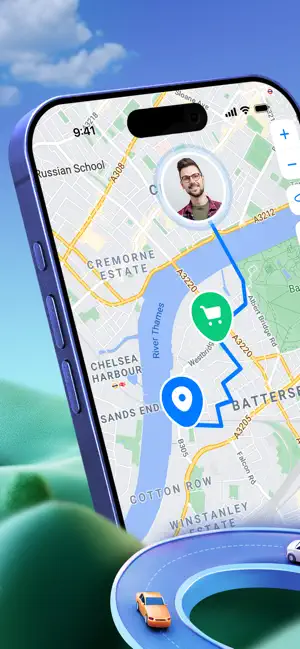
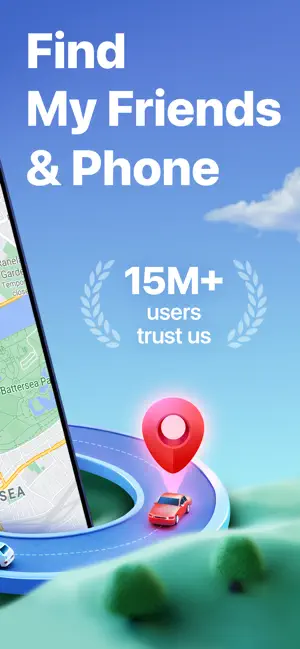
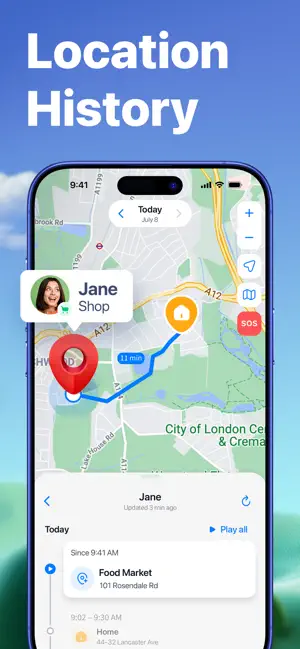
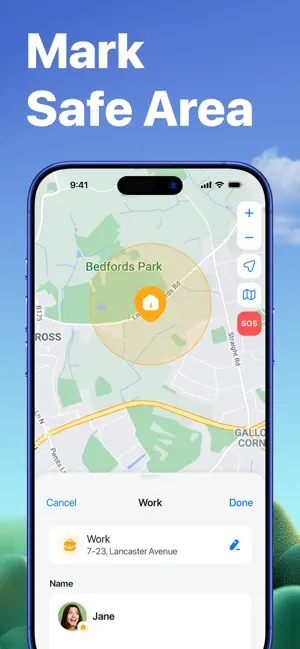
Always worrying about where your loved ones are? Meet Findo—a GPS location-sharing app that keeps you connected with your family and friends in real time. Picking up the kids? Checking on your friend’s whereabouts? Wondering if your partner got home safe? Findo answers all of it—without a single call or text. Trusted by 15 million+ users worldwide, this GPS phone tracker shows you live locations, sends smart arrival and departure alerts, and lets you check battery levels at a glance. No registration or email verification required—just download and stay connected with your loved ones even if they are miles away. With Findo, you can: • Skip the signup: No account needed, it’s perfect for emergencies, quick meetups, or when you simply don't want another app login to manage. • Customize your map: Use unique icons for members, mark favorite places, and add tags. • Create private circles:…
App details
What you can learn from Findo: Find My Friends, Phone
Every shipping app on the App Store has gone through the same decisions you're working through right now: which screenshot goes first, what caption sits over it, which device frame to show, what color the background should be. The 6 screenshots above are Findo: Find My Friends, Phone's answers to those questions — they're public, they're real, and they made it through Apple's review.
Notice the first screenshot in particular. It's the one users see in search results and on the product page, and it's where most apps spend their best caption and tightest design. Look at the proportion of background to phone, where the text sits, what one thing the image is trying to communicate.
Want to see how other Social Networking apps approach the same problem? Browse more Social Networking apps in the showcase.
Take what works into your own screenshots
Open LaunchShots and design your App Store & Google Play screenshots — pick a device frame, drop captions, ship in minutes. Free, in your browser.
Open the screenshot editor →