Screenshots
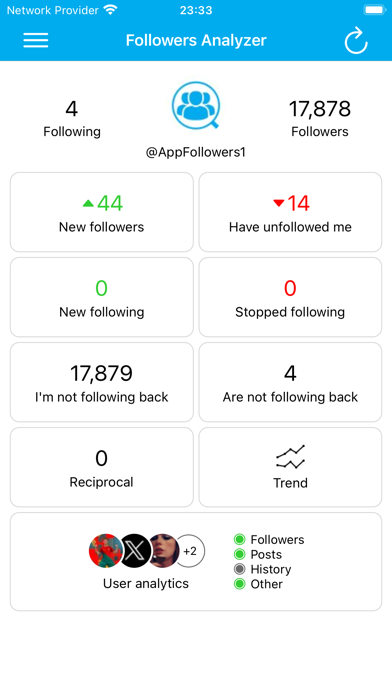
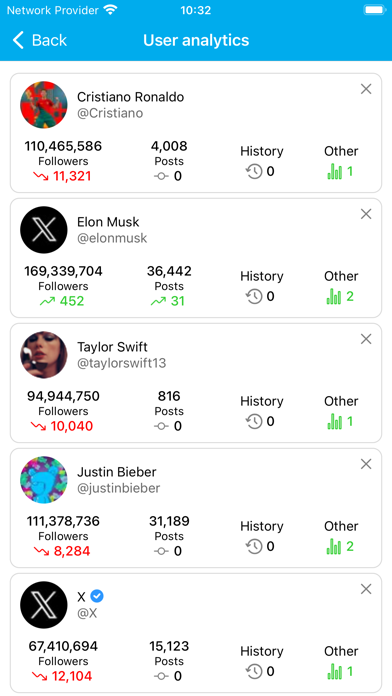
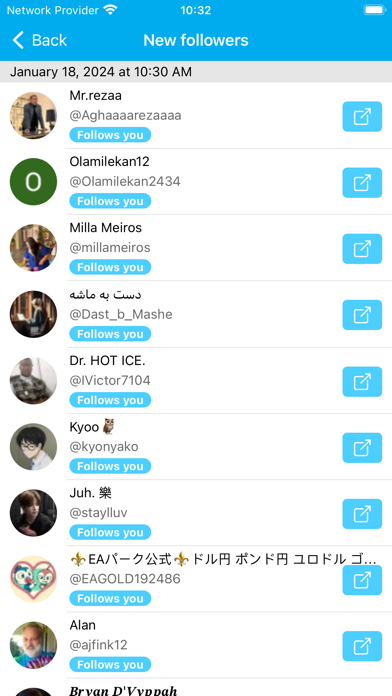
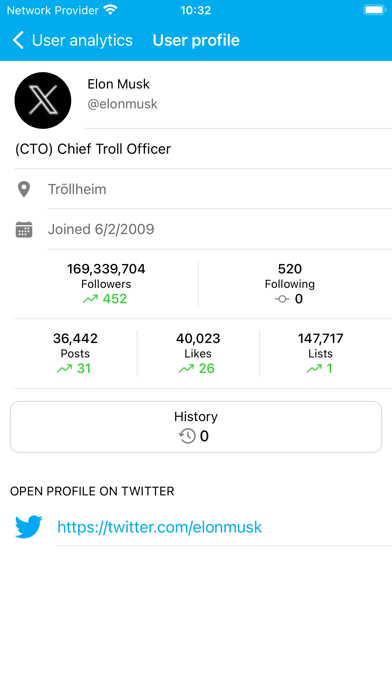
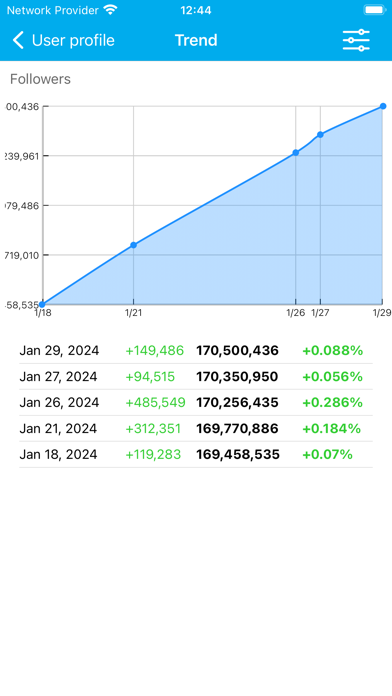
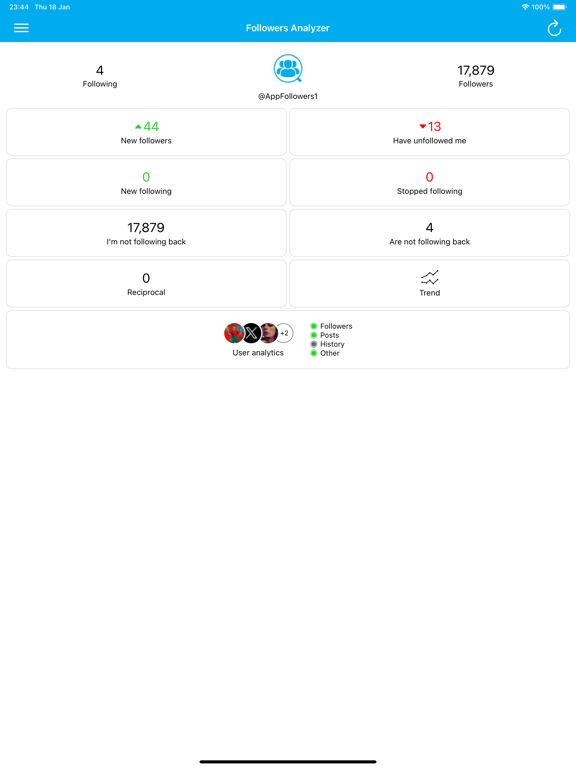
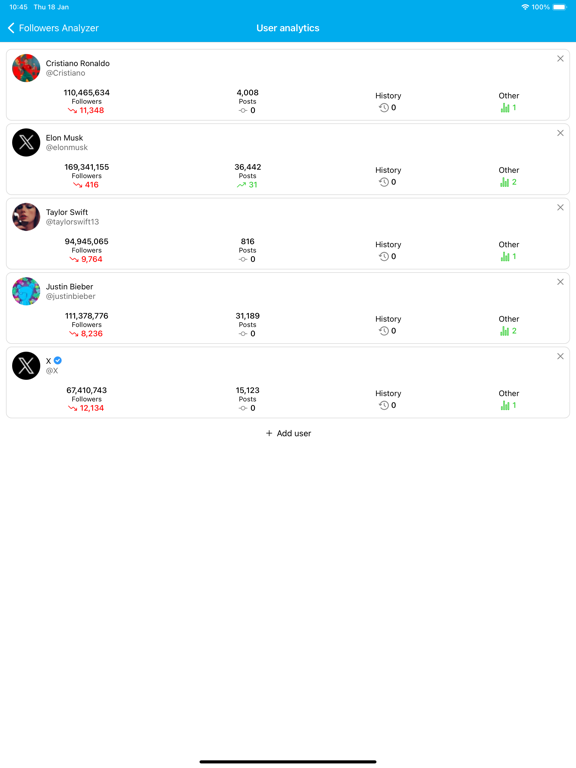
iPad screenshots


Icon palette
About this app
This is the best app for analyze growth of your Twitter account, tracking users, unfollowers, and more! Followers Analyzer provides simple, smart, and efficient tools to understand your Twitter network, get growth analytics! Security is our top priority, in order to help you get the most out of your network, we ask for your Twitter data permission and we handle this responsibility with utmost care. We take all precautions necessary to ensure your privacy is respected and your information is secure. Got questions? • Tweet a https://twitter.com/AppFollowers1 • Email a project130234@gmail.com This app is not affiliated with Twitter.
App details
What you can learn from Followers Analyzer for Twitter
Every shipping app on the App Store has gone through the same decisions you're working through right now: which screenshot goes first, what caption sits over it, which device frame to show, what color the background should be. The 9 screenshots above are Followers Analyzer for Twitter's answers to those questions — they're public, they're real, and they made it through Apple's review.
Notice the first screenshot in particular. It's the one users see in search results and on the product page, and it's where most apps spend their best caption and tightest design. Look at the proportion of background to phone, where the text sits, what one thing the image is trying to communicate.
Want to see how other Social Networking apps approach the same problem? Browse more Social Networking apps in the showcase.
Take what works into your own screenshots
Open LaunchShots and design your App Store & Google Play screenshots — pick a device frame, drop captions, ship in minutes. Free, in your browser.
Open the screenshot editor →