Chart position — tracked daily by LaunchShots
Screenshot changes — detected by LaunchShots
Screenshot style breakdown
Sampled from 6 of オーディオブック(audiobook)耳で楽しむ読書アプリ's App Store screenshots — background, accent and theme, measured by LaunchShots (not something Apple publishes).
#FCFCF4 bg
#DDDDD6
#CCAC7C accent
#111111 text
Reading the caption text from the screenshots in your browser…
Screenshots


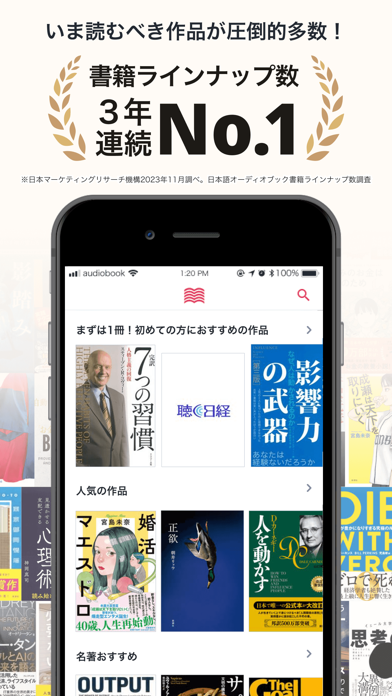


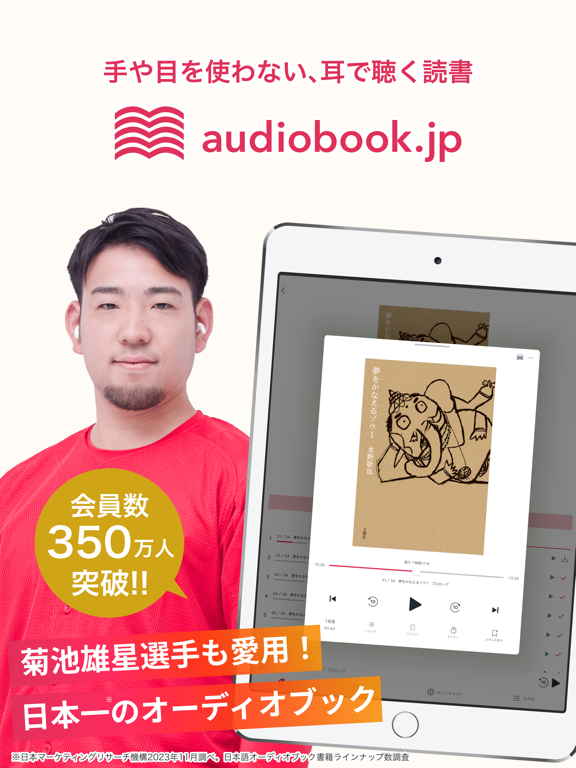
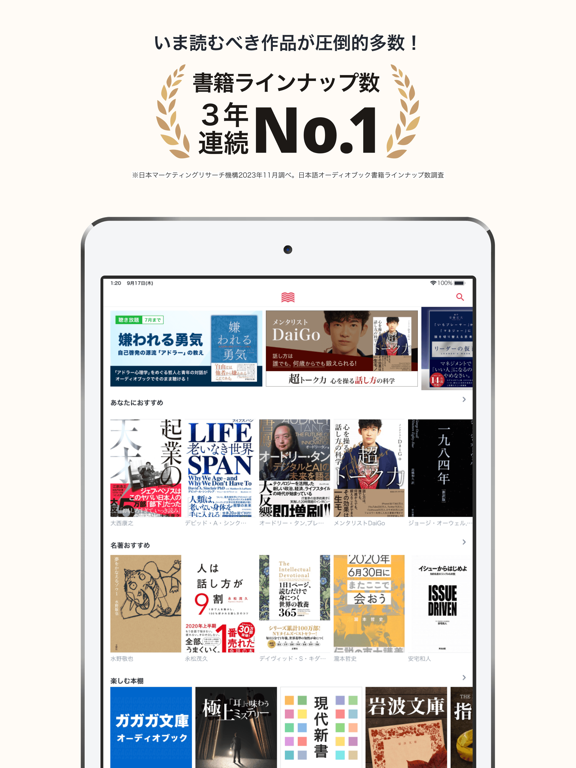
iPad screenshots



Icon palette
About this app
オーディオブックを聴くなら「audiobook.jp(R)」! 映画化されたベストセラー小説など独占配信がたくさん! audiobook.jp(R) は、耳で楽しむ新しい読書アプリです。通勤中や家事をしながらでも、オーディオブックなら音声で読書を楽しめます。 ラインナップは、小説、ビジネス書、落語、英語・資格学習教材など人気作品や最新作がたくさん!あなたの聴きたい本が見つかります。 さらに、オーディオブック「聴き放題プラン」の会員なら、ベストセラーを含む約15,000作品を聴き放題でお楽しみいただけます。 <アプリ機能・特徴> ・購入済みのオーディオブックの再生 ・本の中の図表やイラストを表示する機能 ・再生スピード調節機能(0.5倍~4倍) ・ライブラリの絞り込み検索機能 ・課金型ポッドキャストの再生機能 ・すべてオフライン再生対応 ・「聴き放題プラン」対象作品の再生(オプション) --- 利用規約:https://pages.audiobook.jp/terms/ プライバシーポリシー:https://pages.audiobook.jp/privacy/ お問い合わせの際は info@febe.jp までメール…
App details
What you can learn from オーディオブック(audiobook)耳で楽しむ読書アプリ
Every shipping app on the App Store has gone through the same decisions you're working through right now: which screenshot goes first, what caption sits over it, which device frame to show, what color the background should be. The 16 screenshots above are オーディオブック(audiobook)耳で楽しむ読書アプリ's answers to those questions — they're public, they're real, and they made it through Apple's review.
What the numbers say: オーディオブック(audiobook)耳で楽しむ読書アプリ runs a light set with one background colour (#FCFCF4) carried across every screenshot — the listing reads as a single poster when the shots sit side by side in search results. The accent colour we picked up, #CCAC7C, is the one to reuse for badges, arrows and highlighted words if you borrow this look. Hit Use this style to open the editor with these exact colours and drop your own screenshot in.
Notice the first screenshot in particular. It's the one users see in search results and on the product page, and it's where most apps spend their best caption and tightest design. Look at the proportion of background to phone, where the text sits, what one thing the image is trying to communicate.
Want to see how other Entertainment apps approach the same problem? Browse more Entertainment apps in the showcase.
Take what works into your own screenshots
Open LaunchShots and design your App Store & Google Play screenshots — pick a device frame, drop captions, ship in minutes. Free, in your browser.
Open the screenshot editor →Apps with a similar look
Closest background + accent colours among the listings we've analysed — useful when you want to see the same palette handled by a different team.