Chart position — tracked daily by LaunchShots
Screenshot style breakdown
Sampled from 4 of 轻颜 - 记录美一刻's App Store screenshots — background, accent and theme, measured by LaunchShots (not something Apple publishes).
#FCFCFC bg
#DDDDDD
#845C44 accent
#111111 text
Screenshots
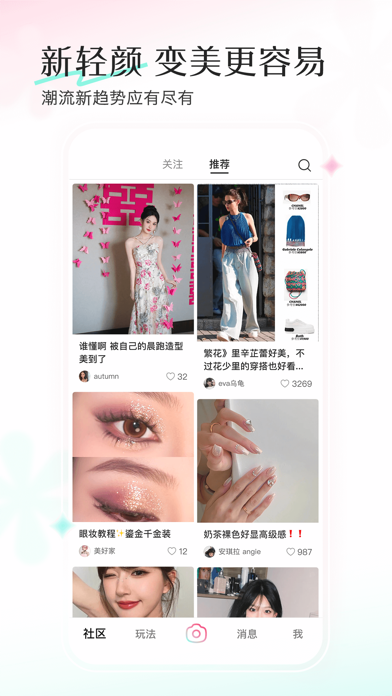
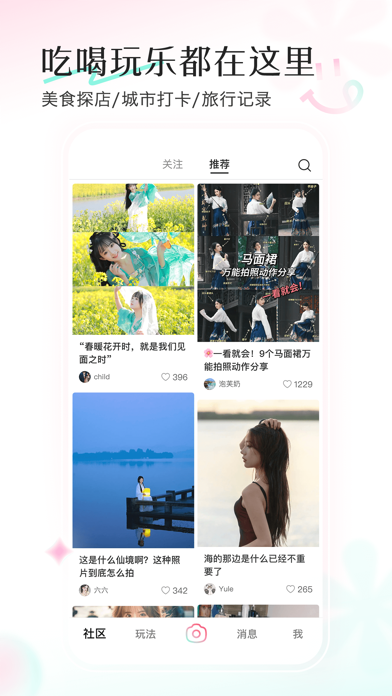
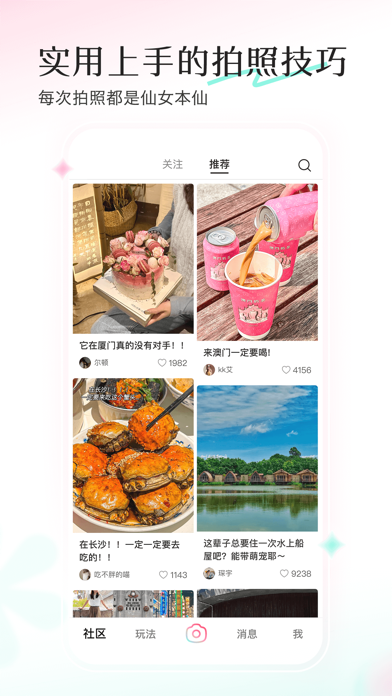
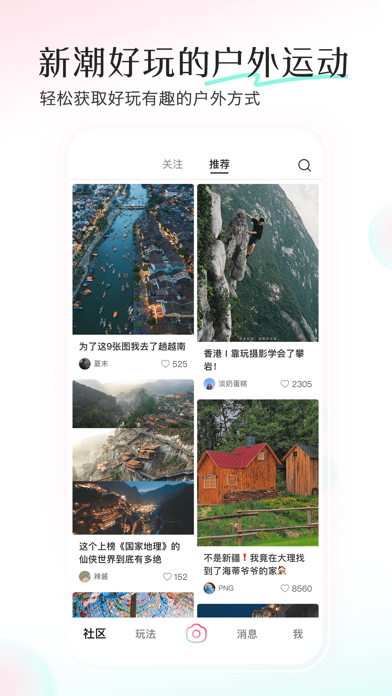
iPad screenshots


Icon palette
About this app
轻颜全新升级! 来轻颜,记录美一刻 【变美更容易,时尚灵感一秒获得】 无论是今日穿搭OOTD,还是妆容展示、美甲发型的潮流新趋势,这里应有尽有。来轻颜,让你轻松应对每个场景! 【了解新潮好玩的户外运动】 保持热爱奔赴山海,最美的风景总在路上,户外徒步、滑雪冲浪、露营攻略,轻松获取时下好玩有趣的户外方式 【快速获取吃喝玩乐信息】 真实的美食探店、城市打卡、旅行记录,你需要的本地吃喝玩乐分享内容都在这里~ 【Get实用上手的摄影拍照技巧】 拍照万能姿势、精选构图角度、实用拍照技巧,每次拍照都是仙女本仙~ 用户协议地址:https://lf3-faceu-file.bytecdn.com/obj/ies-fe-bee/bee_prod/biz_9/bee_prod_9_bee_publish_701.html 隐私政策地址:https://lf3-faceu-file.bytecdn.com/obj/ies-fe-bee/bee_prod/biz_9/bee_prod_9_bee_publish_700.html 商务联系:ulike_mkt_bd@bytedance.com
App details
What you can learn from 轻颜 - 记录美一刻
Every shipping app on the App Store has gone through the same decisions you're working through right now: which screenshot goes first, what caption sits over it, which device frame to show, what color the background should be. The 10 screenshots above are 轻颜 - 记录美一刻's answers to those questions — they're public, they're real, and they made it through Apple's review.
What the numbers say: 轻颜 - 记录美一刻 runs a light set with one background colour (#FCFCFC) carried across every screenshot — the listing reads as a single poster when the shots sit side by side in search results. The accent colour we picked up, #845C44, is the one to reuse for badges, arrows and highlighted words if you borrow this look. Hit Use this style to open the editor with these exact colours and drop your own screenshot in.
Notice the first screenshot in particular. It's the one users see in search results and on the product page, and it's where most apps spend their best caption and tightest design. Look at the proportion of background to phone, where the text sits, what one thing the image is trying to communicate.
Want to see how other Photo & Video apps approach the same problem? Browse more Photo & Video apps in the showcase.
Take what works into your own screenshots
Open LaunchShots and design your App Store & Google Play screenshots — pick a device frame, drop captions, ship in minutes. Free, in your browser.
Open the screenshot editor →Apps with a similar look
Closest background + accent colours among the listings we've analysed — useful when you want to see the same palette handled by a different team.