Screenshots




iPad screenshots


Icon palette
About this app
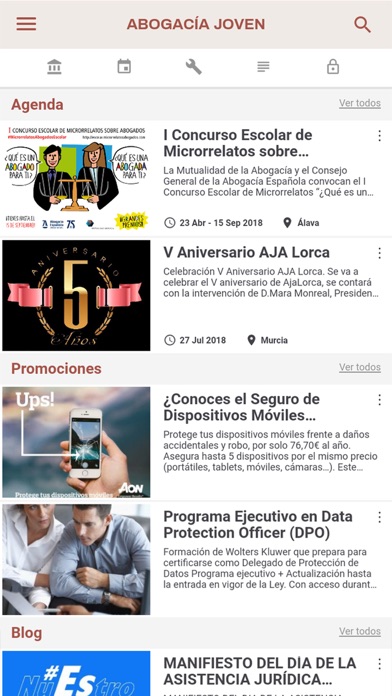
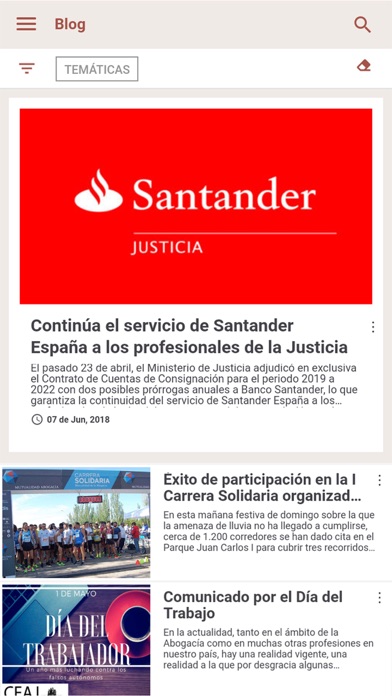
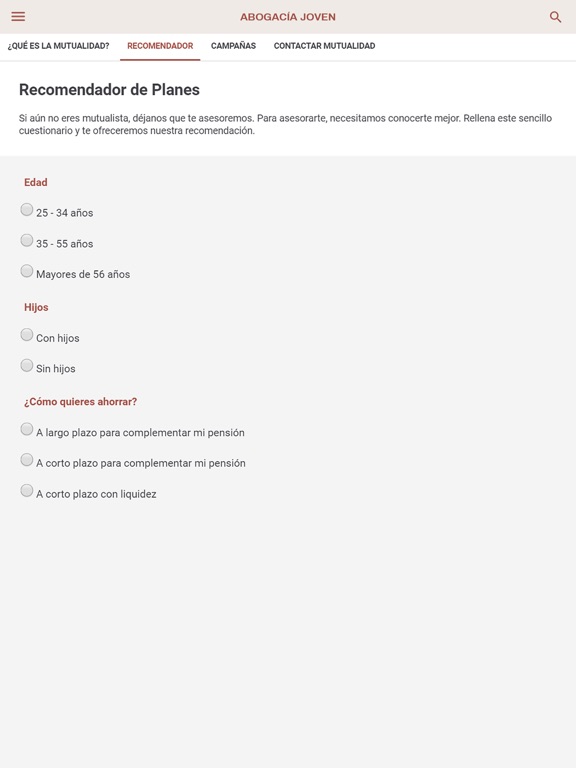
La nueva app Abogacía Joven de Mutualidad de la Abogacía y CEAJ es la herramienta ideal para los jóvenes letrados que quieran permanecer conectados y estar al día de todas las noticias y novedades. Esta aplicación se divide en 5 grandes temas: CEAJ, Agenda, Herramientas, Blog, y Ahorro y protección. En “CEAJ” podrás conocer un poco mejor la Confederación Española de la Abogacía Joven y sus agrupaciones; así como acceder a todos sus convenios y promociones. La sección “Agenda” te informa de los eventos que más te interesan, con la posibilidad de filtrarlos por fechas, temáticas y provincias. “Herramientas” está diseñada para ayudarte en tu día a día como letrado. A través de ella podrás enviar consultas y observaciones y participar en observatorios. Una de las más prácticas es “Guardias”, donde podrás consultar los principales artículos del Código Penal para poder realizar calific…
App details
What you can learn from Abogacia Joven
Every shipping app on the App Store has gone through the same decisions you're working through right now: which screenshot goes first, what caption sits over it, which device frame to show, what color the background should be. The 14 screenshots above are Abogacia Joven's answers to those questions — they're public, they're real, and they made it through Apple's review.
Notice the first screenshot in particular. It's the one users see in search results and on the product page, and it's where most apps spend their best caption and tightest design. Look at the proportion of background to phone, where the text sits, what one thing the image is trying to communicate.
Want to see how other News apps approach the same problem? Browse more News apps in the showcase.
Take what works into your own screenshots
Open LaunchShots and design your App Store & Google Play screenshots — pick a device frame, drop captions, ship in minutes. Free, in your browser.
Open the screenshot editor →