Screenshots
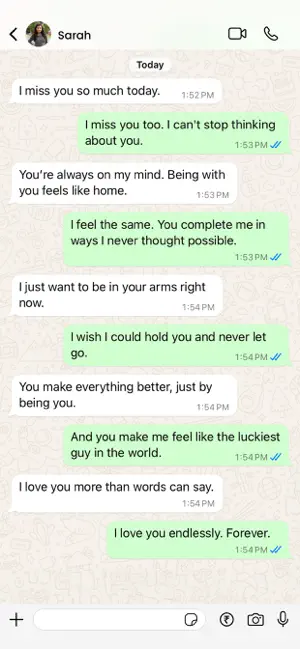
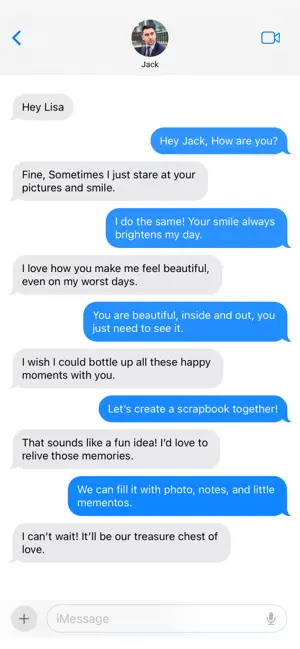
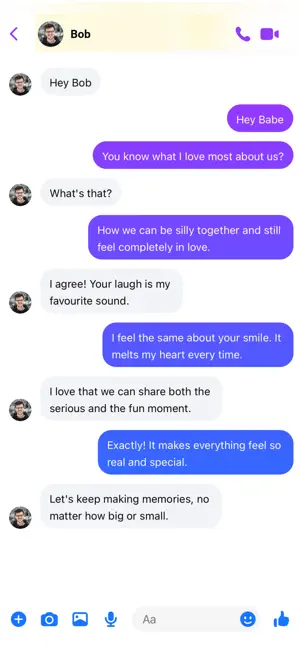
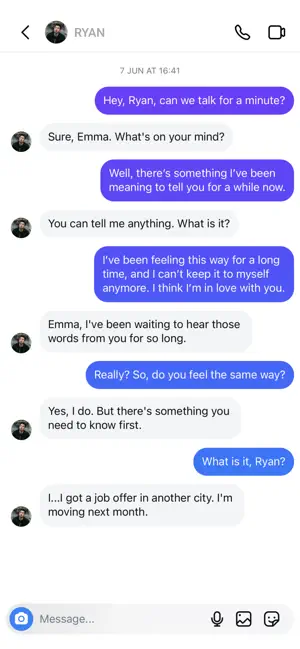
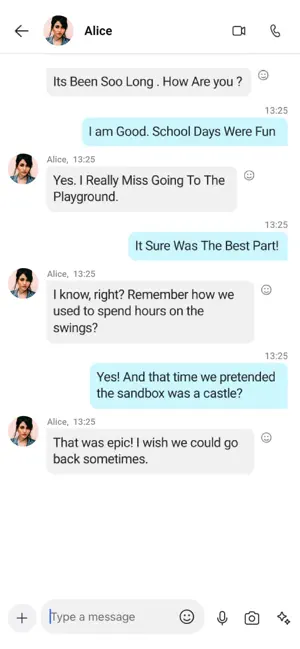
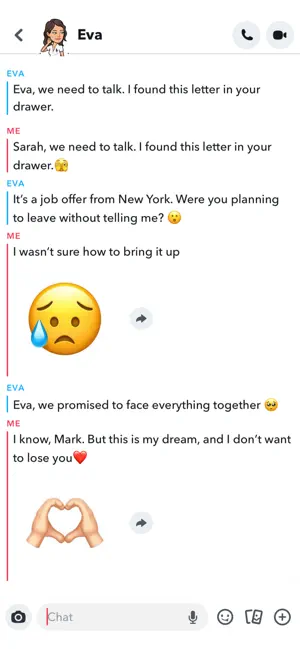
Icon palette
About this app
Get more and more laughs with each tap to your screen with our variety of funny stories, or slowly unfold delightful mysteries with the great chat stories we offer to you to find out how fun reading could be. Access to story content and creation tools is included with premium access • Get access to a large list of creative and interesting stories we have created, and place you as the reader of someone else’s chat. • Comedy, horror, drama, romance, and lots of different categories to don’t get bored when reading. • Become a famous writer in our community by designing your own texting stories to show others what a good writer you are. • Completely customize your creations by modifying chats’ characters, profile pictures, colors, and everything you want to personalize. • Create the most realistic texting stories adding photos, videos, and audios, and make your stories more interesting th…
App details
What you can learn from Text Yourself-Chat Story Maker
Every shipping app on the App Store has gone through the same decisions you're working through right now: which screenshot goes first, what caption sits over it, which device frame to show, what color the background should be. The 6 screenshots above are Text Yourself-Chat Story Maker's answers to those questions — they're public, they're real, and they made it through Apple's review.
Notice the first screenshot in particular. It's the one users see in search results and on the product page, and it's where most apps spend their best caption and tightest design. Look at the proportion of background to phone, where the text sits, what one thing the image is trying to communicate.
Want to see how other Entertainment apps approach the same problem? Browse more Entertainment apps in the showcase.
Take what works into your own screenshots
Open LaunchShots and design your App Store & Google Play screenshots — pick a device frame, drop captions, ship in minutes. Free, in your browser.
Open the screenshot editor →