Screenshots


Icon palette
About this app
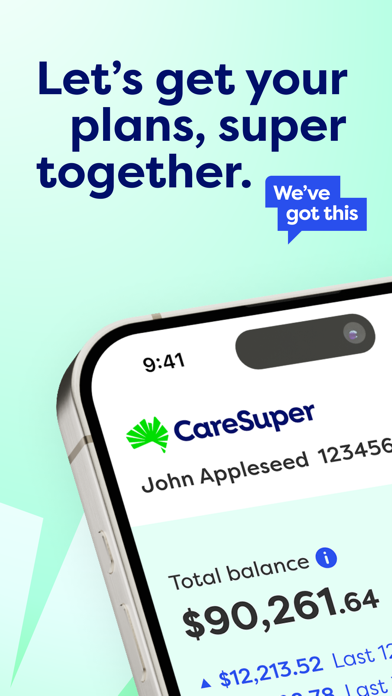
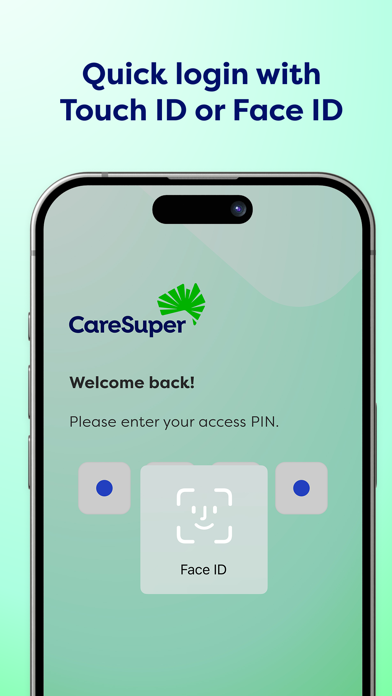
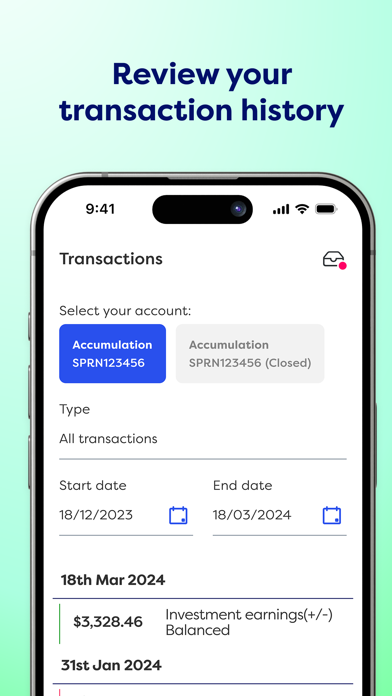
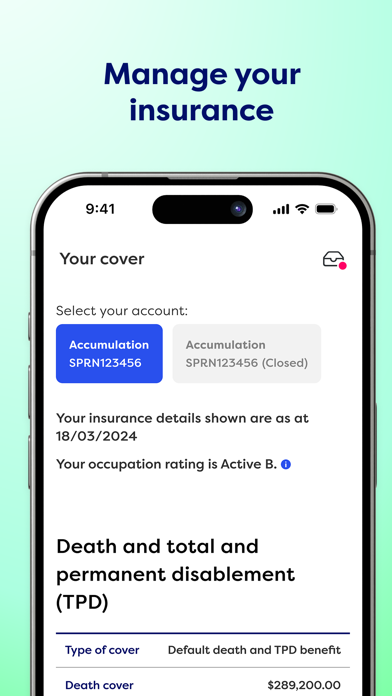
Attention, CareSuper members! If you joined before November 1, 2024, it’s time for an app upgrade. Delete your old CareSuper app and download this new one. SpiritSuper members, good news - your app will automatically update unless you’ve switched off the auto-update feature. If that’s the case, you'll need to tap that update button. Keeping on top of your super has never been easier. When you're on the go, you can easily: • check your super balance • view and change your investment options • check your member statements • read letters we’ve sent you • update your details • view your insurance cover • provide your tax file number • nominate your beneficiaries • and more! To use this app you must be a CareSuper member registered for Member Online. To set up online access simply click the 'Set up online access' button in the app and follow the prompts. Not a member yet? Simply clic…
App details
What you can learn from CareSuper
Every shipping app on the App Store has gone through the same decisions you're working through right now: which screenshot goes first, what caption sits over it, which device frame to show, what color the background should be. The 7 screenshots above are CareSuper's answers to those questions — they're public, they're real, and they made it through Apple's review.
Notice the first screenshot in particular. It's the one users see in search results and on the product page, and it's where most apps spend their best caption and tightest design. Look at the proportion of background to phone, where the text sits, what one thing the image is trying to communicate.
Want to see how other Finance apps approach the same problem? Browse more Finance apps in the showcase.
Take what works into your own screenshots
Open LaunchShots and design your App Store & Google Play screenshots — pick a device frame, drop captions, ship in minutes. Free, in your browser.
Open the screenshot editor →