Screenshots
iPad screenshots


Icon palette
About this app
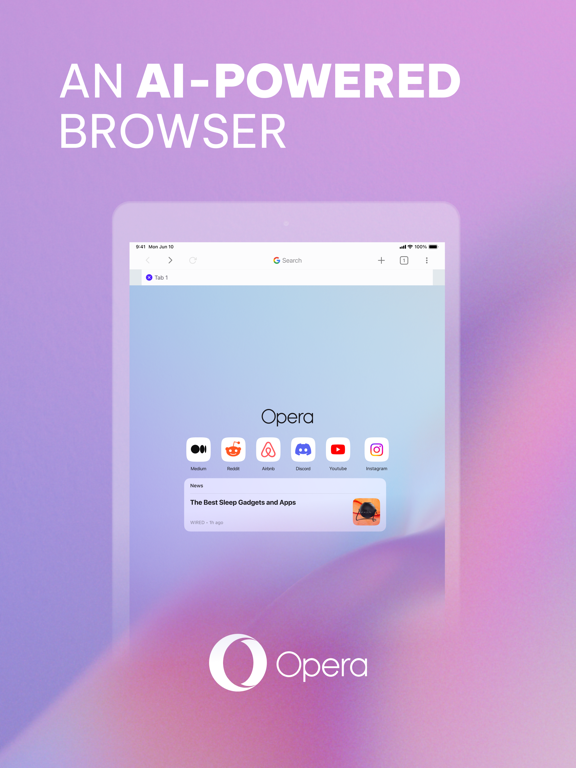
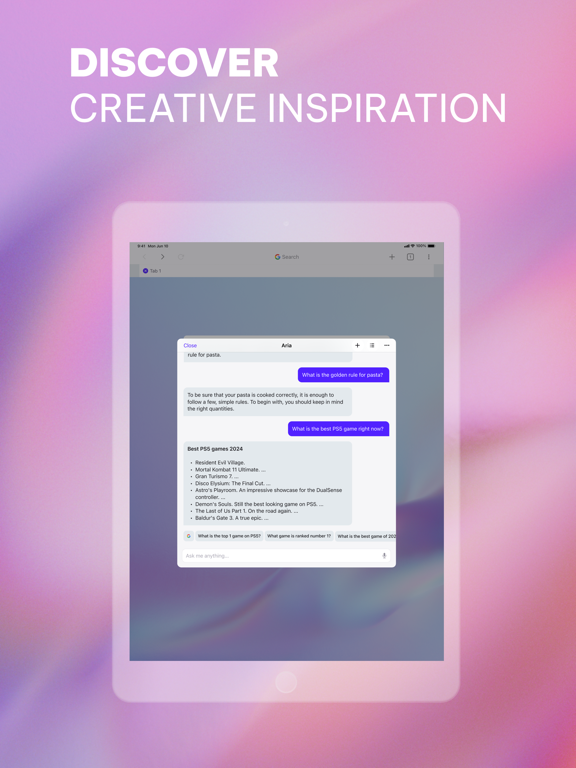
Fast, safe and private, Opera Browser is a beautifully designed web browser with a Red Dot Award for its stunning user interface. Enjoyed by millions of fans across the world, it’s built for people on the go and features a lightning fast web search for instant results. Install Opera Browser to get the best iOS browsing experience, whether you’re searching for Opera Mini or an upgrade over your current iOS mobile browser. The New Opera One for iOS With our latest update, we've introduced a sleek bottom search bar for easy one-handed browsing and an immersive full-screen experience. Enjoy seamless navigation with intuitive swipe gestures, and stay informed with the new Startpage Carousel, delivering news and live updates at your fingertips. Meet Aria - your new browser AI Experience the future of web browsing with Opera, the groundbreaking AI-powered browser. Bringing you a smarter and …
App details
What you can learn from Opera: AI browser with VPN
Every shipping app on the App Store has gone through the same decisions you're working through right now: which screenshot goes first, what caption sits over it, which device frame to show, what color the background should be. The 7 screenshots above are Opera: AI browser with VPN's answers to those questions — they're public, they're real, and they made it through Apple's review.
Notice the first screenshot in particular. It's the one users see in search results and on the product page, and it's where most apps spend their best caption and tightest design. Look at the proportion of background to phone, where the text sits, what one thing the image is trying to communicate.
Want to see how other Utilities apps approach the same problem? Browse more Utilities apps in the showcase.
Take what works into your own screenshots
Open LaunchShots and design your App Store & Google Play screenshots — pick a device frame, drop captions, ship in minutes. Free, in your browser.
Open the screenshot editor →