Chart position — tracked daily by LaunchShots
Screenshot style breakdown
Sampled from 6 of 自分で作る単語帳 WordHolic! -暗記カードメーカー's App Store screenshots — background, accent and theme, measured by LaunchShots (not something Apple publishes).
#FCFCFC bg
#DDDDDD
#64DCE4 accent
#111111 text
Screenshots




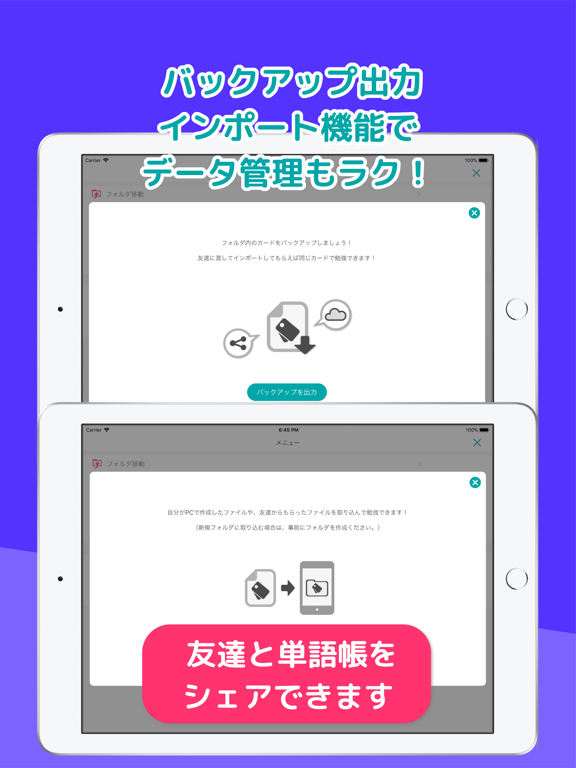
iPad screenshots


Icon palette
About this app
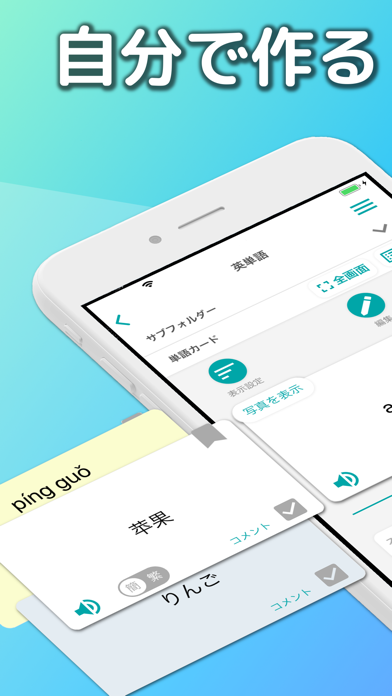
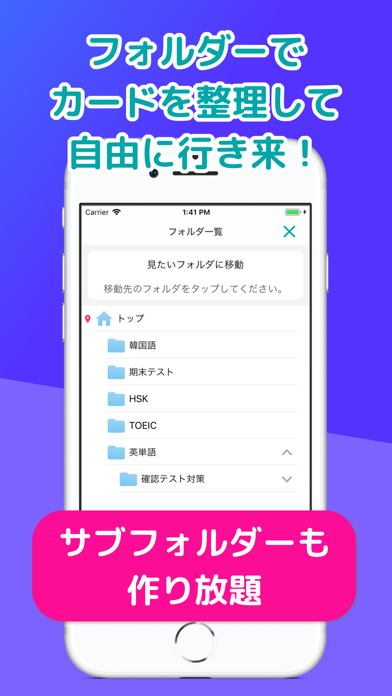
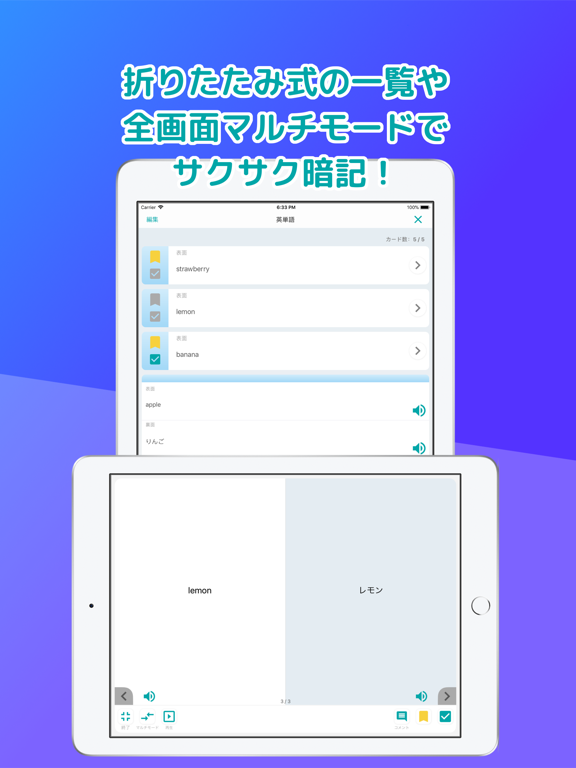
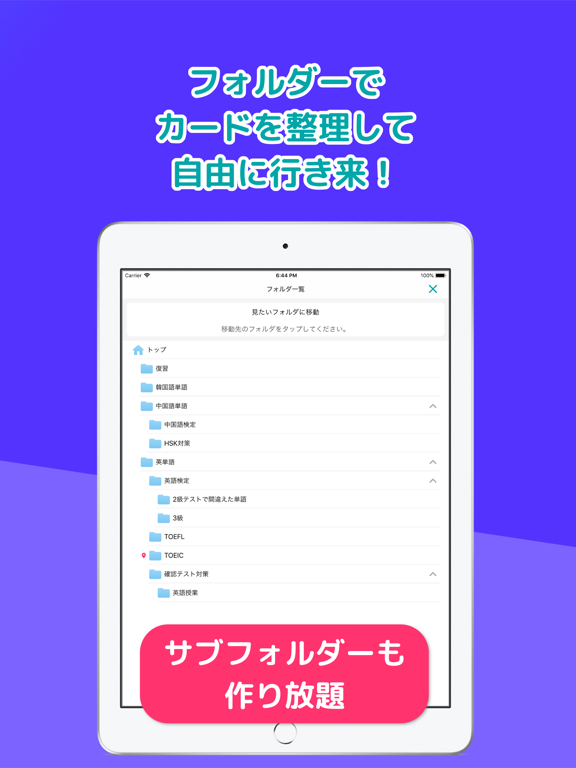
WordHolic(ワードホリック)は、語学学習・テスト対策・子供教育など全てに対応する無料の単語帳/暗記アプリです。 ● 見やすいデザインで簡単に操作できるので、サクサク学習できます! ● シンプルながら機能も豊富なので、便利にお使いいただけます! ● 無料で好きなだけ単語カードとフォルダを作成できます! ◇◇◇メディア掲載◇◇◇ ● 書籍『国家資格キャリアコンサルタント理論家図鑑』(株式会社秀和システム新社)にてWordHolicを使ってキャリアコンサルタント資格試験の対策をする方法をご紹介いただきました!(2026年1月27日発売) ● 集英社の雑誌「エクラ」6月号(2025年5月1日発売)の「大人の語学」特集にて、お助け語学アプリとしてWordHolicをご紹介いただきました! ● 書籍『韓国語能力試験 TOPIKⅠⅡ 必須単語6400』(株式会社秀和システム)にてWordHolicを使って韓国語を学習する方法をご紹介いただきました!(2024年9月25日発売) ● アプリ紹介メディア「Appliv」にて暗記に役立つアプリランキングでWordHolicが第1位にランクインしました! ● フ…
App details
What you can learn from 自分で作る単語帳 WordHolic! -暗記カードメーカー
Every shipping app on the App Store has gone through the same decisions you're working through right now: which screenshot goes first, what caption sits over it, which device frame to show, what color the background should be. The 11 screenshots above are 自分で作る単語帳 WordHolic! -暗記カードメーカー's answers to those questions — they're public, they're real, and they made it through Apple's review.
What the numbers say: 自分で作る単語帳 WordHolic! -暗記カードメーカー runs a mixed light-and-dark set where the background shifts from screenshot to screenshot (first shot #FCFCFC) — each image has to stand on its own, so the captions carry more of the story. The accent colour we picked up, #64DCE4, is the one to reuse for badges, arrows and highlighted words if you borrow this look. Hit Use this style to open the editor with these exact colours and drop your own screenshot in.
Notice the first screenshot in particular. It's the one users see in search results and on the product page, and it's where most apps spend their best caption and tightest design. Look at the proportion of background to phone, where the text sits, what one thing the image is trying to communicate.
Want to see how other Education apps approach the same problem? Browse more Education apps in the showcase.
Take what works into your own screenshots
Open LaunchShots and design your App Store & Google Play screenshots — pick a device frame, drop captions, ship in minutes. Free, in your browser.
Open the screenshot editor →Apps with a similar look
Closest background + accent colours among the listings we've analysed — useful when you want to see the same palette handled by a different team.