Chart position — tracked daily by LaunchShots
Screenshot style breakdown
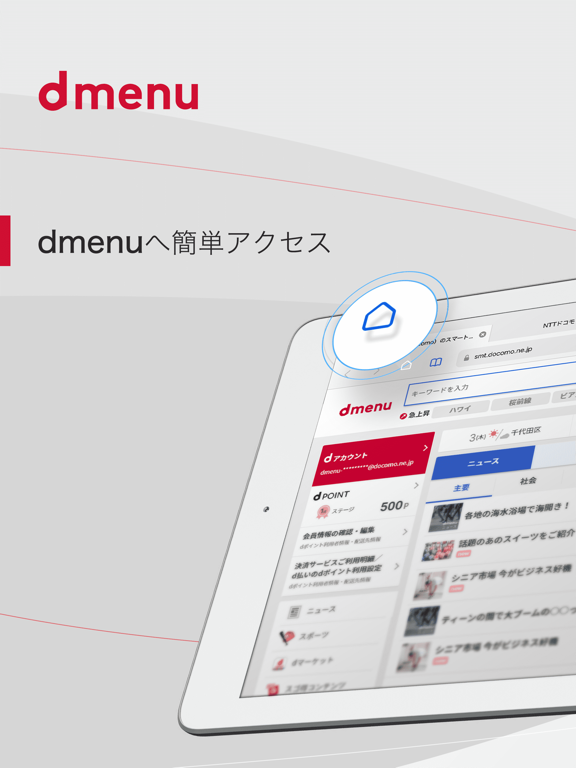
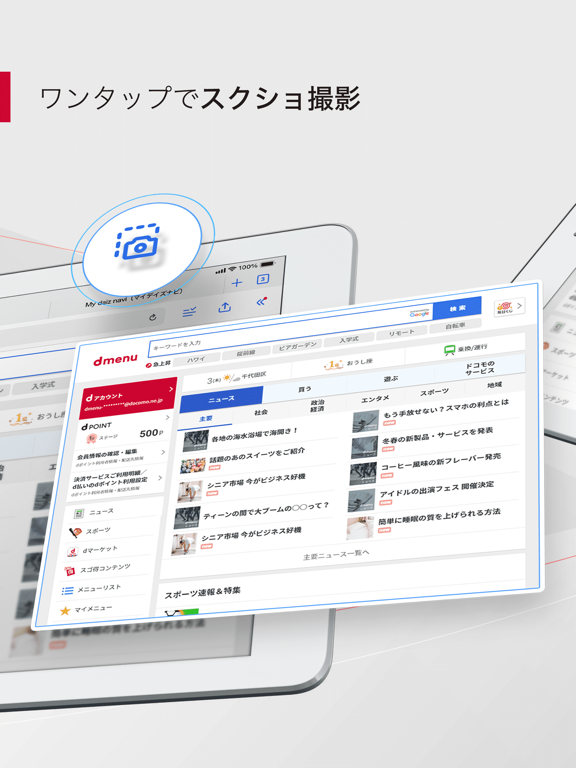
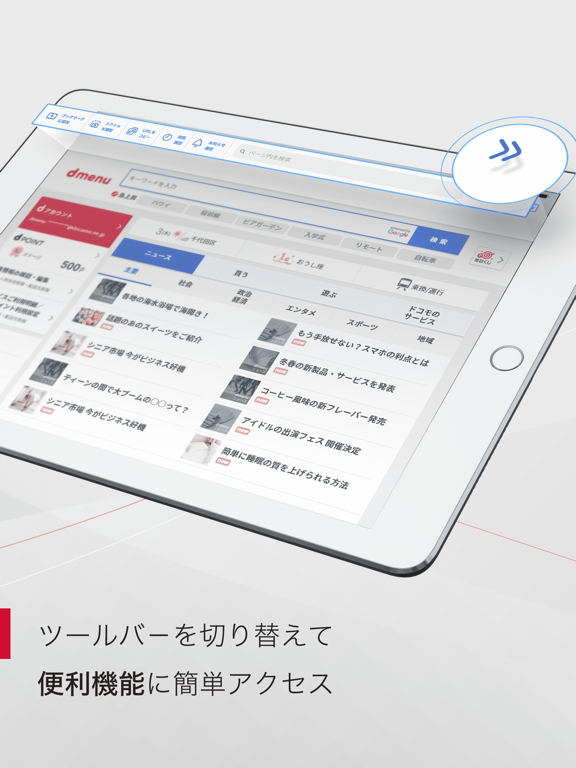
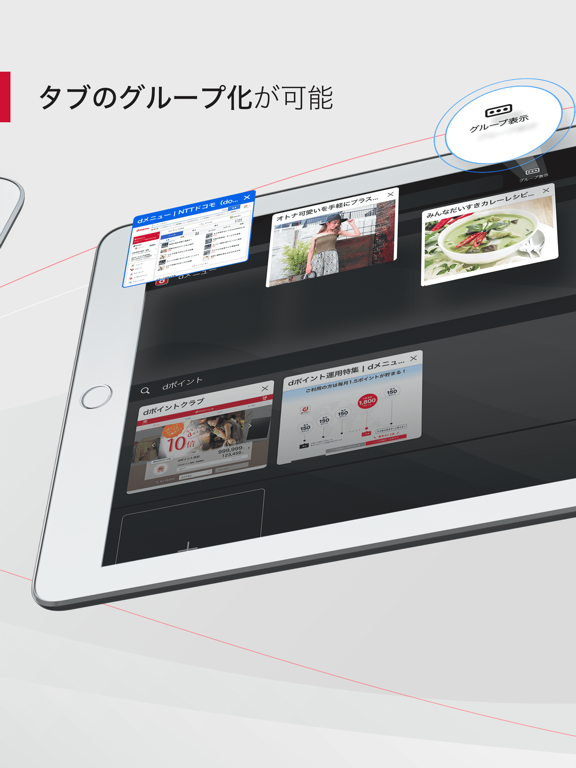
Sampled from 4 of dメニュー's App Store screenshots — background, accent and theme, measured by LaunchShots (not something Apple publishes).
#ECECEC bg
#CFCFCF
#CC042C accent
#111111 text
Reading the caption text from the screenshots in your browser…
Screenshots
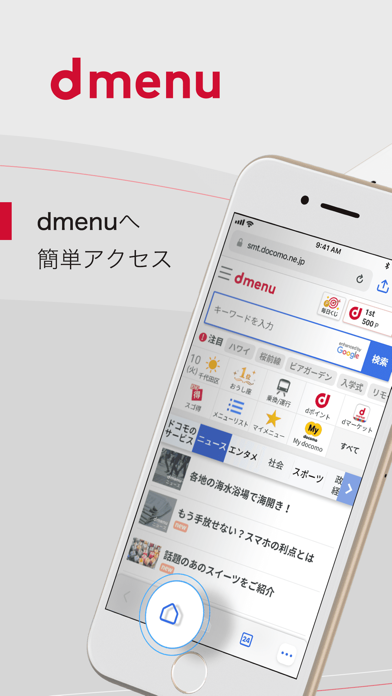
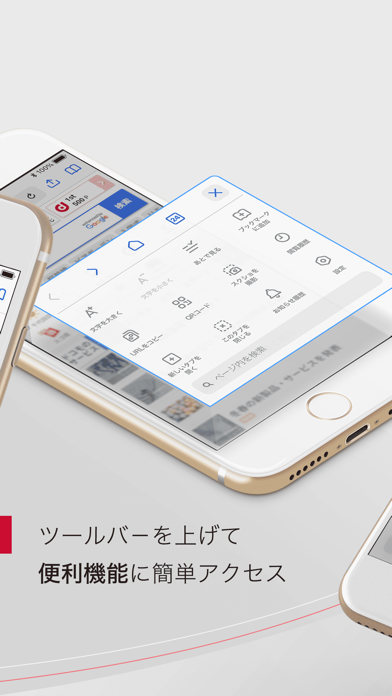
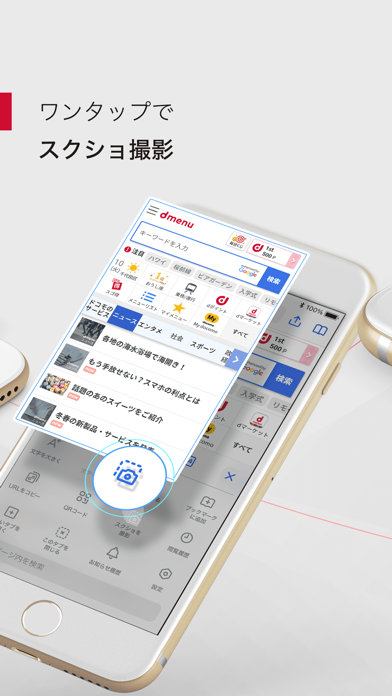
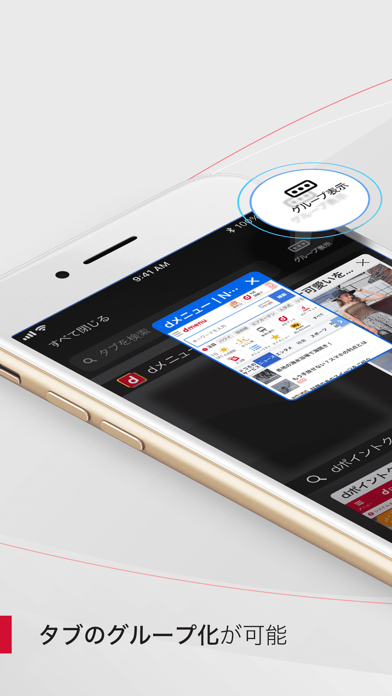
iPad screenshots
Icon palette
About this app
祝150万DL突破!! 皆様いつもdメニューをご利用いただきありがとうございます! ◇◆dメニューアプリとは?◆◇ dメニュー(dmenu)等のサイトをさらに便利にご利用いただけるブラウザアプリです。 より詳細に知りたい方や、「web版とアプリ版では何が違うのだろう?」と疑問を持っている方は, 本ページ下部にある、「ディベロッパWebサイト」から紹介ページ遷移できますので、ぜひご覧ください。 ◇◆ウィジェットで最新のニュース手軽にチェック◆◇ iOS14以降の端末では、ウィジェットで主要なニュースをアプリを開くことなくチェックすることができます。 ◇◆速報Push通知◆◇ 特に重要なニュースについては即時にPush通知でお知らせいたします。 ◇◆Push通知はカスタマイズ可能◆◇ dメニューアプリでは、下記の通知を配信しております。 - 速報ニュース 重要なニュースをいち早く速報でお知らせ - 今日のニュース 毎日の主なニュースを朝,昼,夕,夜にピックアップしてお届け - 話題のトピック 今話題になっているトピックをお届け - dメニューからのお…
App details
What you can learn from dメニュー
Every shipping app on the App Store has gone through the same decisions you're working through right now: which screenshot goes first, what caption sits over it, which device frame to show, what color the background should be. The 8 screenshots above are dメニュー's answers to those questions — they're public, they're real, and they made it through Apple's review.
What the numbers say: dメニュー runs a light set with one background colour (#ECECEC) carried across every screenshot — the listing reads as a single poster when the shots sit side by side in search results. The accent colour we picked up, #CC042C, is the one to reuse for badges, arrows and highlighted words if you borrow this look. Hit Use this style to open the editor with these exact colours and drop your own screenshot in.
Notice the first screenshot in particular. It's the one users see in search results and on the product page, and it's where most apps spend their best caption and tightest design. Look at the proportion of background to phone, where the text sits, what one thing the image is trying to communicate.
Want to see how other Utilities apps approach the same problem? Browse more Utilities apps in the showcase.
Take what works into your own screenshots
Open LaunchShots and design your App Store & Google Play screenshots — pick a device frame, drop captions, ship in minutes. Free, in your browser.
Open the screenshot editor →Apps with a similar look
Closest background + accent colours among the listings we've analysed — useful when you want to see the same palette handled by a different team.