Chart position — tracked daily by LaunchShots
Screenshot style breakdown
Sampled from 4 of Listening Trainer's App Store screenshots — background, accent and theme, measured by LaunchShots (not something Apple publishes).
#FCFCFC bg
#DDDDDD
#FC0404 accent
#111111 text
Reading the caption text from the screenshots in your browser…
Screenshots

iPad screenshots

Icon palette
About this app
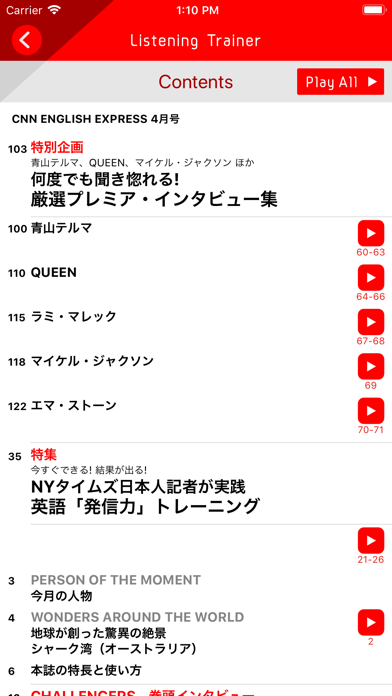
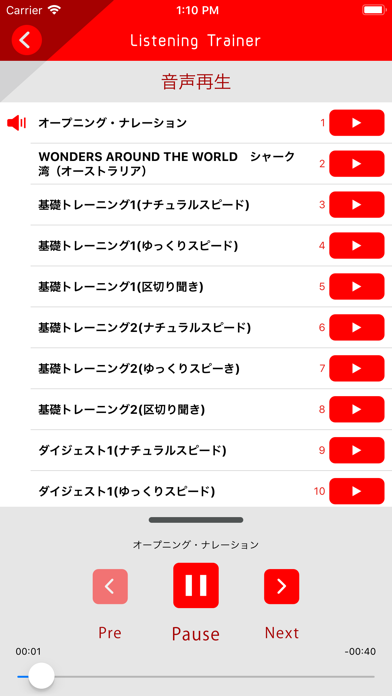
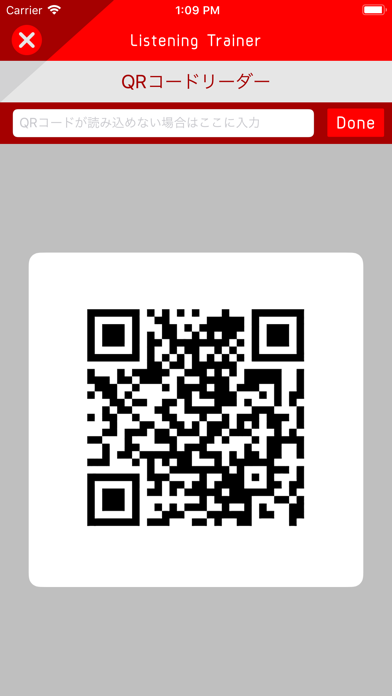
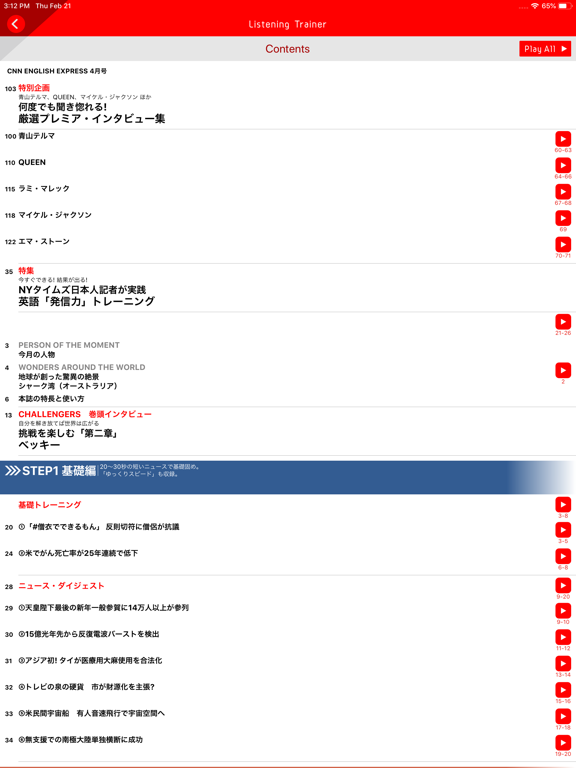
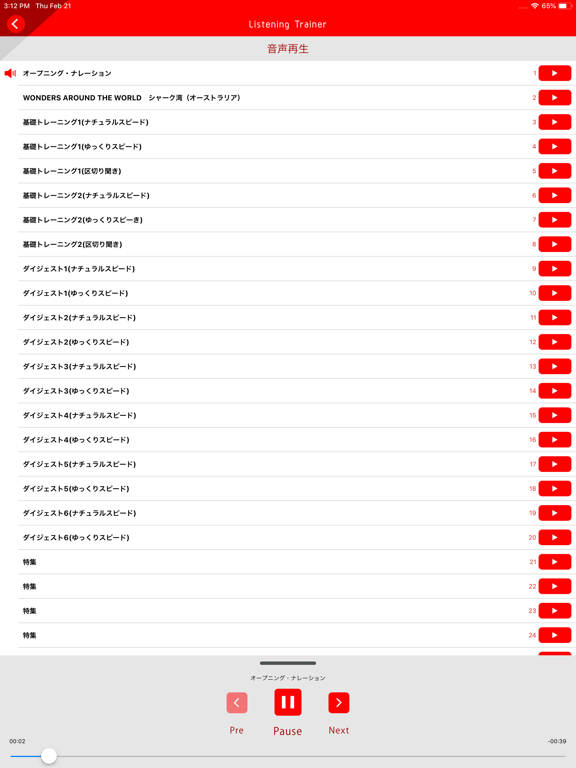
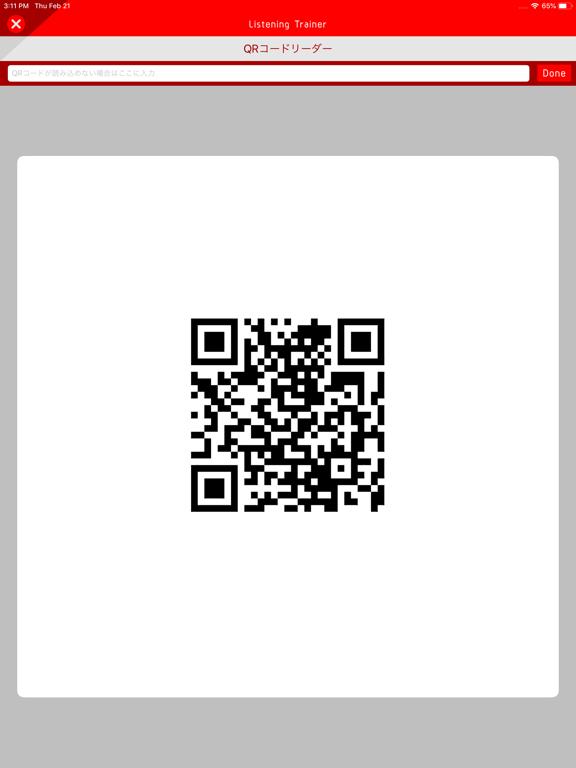
語学学習に役立つ音声再生アプリです。 CNN(*) English Expressをはじめとする朝日出版社のリスニング教材の音声を再生できます。 《特徴》 ・自動的に次のトラックへ再生されるので、スイスイ快適! ・バックグラウンド再生ができるので、聞き流し学習にも最適! ・一部ゆっくり音声もあるので、理解を深めるのに効果的! 《使い方の例》 Step 1 CNN English Expressを購入 Step 2 本アプリをダウンロード Step 3 アプリを開き、[コンテンツを追加]をタップ Step 4 カメラへのアクセス許可[OK]する Step 5 カメラでQRコードを、もしくはコード番号を入力して、読み込む ※ライト版は【asahi】と入力してください Step 6 My Audioの中にコンテンツが加わる ---- *TM & © 2025 Cable News Network. A Warner Bros. Discovery Company. All Rights Reserved.
App details
What you can learn from Listening Trainer
Every shipping app on the App Store has gone through the same decisions you're working through right now: which screenshot goes first, what caption sits over it, which device frame to show, what color the background should be. The 8 screenshots above are Listening Trainer's answers to those questions — they're public, they're real, and they made it through Apple's review.
What the numbers say: Listening Trainer runs a light set where the background shifts from screenshot to screenshot (first shot #FCFCFC) — each image has to stand on its own, so the captions carry more of the story. The accent colour we picked up, #FC0404, is the one to reuse for badges, arrows and highlighted words if you borrow this look. Hit Use this style to open the editor with these exact colours and drop your own screenshot in.
Notice the first screenshot in particular. It's the one users see in search results and on the product page, and it's where most apps spend their best caption and tightest design. Look at the proportion of background to phone, where the text sits, what one thing the image is trying to communicate.
Want to see how other Education apps approach the same problem? Browse more Education apps in the showcase.
Take what works into your own screenshots
Open LaunchShots and design your App Store & Google Play screenshots — pick a device frame, drop captions, ship in minutes. Free, in your browser.
Open the screenshot editor →Apps with a similar look
Closest background + accent colours among the listings we've analysed — useful when you want to see the same palette handled by a different team.