Chart position — tracked daily by LaunchShots
Screenshot style breakdown
Sampled from 4 of プリ小説 byGMO 恋愛小説や夢小説が気軽に読める!'s App Store screenshots — background, accent and theme, measured by LaunchShots (not something Apple publishes).
#FC5464 bg
#FC6B79
#4CC4FC accent
#FFFFFF text
Screenshots
iPad screenshots
Icon palette
About this app
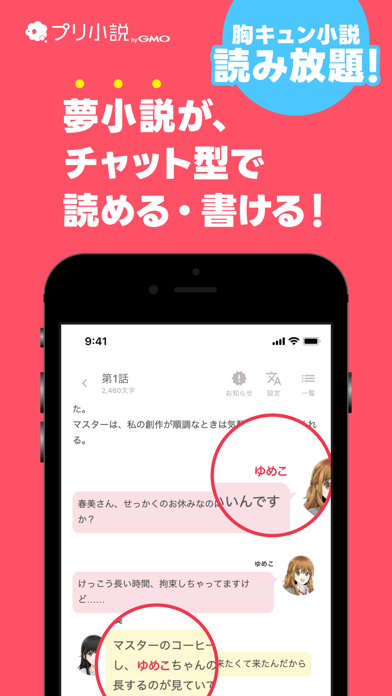
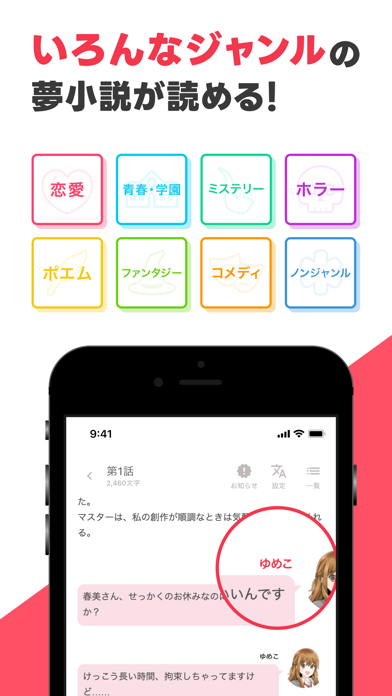
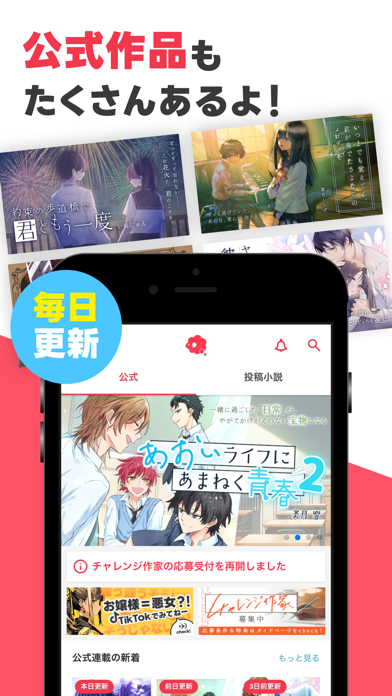
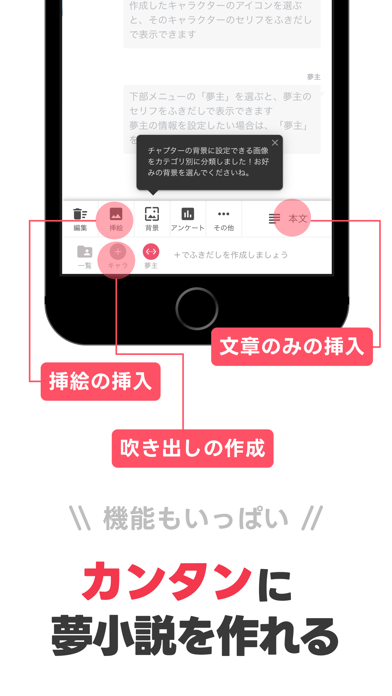
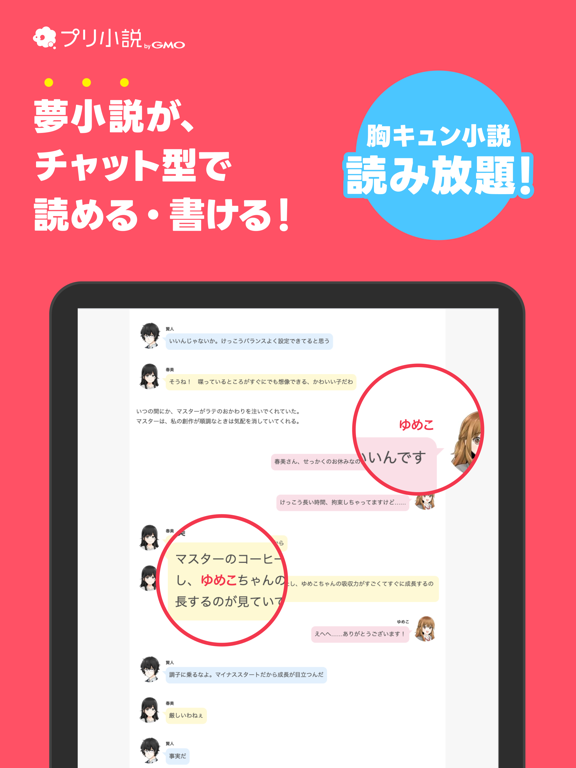
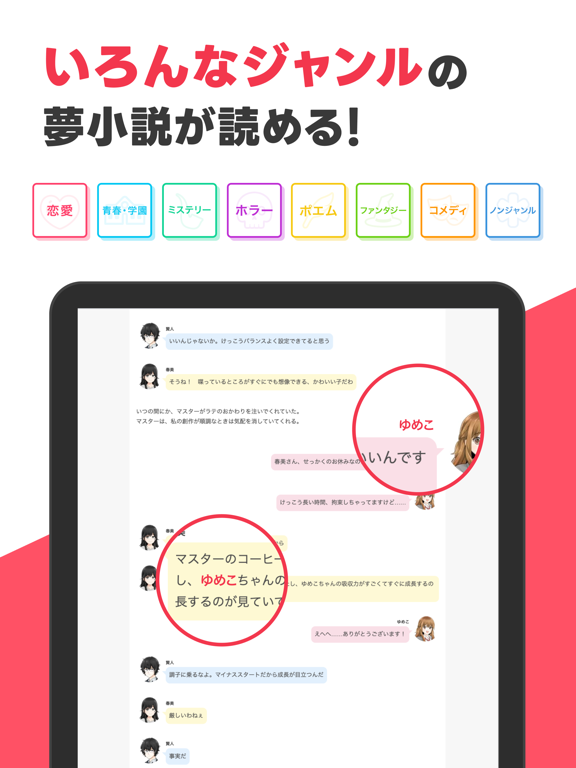
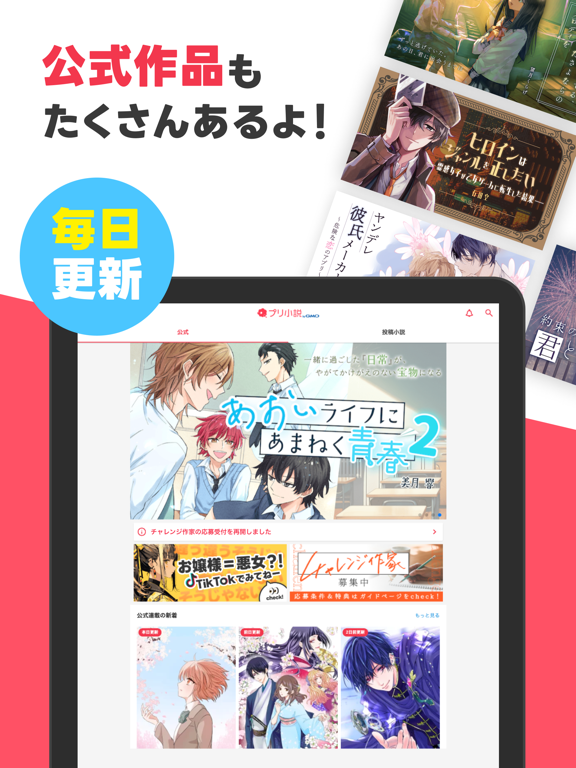
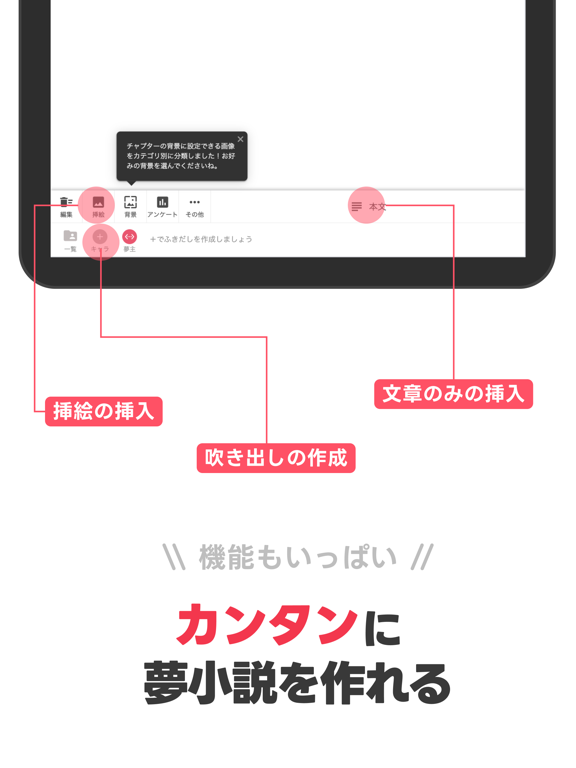
\ チャプター数550万以上!胸キュンの夢小説・妄想小説が読める/ 『プリ小説』はLINE風のチャット形式で、物語を気軽に読んだり書いたりできる携帯小説投稿サービスです! あなたも気軽にチャット小説作成にチャレンジしてみませんか? ▼こんな作品が読み放題▼ ・夢小説 ・チャット小説 ・妄想小説 ・胸キュン小説 ・恋愛小説 ・青春・学園小説 ・ホラー小説 ・ミステリー小説 ・ファンタジー小説 ・コメディ小説 ・ポエム ▼『プリ小説』でしか読めない!公式作品を毎日更新中!▼ ドキドキハラハラの胸キュン作品がいっぱい! 『プリ小説』オリジナルの作品をチェックしよう! 豪華俳優がボイスを担当した公式作品のオーディオドラマも配信中です! ▼初めてでも安心!かんたん投稿▼ 小説を書くのが初めてでも安心! わかりやすい編集画面で、あなたの小説投稿をサポートします! 作品のステータスを「非公開」にしておけば、外部からは見ることができないので、 書いてみたい作品のアイデアをメモしておく時にも使えます。 移動中などのスキマ時間に気軽にケー…
App details
What you can learn from プリ小説 byGMO 恋愛小説や夢小説が気軽に読める!
Every shipping app on the App Store has gone through the same decisions you're working through right now: which screenshot goes first, what caption sits over it, which device frame to show, what color the background should be. The 8 screenshots above are プリ小説 byGMO 恋愛小説や夢小説が気軽に読める!'s answers to those questions — they're public, they're real, and they made it through Apple's review.
What the numbers say: プリ小説 byGMO 恋愛小説や夢小説が気軽に読める! runs a mixed light-and-dark set where the background shifts from screenshot to screenshot (first shot #FC5464) — each image has to stand on its own, so the captions carry more of the story. The accent colour we picked up, #4CC4FC, is the one to reuse for badges, arrows and highlighted words if you borrow this look. Hit Use this style to open the editor with these exact colours and drop your own screenshot in.
Notice the first screenshot in particular. It's the one users see in search results and on the product page, and it's where most apps spend their best caption and tightest design. Look at the proportion of background to phone, where the text sits, what one thing the image is trying to communicate.
Want to see how other Book apps approach the same problem? Browse more Book apps in the showcase.
Take what works into your own screenshots
Open LaunchShots and design your App Store & Google Play screenshots — pick a device frame, drop captions, ship in minutes. Free, in your browser.
Open the screenshot editor →Apps with a similar look
Closest background + accent colours among the listings we've analysed — useful when you want to see the same palette handled by a different team.