Chart position — tracked daily by LaunchShots
Screenshot style breakdown
Sampled from 6 of JAバンクアプリ's App Store screenshots — background, accent and theme, measured by LaunchShots (not something Apple publishes).
#ECFCCC bg
#CFDDB3
#04743C accent
#111111 text
Reading the caption text from the screenshots in your browser…
Screenshots

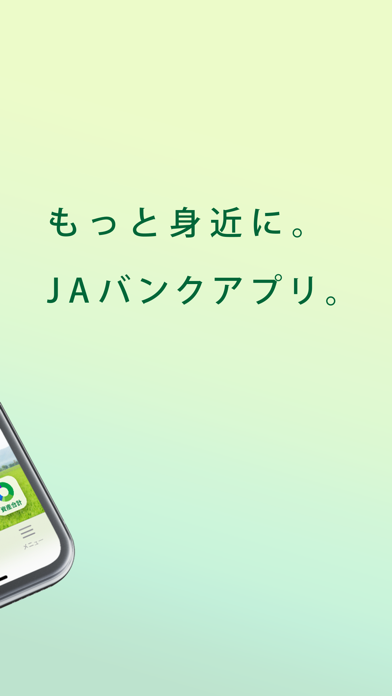
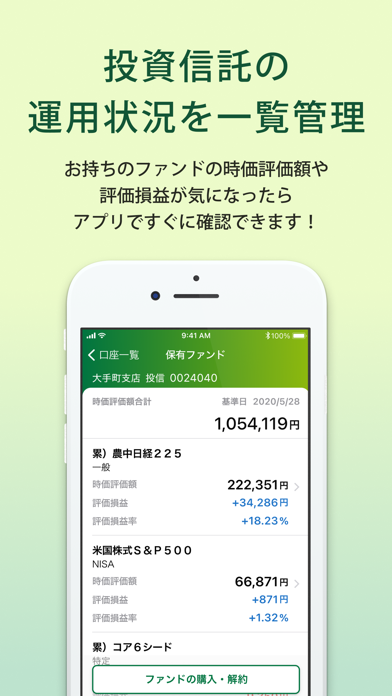
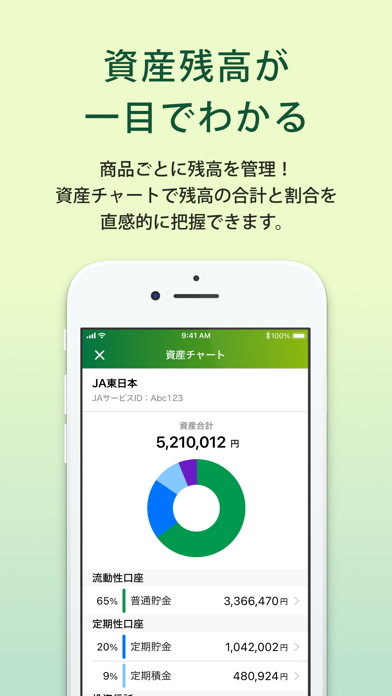

Icon palette
About this app
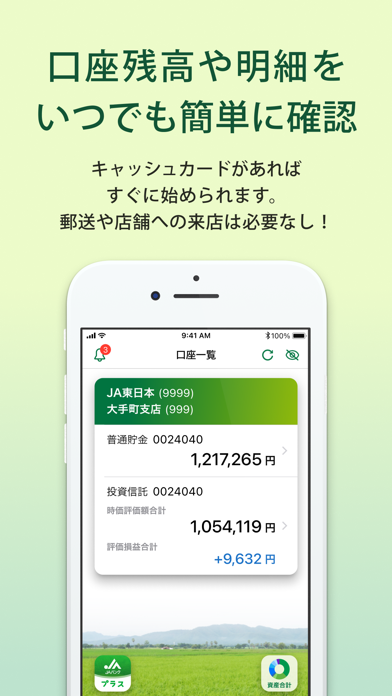
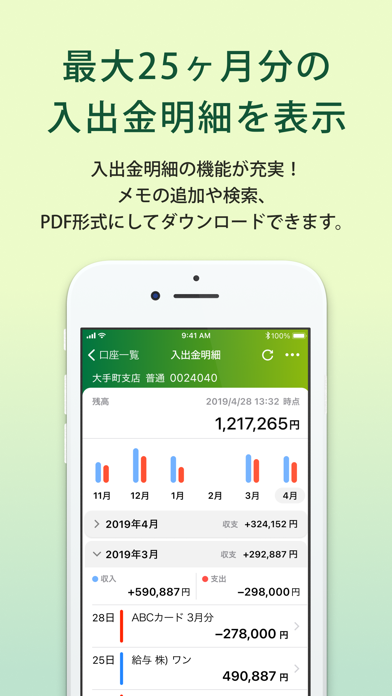
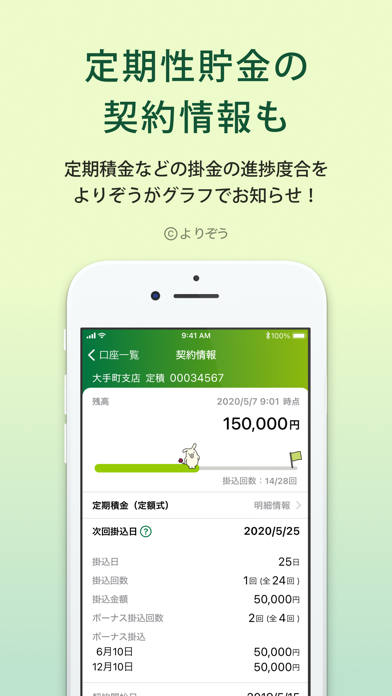
JAバンク公式の残高照会アプリです。 普通貯金のキャッシュカードをお持ちの個人のお客様であれば、かんたんな初期登録ですぐに利用できます。 ■主な機能 ・貯金残高照会 ・入出金明細照会 ・投資信託残高照会 ・投資信託取引 ・定期預入明細照会 ・PayB(請求書・地方税統一QRコード決済) ・通帳レス口座 ・JAネットローン連携 アプリのくわしい説明はこちら https://www.jabank.org/sp/app/ ■ご利用になれる方 ・JAバンクの普通貯金口座とキャッシュカードをお持ちの個人のお客様 ■推奨環境 iOS 17.x / 18.x / 26.x ・対象OSをサポートする代表的なスマートフォンで動作確認を行っておりますが、機種や端末の設定などによりご利用いただけない場合があります。 ・最新のOSについては順次対応していく予定です。 ・恐れ入りますが、タブレットはサポート対象外です。 ■ご留意事項 ・振込・振替はご利用いただけません。振込・振替はJAバンクアプリ プラスもしくはJAネットバンクをご利用ください。 ・「JAバンクアプリ」をご利用いただくには、J…
App details
What you can learn from JAバンクアプリ
Every shipping app on the App Store has gone through the same decisions you're working through right now: which screenshot goes first, what caption sits over it, which device frame to show, what color the background should be. The 8 screenshots above are JAバンクアプリ's answers to those questions — they're public, they're real, and they made it through Apple's review.
What the numbers say: JAバンクアプリ runs a light set with one background colour (#ECFCCC) carried across every screenshot — the listing reads as a single poster when the shots sit side by side in search results. The accent colour we picked up, #04743C, is the one to reuse for badges, arrows and highlighted words if you borrow this look. Hit Use this style to open the editor with these exact colours and drop your own screenshot in.
Notice the first screenshot in particular. It's the one users see in search results and on the product page, and it's where most apps spend their best caption and tightest design. Look at the proportion of background to phone, where the text sits, what one thing the image is trying to communicate.
Want to see how other Finance apps approach the same problem? Browse more Finance apps in the showcase.
Take what works into your own screenshots
Open LaunchShots and design your App Store & Google Play screenshots — pick a device frame, drop captions, ship in minutes. Free, in your browser.
Open the screenshot editor →Apps with a similar look
Closest background + accent colours among the listings we've analysed — useful when you want to see the same palette handled by a different team.