Screenshots




Icon palette
About this app
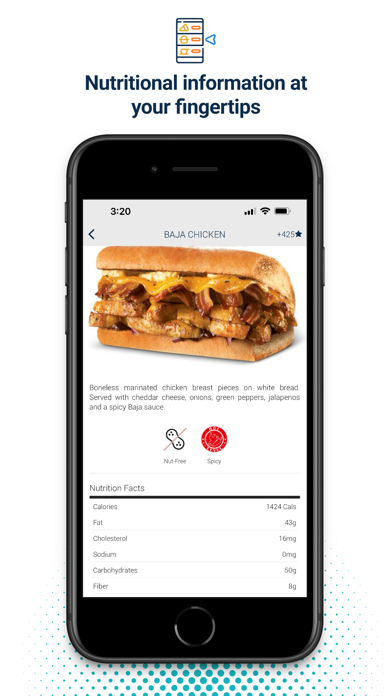
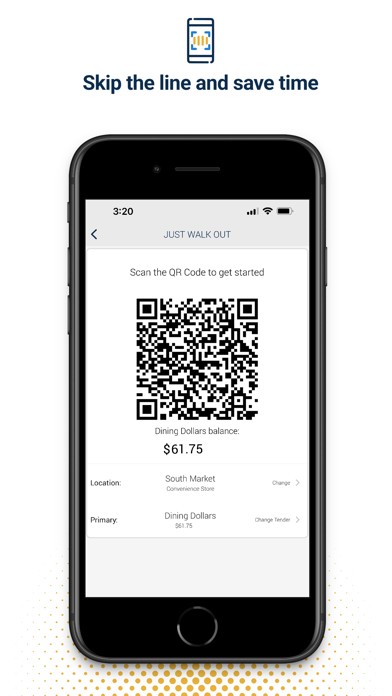
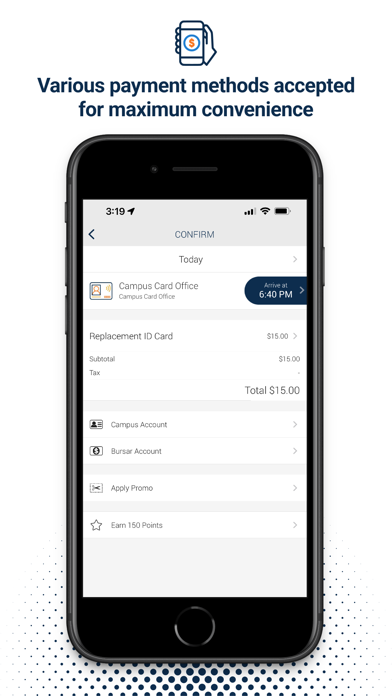
Get ‘outta line! Mobile Ordering is a simple, super convenient way to order, pay and pick up - right from your mobile device. Use the app to browse restaurants and menus, order from your favorite campus spot, pay by credit/campus card or even your meal plan (whatever your campus allows). We’ll tell you when to expect your order, notify you every step of the way, and send a message when your order is ready. No more wasted time waiting in line. We’ll even remember your favorites, so you can reorder superfast. But wait, there’s more… not only are you going to get rewarded with shorter order and wait times, you may be able to earn actual reward points (at participating locations). You’ll get points for things like opening messages, ordering food, and rating your purchases. Complete challenges for bonus points and level up, where you can earn points even faster. Then use your points to ent…
App details
What you can learn from Transact Mobile Ordering
Every shipping app on the App Store has gone through the same decisions you're working through right now: which screenshot goes first, what caption sits over it, which device frame to show, what color the background should be. The 7 screenshots above are Transact Mobile Ordering's answers to those questions — they're public, they're real, and they made it through Apple's review.
Notice the first screenshot in particular. It's the one users see in search results and on the product page, and it's where most apps spend their best caption and tightest design. Look at the proportion of background to phone, where the text sits, what one thing the image is trying to communicate.
Want to see how other Food & Drink apps approach the same problem? Browse more Food & Drink apps in the showcase.
Take what works into your own screenshots
Open LaunchShots and design your App Store & Google Play screenshots — pick a device frame, drop captions, ship in minutes. Free, in your browser.
Open the screenshot editor →