Screenshots
Icon palette
About this app
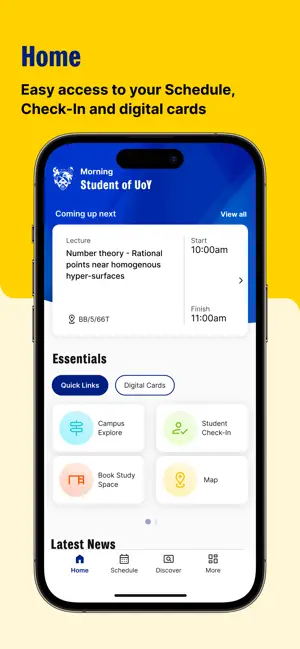
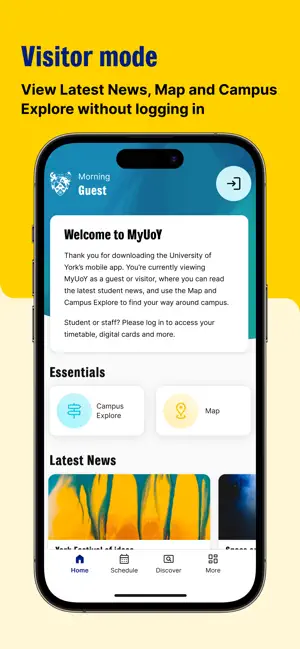
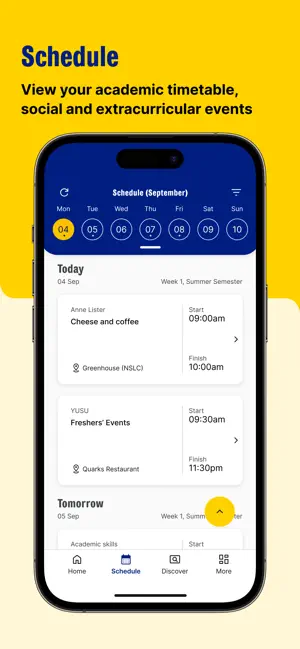
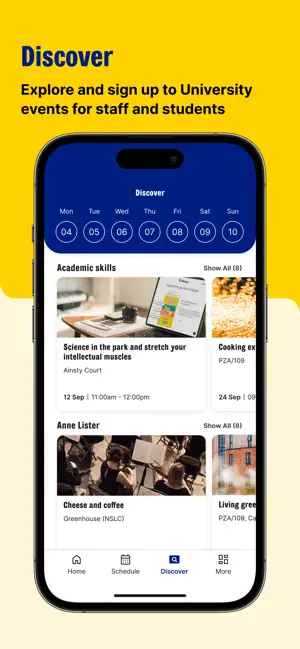
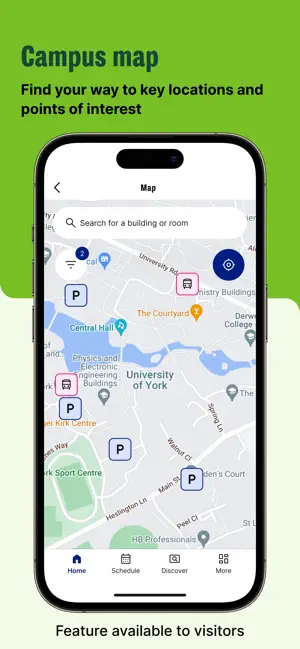
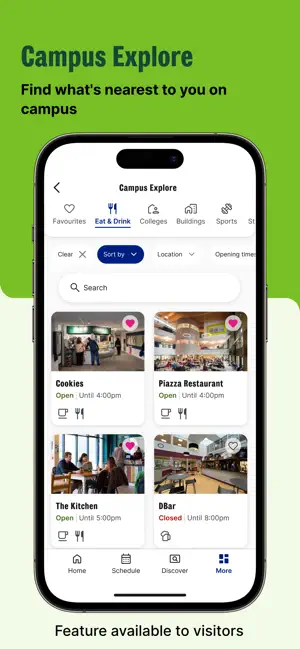
Welcome to the MyUoY App MyUoY is your mobile companion for all things 'University of York'. Designed to support our students, staff and visitors, the app aims to make your campus experience as effortless as possible. Whether you want to find your way around or access your academic timetable - everything you need is at your fingertips. Home Stay informed with timely updates and access University information, events and news. Logged-in users can also view their academic schedule and library and loyalty cards directly here. Campus Explore Use Campus Explore to access information about key services and locations including student support, quiet study spaces, Eat & Drink opening times and more. See what's nearby and open now. Save your favourite locations to find again later. Map Whether you're looking for a specific room or want to find the nearest water fountain, bus stop or parkin…
App details
What you can learn from MyUoY
Every shipping app on the App Store has gone through the same decisions you're working through right now: which screenshot goes first, what caption sits over it, which device frame to show, what color the background should be. The 6 screenshots above are MyUoY's answers to those questions — they're public, they're real, and they made it through Apple's review.
Notice the first screenshot in particular. It's the one users see in search results and on the product page, and it's where most apps spend their best caption and tightest design. Look at the proportion of background to phone, where the text sits, what one thing the image is trying to communicate.
Want to see how other Education apps approach the same problem? Browse more Education apps in the showcase.
Take what works into your own screenshots
Open LaunchShots and design your App Store & Google Play screenshots — pick a device frame, drop captions, ship in minutes. Free, in your browser.
Open the screenshot editor →