Screenshots


Icon palette
About this app
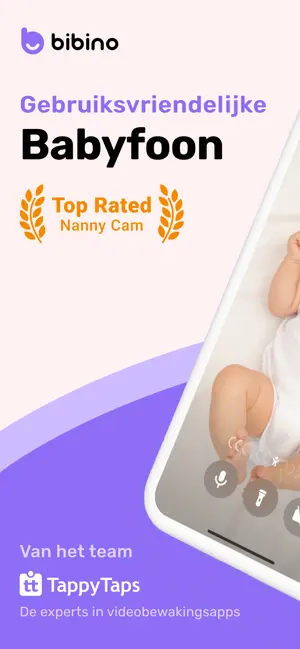
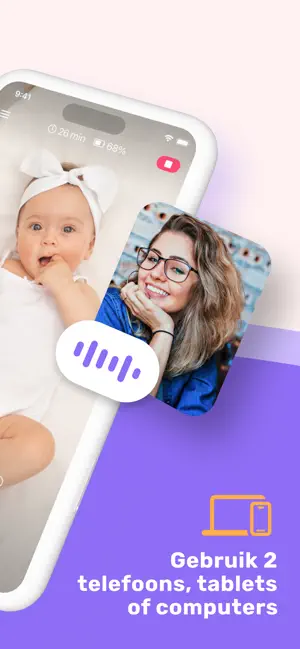
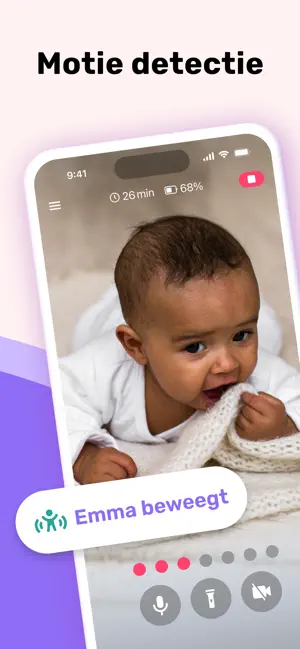
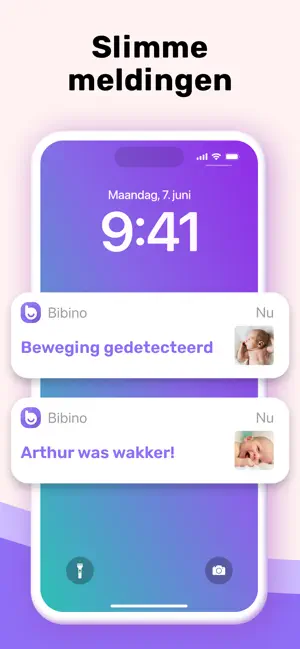
Bibino is een betrouwbare babyfoon-app voor alle moderne moeders, vaders en ouders. Bibino maakt van twee apparaten (telefoons, tablets, computers) een enkele babycamera en heb je altijd bij de hand. Bewaak je baby met video, en hoor elk geluid uit de kinderkamer. Kalmeer je baby op afstand met je stem of slaapliedjes. Met wifi en mobiele data biedt Bibino je een onbeperkt bereik. Probeer Bibino gratis zonder verplichtingen. TOP FUNCTIES ● maak van twee apparaten een enkele nanny cam voor baby's ● hoor en bekijk de video van je baby ● kijken of je baby rustig is (bewegingsdetectie) ● controleer met onbeperkt bereik met wifi en mobiele data ● gebruik Bibino gratis met een beperkt aantal eigenschappen of waardeer op naar Bibino Premium voor toegang tot alle premium eigenschappen ● kalmeer je baby op afstand met je stem ● pas de gevoeligheid van de microfoon op het apparaat van de baby …
App details
What you can learn from Bibino: Babyfoon Nanny Cam
Every shipping app on the App Store has gone through the same decisions you're working through right now: which screenshot goes first, what caption sits over it, which device frame to show, what color the background should be. The 6 screenshots above are Bibino: Babyfoon Nanny Cam's answers to those questions — they're public, they're real, and they made it through Apple's review.
Notice the first screenshot in particular. It's the one users see in search results and on the product page, and it's where most apps spend their best caption and tightest design. Look at the proportion of background to phone, where the text sits, what one thing the image is trying to communicate.
Want to see how other Lifestyle apps approach the same problem? Browse more Lifestyle apps in the showcase.
Take what works into your own screenshots
Open LaunchShots and design your App Store & Google Play screenshots — pick a device frame, drop captions, ship in minutes. Free, in your browser.
Open the screenshot editor →