Chart position — tracked daily by LaunchShots
Screenshot style breakdown
Sampled from 5 of 読売新聞オンライン(YOL)'s App Store screenshots — background, accent and theme, measured by LaunchShots (not something Apple publishes).
#FCFCFC bg
#DDDDDD
#440C74 accent
#111111 text
Screenshots
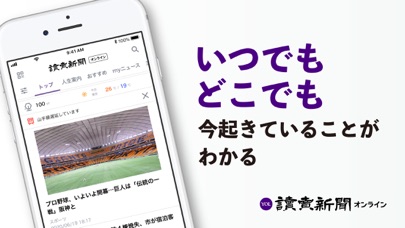
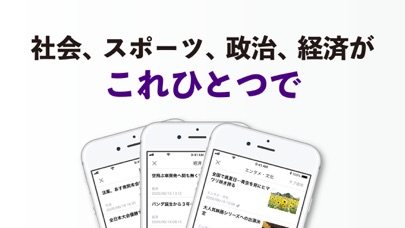

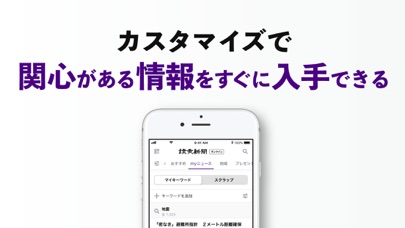
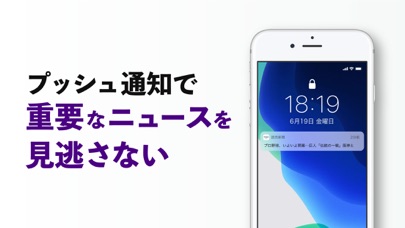
iPad screenshots


Icon palette
About this app
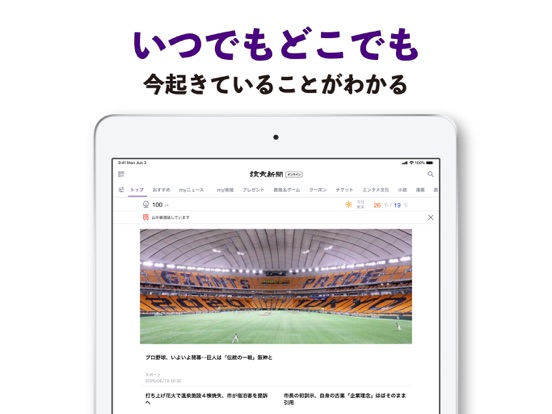
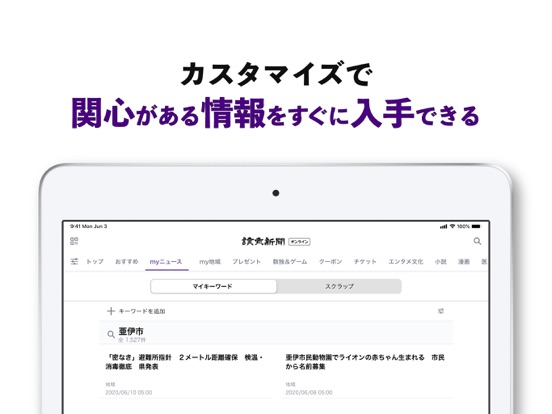
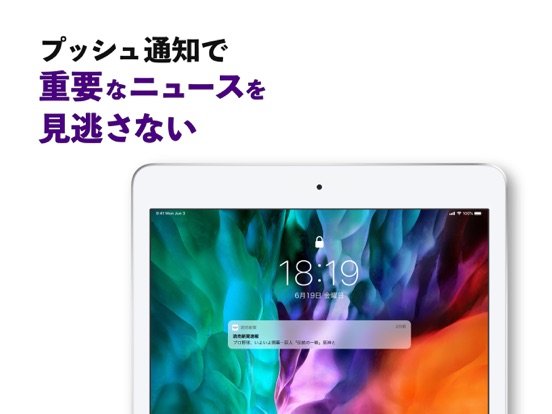
政治も経済も、町の話題もスポーツも。 読売新聞オンラインが、スマートフォンアプリになって登場。 世界最大の発行部数を有する読売新聞のニュースやサービスを、いつでもどこでも楽しめるようになりました。 ※一部のサービスは会員限定です 【いつでも最新ニュースを】 読売新聞が取材した各ジャンルの最新ニュースをお届けします。 速報ニュースは、プッシュ通知でスマホにお届けし、大切な情報を逃しません。 ご自宅に届く読売新聞の紙面にあるQRコードを読み取れば、動画ニュースなどにすぐアクセスできます。 【関心のある情報をすぐに入手】 お住まいの都道府県エリアや、よく利用する鉄道路線を登録すると、周辺のお天気やエリアの最新ニュース、鉄道の運行情報を、簡単に閲覧できます。 アプリに表示するコンテンツも自由にカスタマイズ可能なほか、キーワードの登録で記事が自動収集されるmyニュース機能や、記事を保存できるスクラップ機能も搭載。読み逃しの心配もなくなります。 【いつもの見慣れた紙面を手のひらに】 面倒な操作は不要。朝刊や…
App details
What you can learn from 読売新聞オンライン(YOL)
Every shipping app on the App Store has gone through the same decisions you're working through right now: which screenshot goes first, what caption sits over it, which device frame to show, what color the background should be. The 10 screenshots above are 読売新聞オンライン(YOL)'s answers to those questions — they're public, they're real, and they made it through Apple's review.
What the numbers say: 読売新聞オンライン(YOL) runs a light set with one background colour (#FCFCFC) carried across every screenshot — the listing reads as a single poster when the shots sit side by side in search results. The accent colour we picked up, #440C74, is the one to reuse for badges, arrows and highlighted words if you borrow this look. Hit Use this style to open the editor with these exact colours and drop your own screenshot in.
Notice the first screenshot in particular. It's the one users see in search results and on the product page, and it's where most apps spend their best caption and tightest design. Look at the proportion of background to phone, where the text sits, what one thing the image is trying to communicate.
Want to see how other News apps approach the same problem? Browse more News apps in the showcase.
Take what works into your own screenshots
Open LaunchShots and design your App Store & Google Play screenshots — pick a device frame, drop captions, ship in minutes. Free, in your browser.
Open the screenshot editor →Apps with a similar look
Closest background + accent colours among the listings we've analysed — useful when you want to see the same palette handled by a different team.