Chart position — tracked daily by LaunchShots
Screenshot style breakdown
Sampled from 6 of 転職・求人はスタンバイ バイトや転職、求人、就職、仕事探し's App Store screenshots — background, accent and theme, measured by LaunchShots (not something Apple publishes).
#F4F4F4 bg
#D6D6D6
#EC641C accent
#111111 text
Screenshots
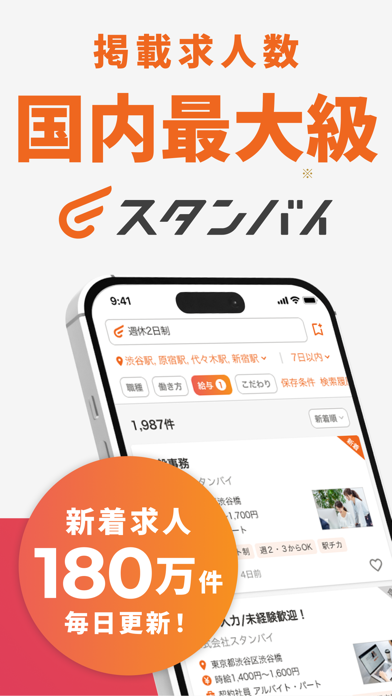


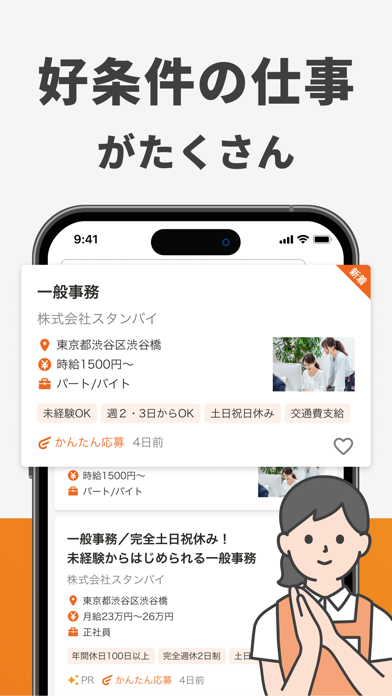
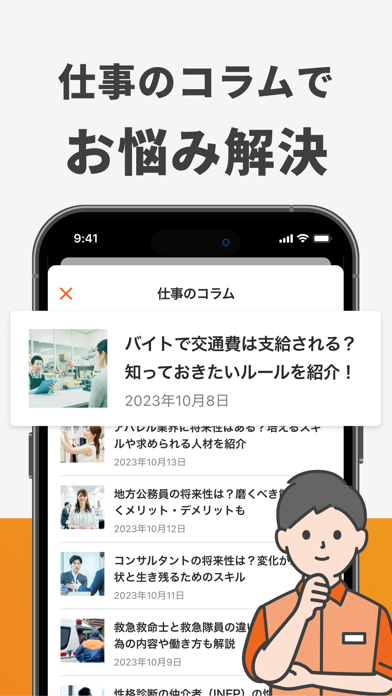
Icon palette
About this app
求人掲載数*1,500万件以上!国内最大級の求人検索アプリ「スタンバイ」は、LINEヤフーとVisional(ビズリーチなどを運営)の合弁会社が運営していています。 正社員、アルバイト・パート、派遣社員、在宅ワークなど、あらゆる働き方の求人を、このアプリひとつに集約しています。会員登録不要で、インストール後すぐにあなたの仕事探しをサポートします。 ■「スタンバイ」の特徴・機能 ① 多数の求人サイトの仕事をまとめて検索 ハローワーク、大手求人サイトの情報を一括検索。圧倒的な情報量から、あなたにぴったりの職場が見つかります。 ② あらゆる雇用形態に対応 正社員、アルバイト・パート、派遣社員、契約社員、新卒・インターン、業務委託など、あらゆる雇用形態の求人情報も検索できます。 ③ 充実の検索機能で「こだわり」を実現 キーワード検索: 職種や仕事内容はもちろん、「完全在宅」「在宅ワーク」「WEB面談可」「時短勤務」「テレワーク」など、自由なワードで検索可能です。 勤務地・エリア検索: 現在地や希望勤務地名、駅名からも検索可能。 こ…
App details
What you can learn from 転職・求人はスタンバイ バイトや転職、求人、就職、仕事探し
Every shipping app on the App Store has gone through the same decisions you're working through right now: which screenshot goes first, what caption sits over it, which device frame to show, what color the background should be. The 8 screenshots above are 転職・求人はスタンバイ バイトや転職、求人、就職、仕事探し's answers to those questions — they're public, they're real, and they made it through Apple's review.
What the numbers say: 転職・求人はスタンバイ バイトや転職、求人、就職、仕事探し runs a light set with one background colour (#F4F4F4) carried across every screenshot — the listing reads as a single poster when the shots sit side by side in search results. The accent colour we picked up, #EC641C, is the one to reuse for badges, arrows and highlighted words if you borrow this look. Hit Use this style to open the editor with these exact colours and drop your own screenshot in.
Notice the first screenshot in particular. It's the one users see in search results and on the product page, and it's where most apps spend their best caption and tightest design. Look at the proportion of background to phone, where the text sits, what one thing the image is trying to communicate.
Want to see how other Business apps approach the same problem? Browse more Business apps in the showcase.
Take what works into your own screenshots
Open LaunchShots and design your App Store & Google Play screenshots — pick a device frame, drop captions, ship in minutes. Free, in your browser.
Open the screenshot editor →Apps with a similar look
Closest background + accent colours among the listings we've analysed — useful when you want to see the same palette handled by a different team.