Chart position — tracked daily by LaunchShots
Screenshot style breakdown
Sampled from 6 of 「スコアラー」|本格的野球スコアブックアプリ's App Store screenshots — background, accent and theme, measured by LaunchShots (not something Apple publishes).
#FCFCEC bg
#DDDDCF
#046CB4 accent
#111111 text
Screenshots
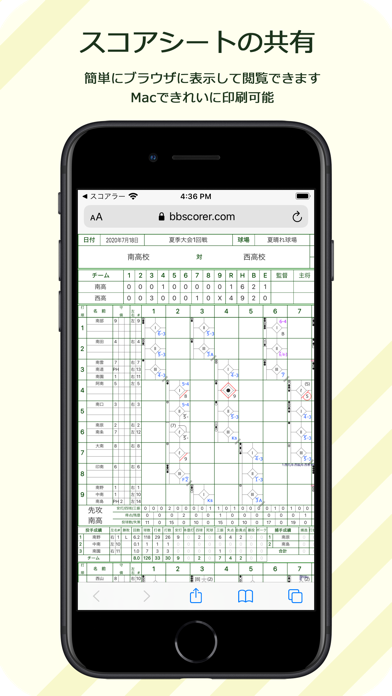
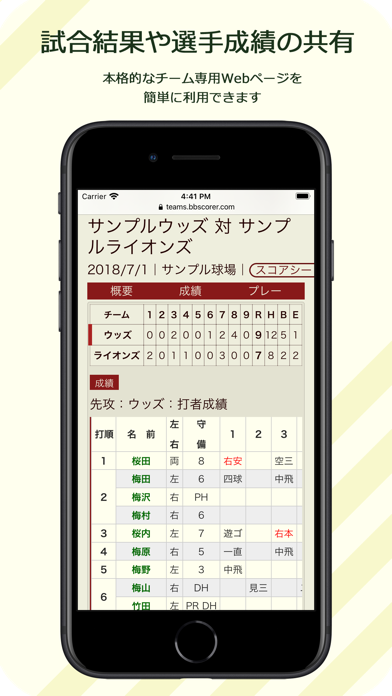

iPad screenshots
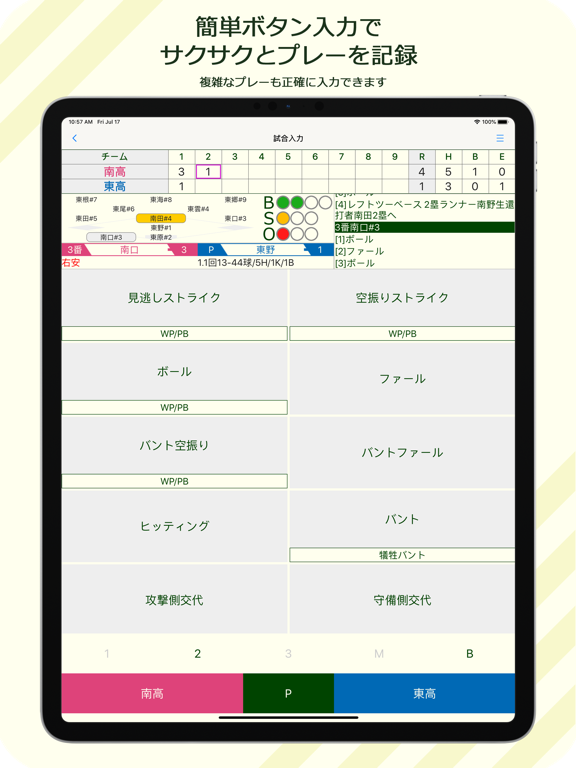
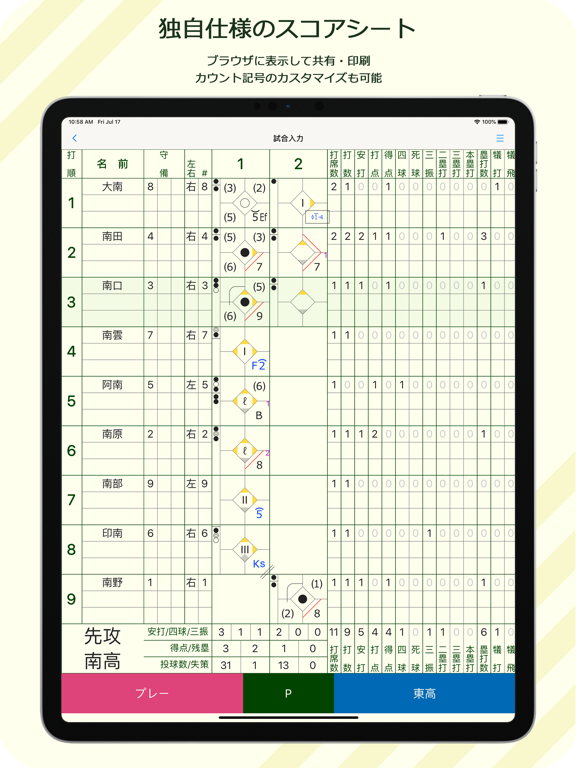
Icon palette
About this app
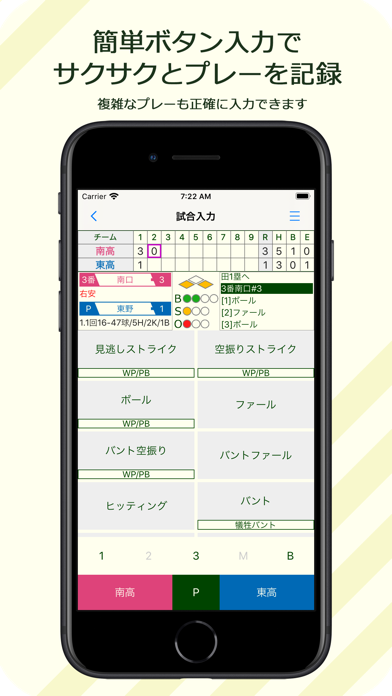
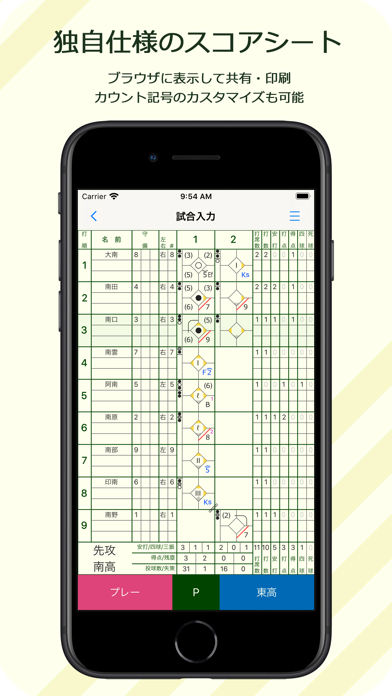
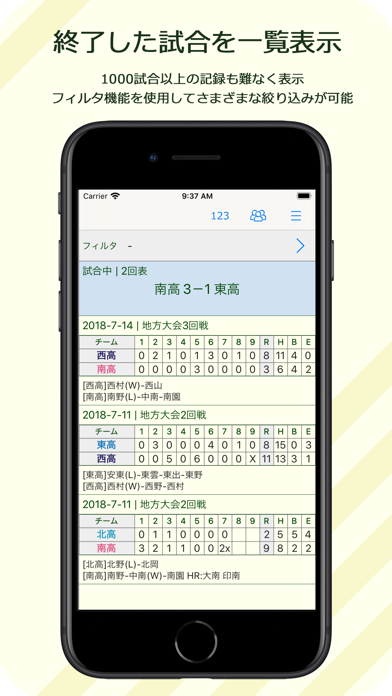
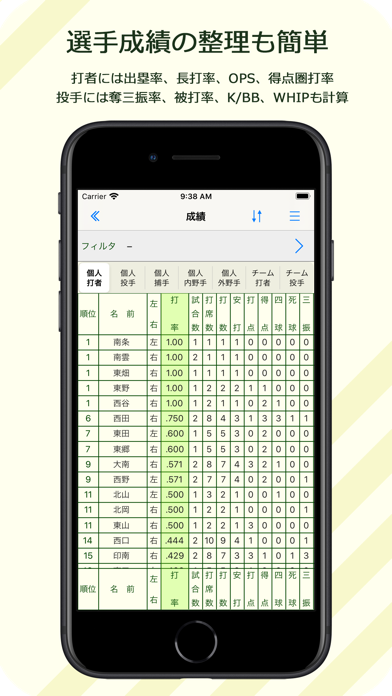
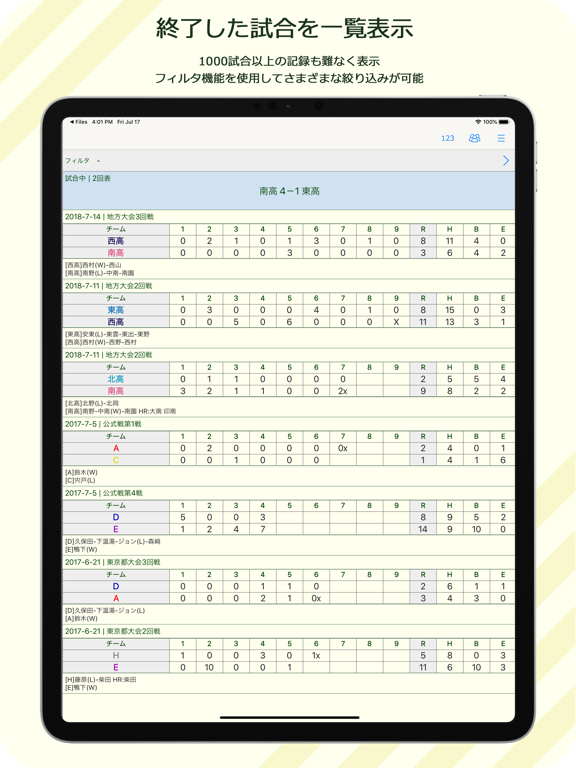
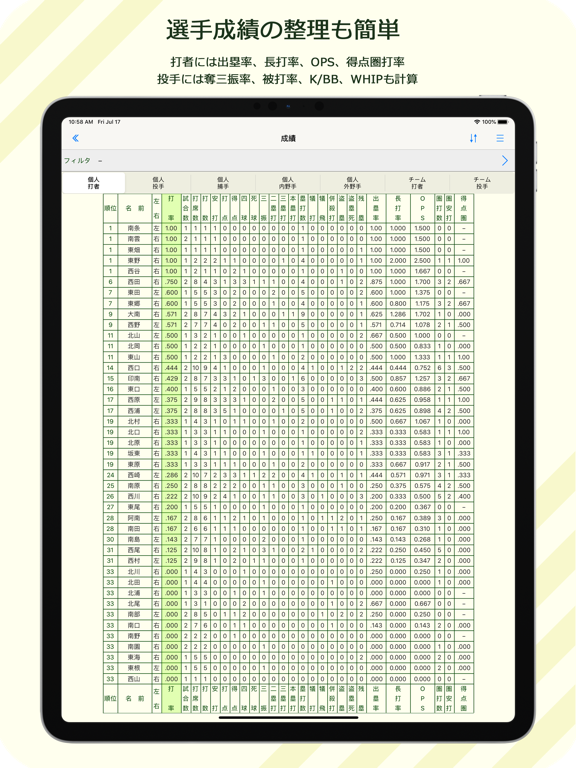
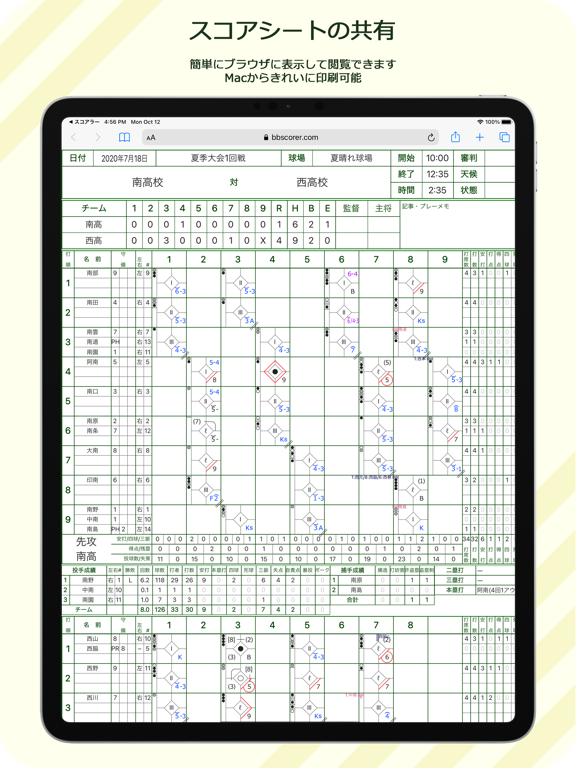
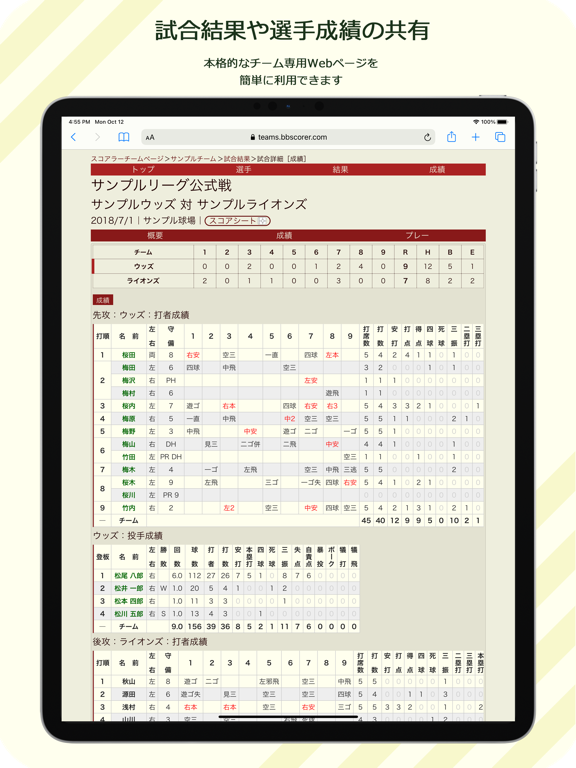
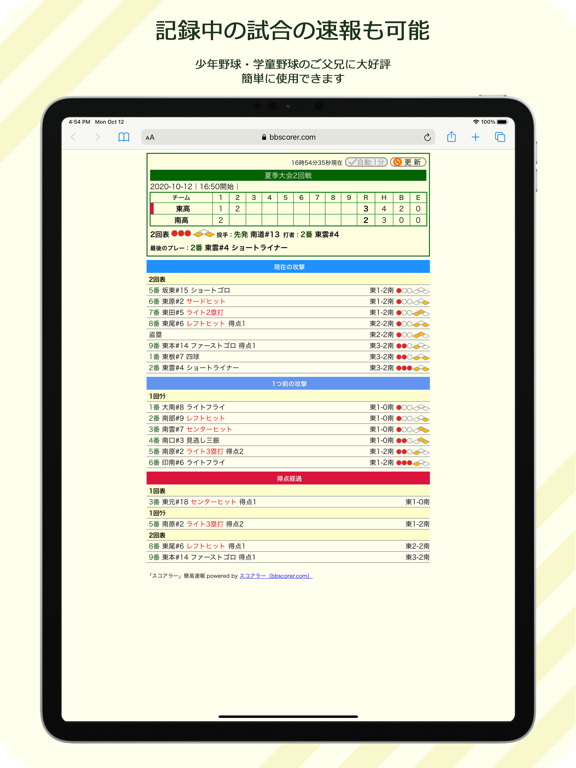
簡単な操作でサクサクとプレーを入力し、早稲田式のスコアを作成できます。各種記録は自動的に集計されます。安打、打率、三振、四球などはもちろん、打点、得点圏打率、自責点、防御率、刺殺、補殺などの面倒な記録もすべて「ルールどおりに正しく」集計します。 メンバー表の作成から、プレーや選手交代の入力、試合終了まで、たいへん使いやすくできています。現在手書きでスコアを付けている方も、これからスコアを付けてみようという方も、ぜひ一度お試しください。 作成したスコアは、PDFファイルに出力したりウェブページとしてブラウザに表示して、印刷・共有することができます。特に、複数の人(端末)で付けたスコアを一元的に管理し、チーム全員(または複数のチームからなるリーグ全体)で簡単に共有・閲覧できるように作られています。記録中の試合を速報する機能もあります。 5試合を超えるデータを保存するには、基本機能をApp内課金で購入していただく必要があります(一度のみ)。チームで複数の人がスコアを付けている場合は、1台の端末にデー…
App details
What you can learn from 「スコアラー」|本格的野球スコアブックアプリ
Every shipping app on the App Store has gone through the same decisions you're working through right now: which screenshot goes first, what caption sits over it, which device frame to show, what color the background should be. The 14 screenshots above are 「スコアラー」|本格的野球スコアブックアプリ's answers to those questions — they're public, they're real, and they made it through Apple's review.
What the numbers say: 「スコアラー」|本格的野球スコアブックアプリ runs a light set with one background colour (#FCFCEC) carried across every screenshot — the listing reads as a single poster when the shots sit side by side in search results. The accent colour we picked up, #046CB4, is the one to reuse for badges, arrows and highlighted words if you borrow this look. Hit Use this style to open the editor with these exact colours and drop your own screenshot in.
Notice the first screenshot in particular. It's the one users see in search results and on the product page, and it's where most apps spend their best caption and tightest design. Look at the proportion of background to phone, where the text sits, what one thing the image is trying to communicate.
Want to see how other Sports apps approach the same problem? Browse more Sports apps in the showcase.
Take what works into your own screenshots
Open LaunchShots and design your App Store & Google Play screenshots — pick a device frame, drop captions, ship in minutes. Free, in your browser.
Open the screenshot editor →Apps with a similar look
Closest background + accent colours among the listings we've analysed — useful when you want to see the same palette handled by a different team.