Chart position — tracked daily by LaunchShots
Screenshot style breakdown
Sampled from 6 of BursaKart Mobil's App Store screenshots — background, accent and theme, measured by LaunchShots (not something Apple publishes).
#C4DC24 bg
#ACC11F
#2C2474 accent
#111111 text
Screenshots
Icon palette
About this app
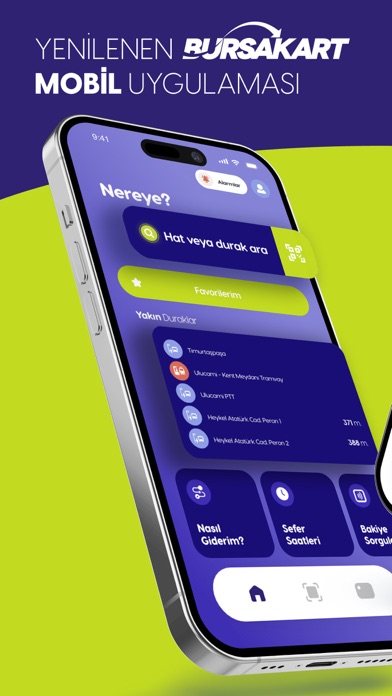
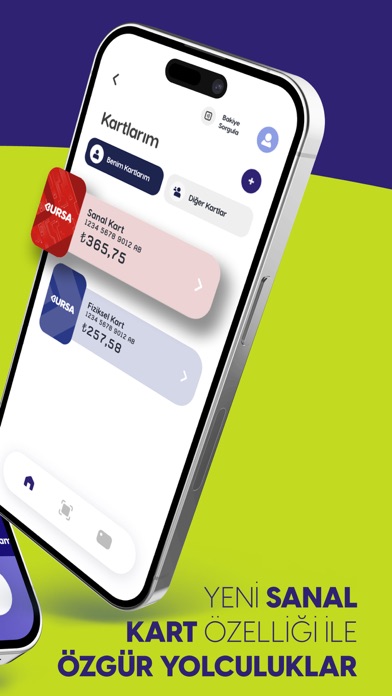
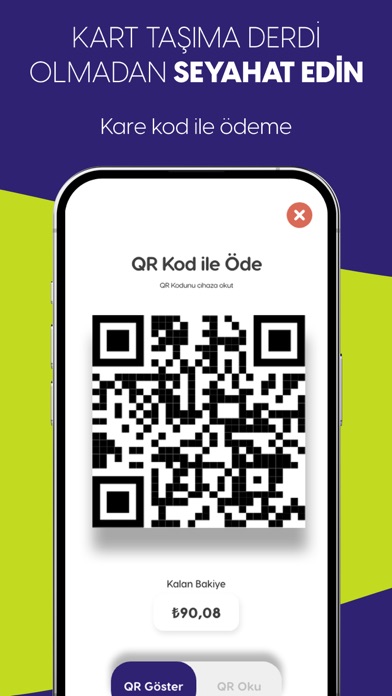
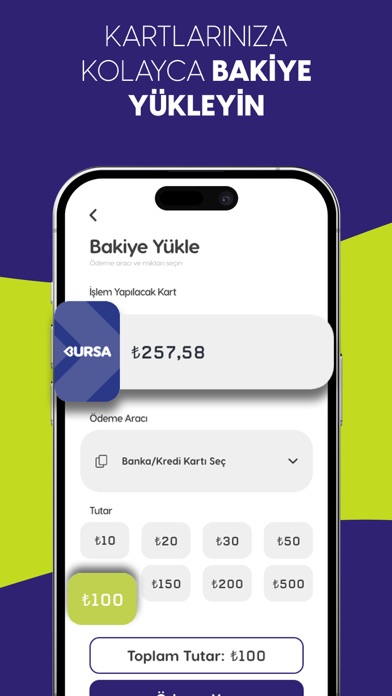
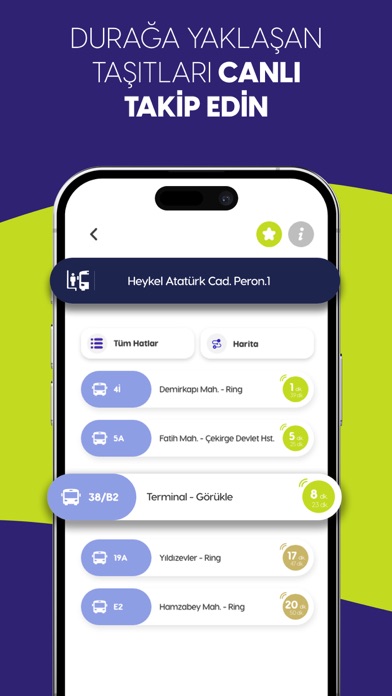
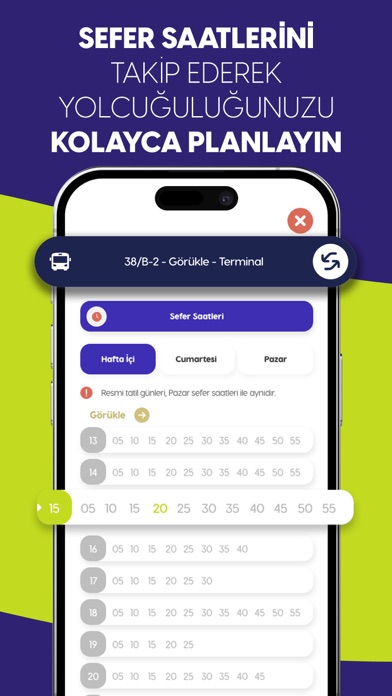
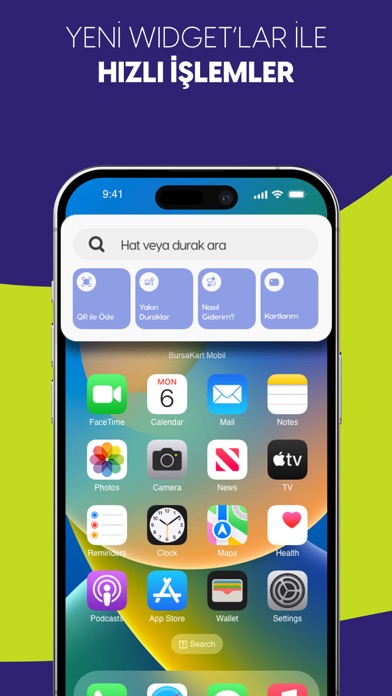
Burulaş’tan Bursa kent içi toplu taşımada BursaKart Mobil ile dijital kolaylıklar dünyasına hoşgeldiniz: Ulaşım kartı, kredi kartı, cüzdan gibi eşyalarımızı bir yerlerde unutabiliyoruz ama telefonlarımız hep yanımızda o zaman BursaKart Mobil sanal kart özelliği ile telefonunuzu kullanarak ulaşım araçlarını kullanabilirsiniz. Kullanıcı dostu olan mobil uygulama üzerinden sanal kartınız ile Mobil Cihazlarınızdaki kare kodu okutarak veya Validatörler üzerindeki kare kodu okuyarak hızlı ve kolay ödeme imkanı elde edebilirsiniz. Ayrıca sanal kart ile plastik kullanımının önüne geçerek doğanın korunmasına katkıda bulunabilirsiniz. Ödeme sistemlerindeki dijitalleşmenin sağladığı avantajlar ile Bursakart, hâli hazırdaki Bursalı Vatandaşlarımızın gözde ödeme aracı olmayı hedeflemektedir. Durakta otobüs bekliyor veya gideceğiniz duraktan kaç dakikada bir otobüs geçtiğini merak ediyorsunuz. Ya …
App details
What you can learn from BursaKart Mobil
Every shipping app on the App Store has gone through the same decisions you're working through right now: which screenshot goes first, what caption sits over it, which device frame to show, what color the background should be. The 7 screenshots above are BursaKart Mobil's answers to those questions — they're public, they're real, and they made it through Apple's review.
What the numbers say: BursaKart Mobil runs a mixed light-and-dark set where the background shifts from screenshot to screenshot (first shot #C4DC24) — each image has to stand on its own, so the captions carry more of the story. The accent colour we picked up, #2C2474, is the one to reuse for badges, arrows and highlighted words if you borrow this look. Hit Use this style to open the editor with these exact colours and drop your own screenshot in.
Notice the first screenshot in particular. It's the one users see in search results and on the product page, and it's where most apps spend their best caption and tightest design. Look at the proportion of background to phone, where the text sits, what one thing the image is trying to communicate.
Want to see how other Travel apps approach the same problem? Browse more Travel apps in the showcase.
Take what works into your own screenshots
Open LaunchShots and design your App Store & Google Play screenshots — pick a device frame, drop captions, ship in minutes. Free, in your browser.
Open the screenshot editor →Apps with a similar look
Closest background + accent colours among the listings we've analysed — useful when you want to see the same palette handled by a different team.