Chart position — tracked daily by LaunchShots
Screenshot style breakdown
Sampled from 6 of Gabay Guro's App Store screenshots — background, accent and theme, measured by LaunchShots (not something Apple publishes).
#44C4FC bg
#3BACDD
#CC3444 accent
#111111 text
Reading the caption text from the screenshots in your browser…
Screenshots
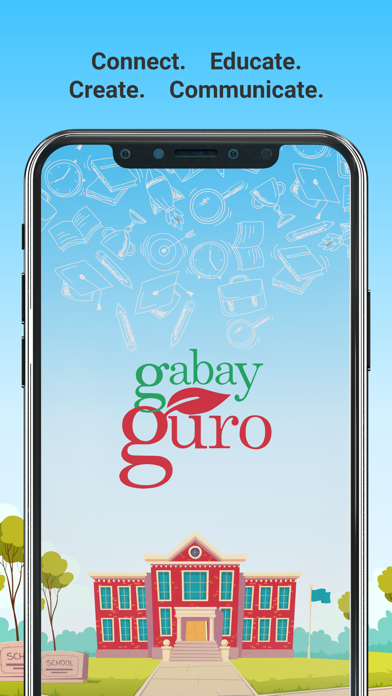
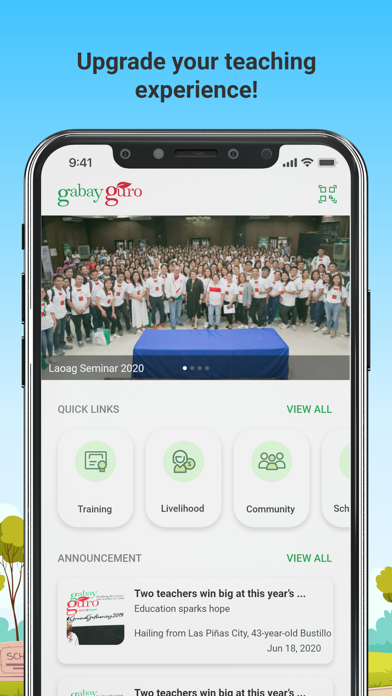
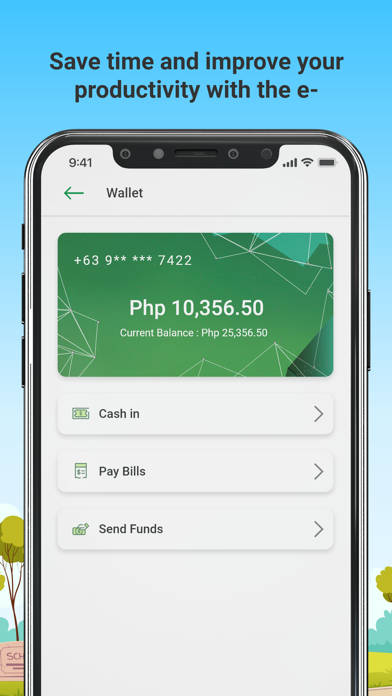
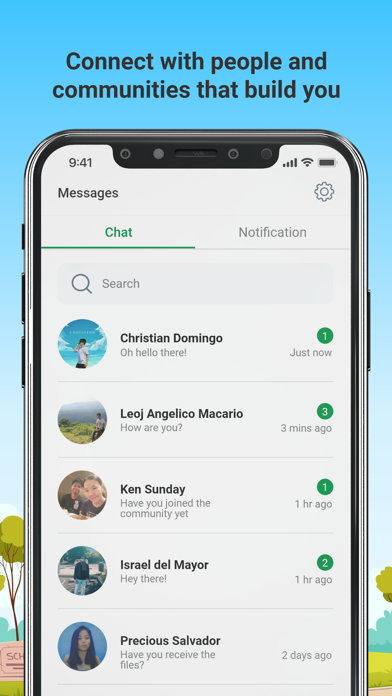
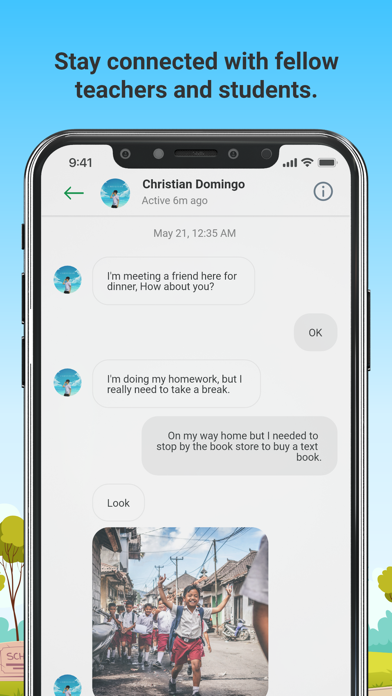
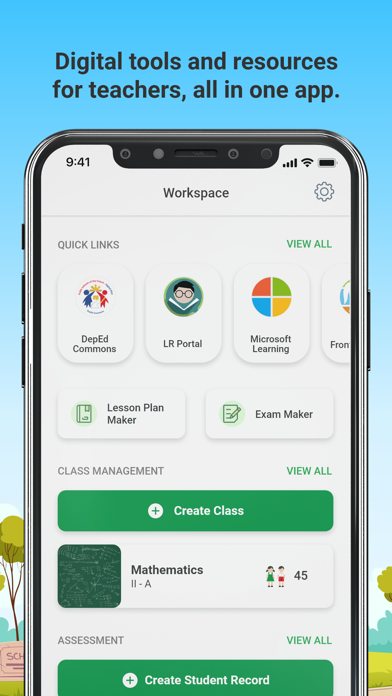
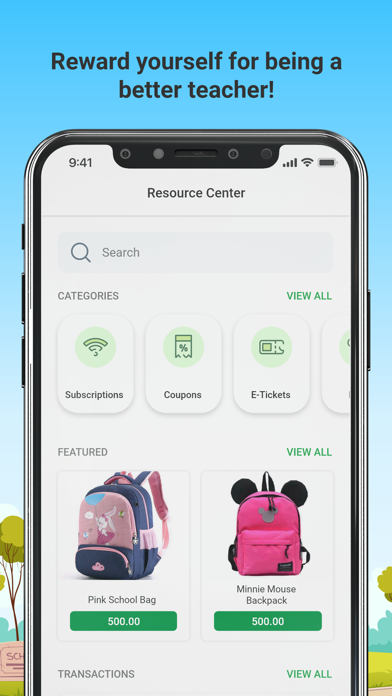
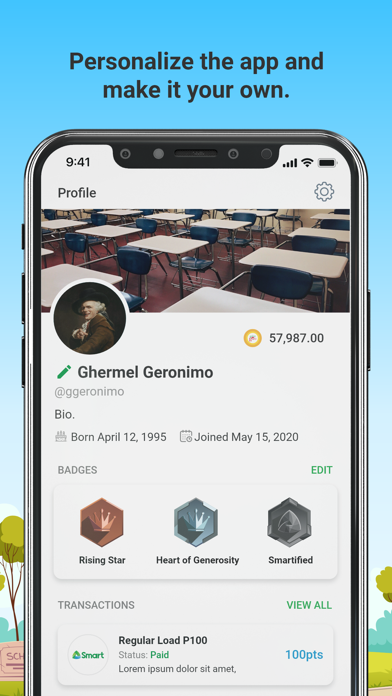
Icon palette
About this app
Gabay Guro is PLDT’s flagship advocacy program for teachers spearheaded by PLDT-Smart Foundation and the PLDT Managers Club, Inc. Initially, a response to the call of the Philippines’ Department of Education (DepEd) for the private sector to help improve the quality of education in the Philippines, the program has been updated and enhanced to align with, and actively support, the United Nation’s 17 Sustainable Development Goals. Through its Seven Key Pillars – Scholarships. Teachers’ Trainings, Livelihood Programs, Connectivity and Computerization, Teachers’ Tribute Events, and Digital Innovations -- Gabay Guro has empowered teachers across the country by giving them more opportunities to achieve a better and more sustainable future, and ultimately, to pass on these opportunities to the students whose lives they touch. Technology With today’s new normal of having to stay home AN…
App details
What you can learn from Gabay Guro
Every shipping app on the App Store has gone through the same decisions you're working through right now: which screenshot goes first, what caption sits over it, which device frame to show, what color the background should be. The 9 screenshots above are Gabay Guro's answers to those questions — they're public, they're real, and they made it through Apple's review.
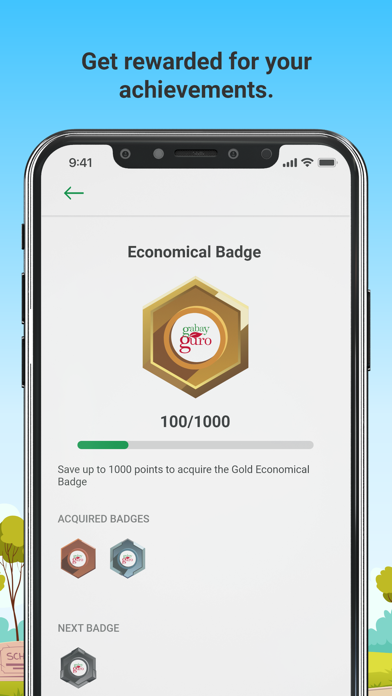
What the numbers say: Gabay Guro runs a light set where the background shifts from screenshot to screenshot (first shot #44C4FC) — each image has to stand on its own, so the captions carry more of the story. The accent colour we picked up, #CC3444, is the one to reuse for badges, arrows and highlighted words if you borrow this look. Hit Use this style to open the editor with these exact colours and drop your own screenshot in.
Notice the first screenshot in particular. It's the one users see in search results and on the product page, and it's where most apps spend their best caption and tightest design. Look at the proportion of background to phone, where the text sits, what one thing the image is trying to communicate.
Want to see how other Education apps approach the same problem? Browse more Education apps in the showcase.
Take what works into your own screenshots
Open LaunchShots and design your App Store & Google Play screenshots — pick a device frame, drop captions, ship in minutes. Free, in your browser.
Open the screenshot editor →Apps with a similar look
Closest background + accent colours among the listings we've analysed — useful when you want to see the same palette handled by a different team.