Chart position — tracked daily by LaunchShots
Screenshot style breakdown
Sampled from 5 of Обркарта 2.0's App Store screenshots — background, accent and theme, measured by LaunchShots (not something Apple publishes).
#FCFCFC bg
#DDDDDD
#FCD44C accent
#111111 text
Screenshots

Icon palette
About this app
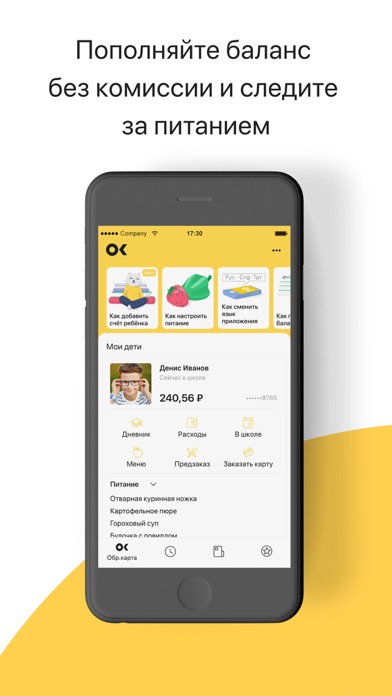
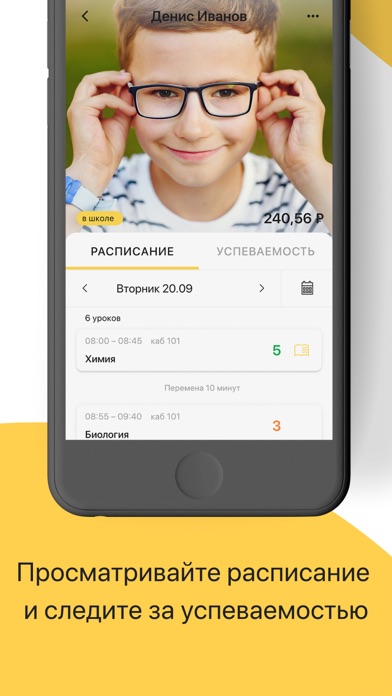
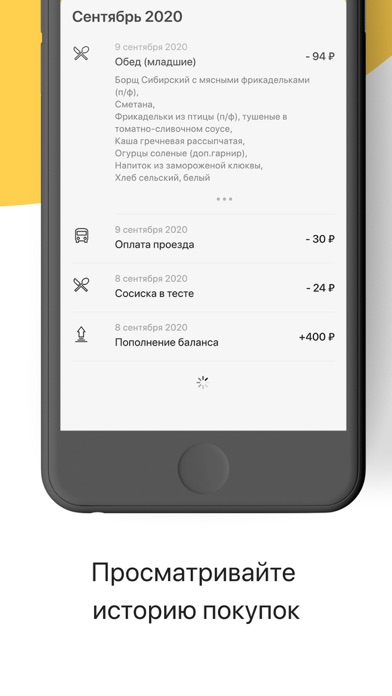
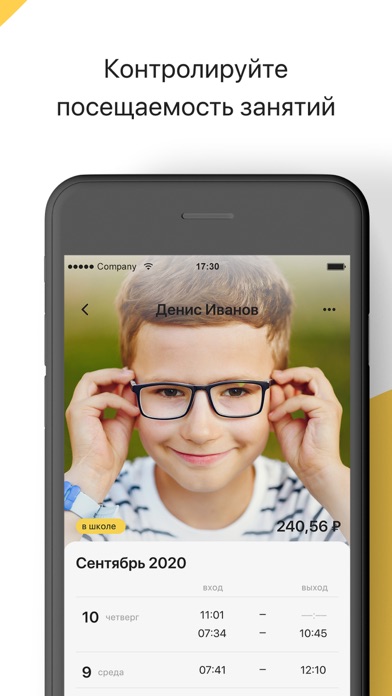
Залог уверенного и спокойного родителя - использование приложением "Образовательная карта". Это удобный сервис, позволяющий контролировать посещаемость ребёнка в школе, питание в школьной столовой, с возможностью детального просмотра его покупок и установки запрета на покупку определенных продуктовых позиций. "Образовательная карта" — персональный виртуальный кошелек школьника, предназначенный для оплаты питания в школьной столовой и проезда в общественном транспорте.Для тех, у кого в семье несколько детей, есть возможность добавить каждого из них. Легкий и понятный функционал приложения содержит следующее: • Быстрое пополнение баланса карты в онлайн режиме без комиссии. Мы напомним вам об этом, когда баланс счета ребенка достигнет минимального порога. • Удобная таблица посещаемости. В ней отображено точное время входа и выхода ребенка из школы. Кроме этого вы будете получать уведомле…
App details
What you can learn from Обркарта 2.0
Every shipping app on the App Store has gone through the same decisions you're working through right now: which screenshot goes first, what caption sits over it, which device frame to show, what color the background should be. The 5 screenshots above are Обркарта 2.0's answers to those questions — they're public, they're real, and they made it through Apple's review.
What the numbers say: Обркарта 2.0 runs a light set where the background shifts from screenshot to screenshot (first shot #FCFCFC) — each image has to stand on its own, so the captions carry more of the story. The accent colour we picked up, #FCD44C, is the one to reuse for badges, arrows and highlighted words if you borrow this look. Hit Use this style to open the editor with these exact colours and drop your own screenshot in.
Notice the first screenshot in particular. It's the one users see in search results and on the product page, and it's where most apps spend their best caption and tightest design. Look at the proportion of background to phone, where the text sits, what one thing the image is trying to communicate.
Want to see how other Education apps approach the same problem? Browse more Education apps in the showcase.
Take what works into your own screenshots
Open LaunchShots and design your App Store & Google Play screenshots — pick a device frame, drop captions, ship in minutes. Free, in your browser.
Open the screenshot editor →Apps with a similar look
Closest background + accent colours among the listings we've analysed — useful when you want to see the same palette handled by a different team.