Chart position — tracked daily by LaunchShots
Screenshot style breakdown
Sampled from 6 of 「FaceScore」顔のバランスを点数で採点 顔診断アプリ's App Store screenshots — background, accent and theme, measured by LaunchShots (not something Apple publishes).
#FCFCFC bg
#DDDDDD
#844CBC accent
#111111 text
Screenshots




iPad screenshots




Icon palette
About this app
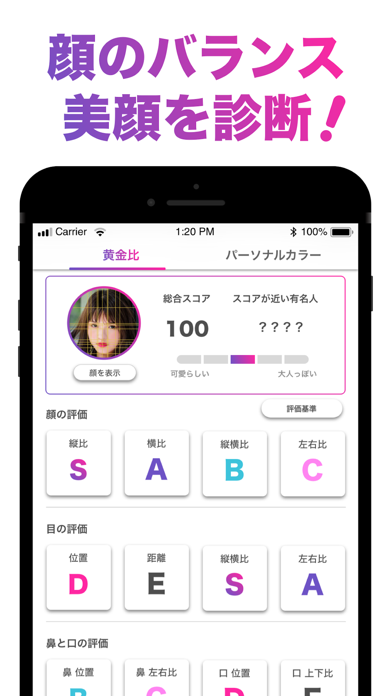
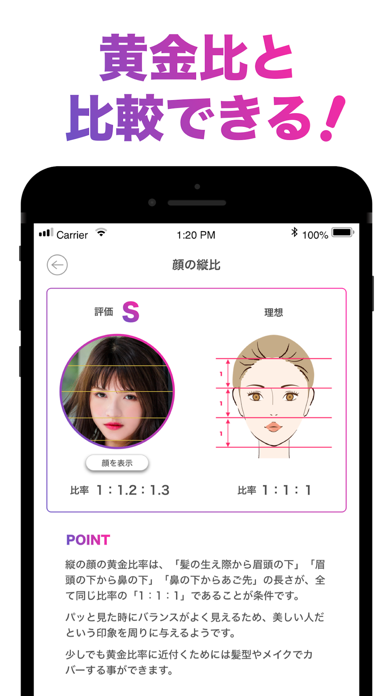
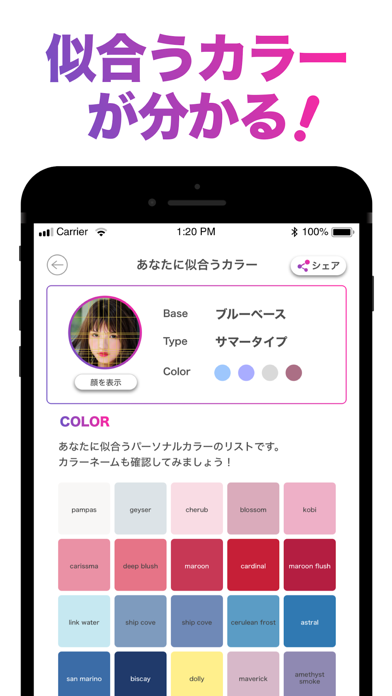
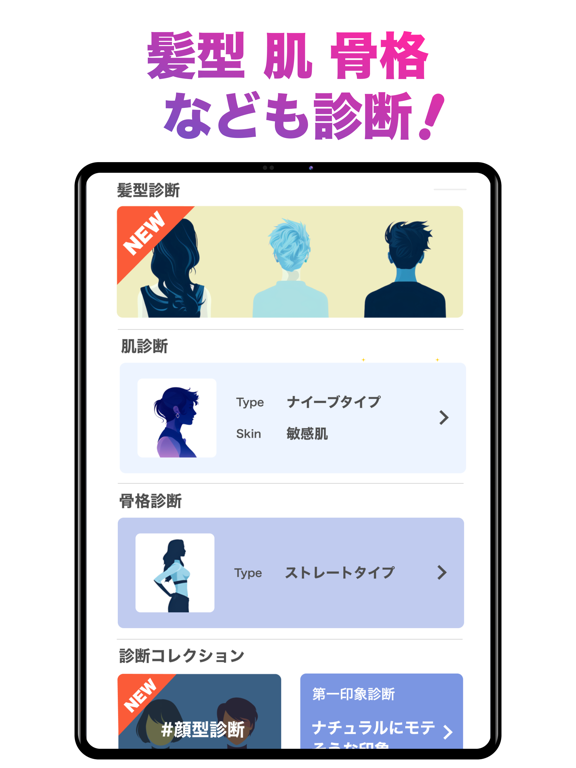
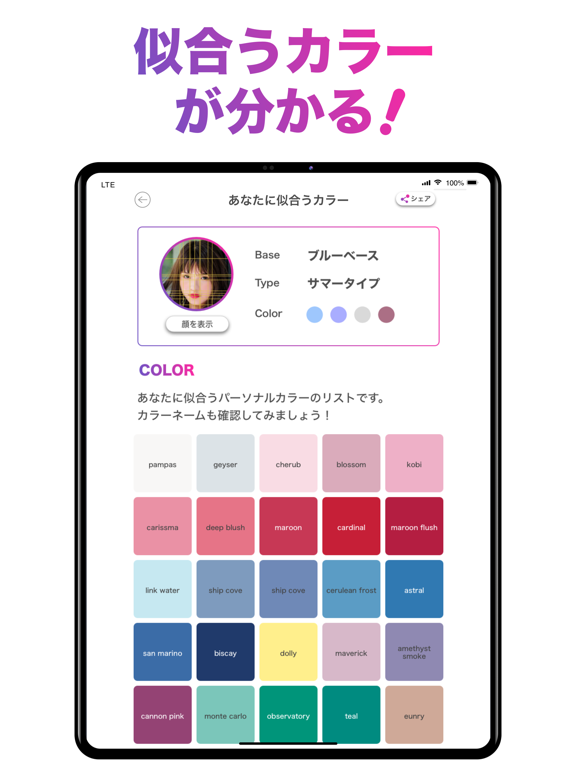
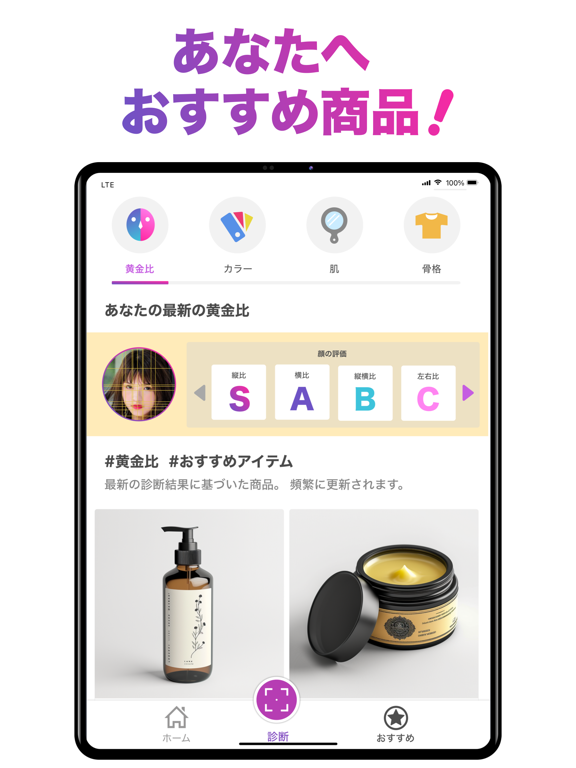
あなたの美顔度を採点するアプリ『FaceScore(フェイススコア)』! 顔のパーツを分析して、黄金比にどれくらい近いか点数で診断します。 合わせて、肌や髪・瞳などの色からパーソナルカラーも診断します。 顔のタイプや似てる有名人や芸能人も診断できます。 美男美女なのか試してみましょう! 撮影した時の表情やメイクによって診断結果は変わってきますので、 笑顔や真面目な顔、メイクの仕方も色々と試してみましょう! あなたに似合うカラーも判明します。 家族や友達、恋人も診断してみましょう! 学校や職場、飲み会の場でも盛り上がること間違いなし!! 診断結果は、LINE、Facebook、Twitterで友達にシェアすることもできます。 【使い方は簡単!】 1.顔写真を撮影してください。 2.指示にしたがって、画面に表示されている線を適切な位置に設定します。 3.解析が完了すると診断結果が表示されます。 4.診断結果は友達にシェアすることが可能です。 【様々な結果がわかる!】 顔の輪郭や目、鼻、口などの顔の各パーツの比率から採点されます。…
App details
What you can learn from 「FaceScore」顔のバランスを点数で採点 顔診断アプリ
Every shipping app on the App Store has gone through the same decisions you're working through right now: which screenshot goes first, what caption sits over it, which device frame to show, what color the background should be. The 14 screenshots above are 「FaceScore」顔のバランスを点数で採点 顔診断アプリ's answers to those questions — they're public, they're real, and they made it through Apple's review.
What the numbers say: 「FaceScore」顔のバランスを点数で採点 顔診断アプリ runs a light set with one background colour (#FCFCFC) carried across every screenshot — the listing reads as a single poster when the shots sit side by side in search results. The accent colour we picked up, #844CBC, is the one to reuse for badges, arrows and highlighted words if you borrow this look. Hit Use this style to open the editor with these exact colours and drop your own screenshot in.
Notice the first screenshot in particular. It's the one users see in search results and on the product page, and it's where most apps spend their best caption and tightest design. Look at the proportion of background to phone, where the text sits, what one thing the image is trying to communicate.
Want to see how other Health & Fitness apps approach the same problem? Browse more Health & Fitness apps in the showcase.
Take what works into your own screenshots
Open LaunchShots and design your App Store & Google Play screenshots — pick a device frame, drop captions, ship in minutes. Free, in your browser.
Open the screenshot editor →Apps with a similar look
Closest background + accent colours among the listings we've analysed — useful when you want to see the same palette handled by a different team.