Screenshots

Icon palette
About this app
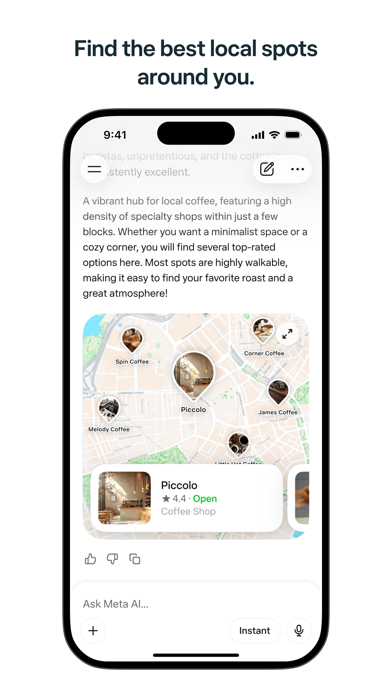
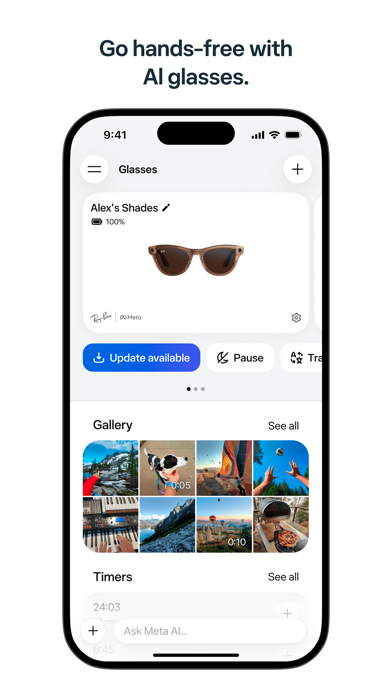
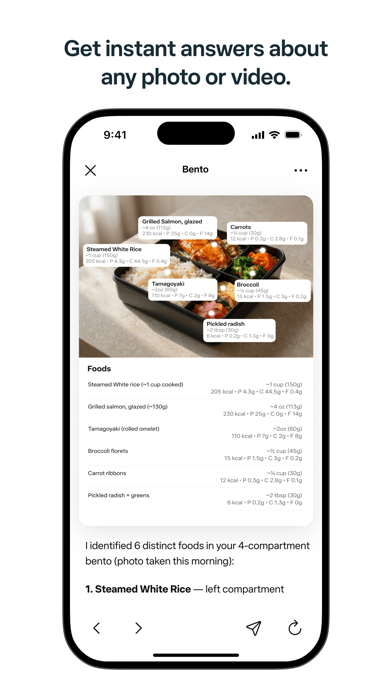
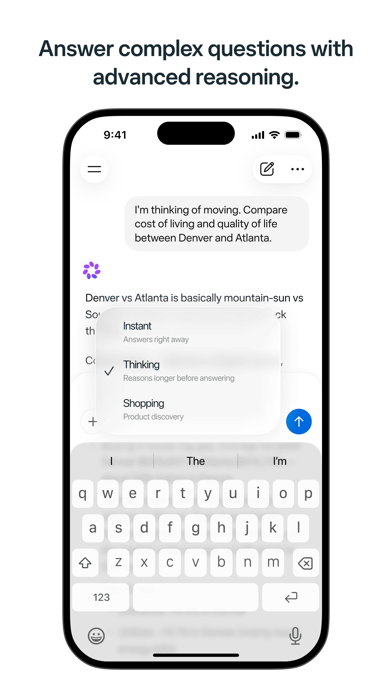
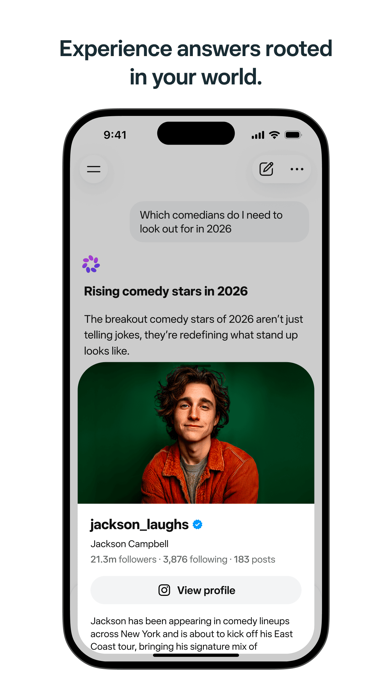
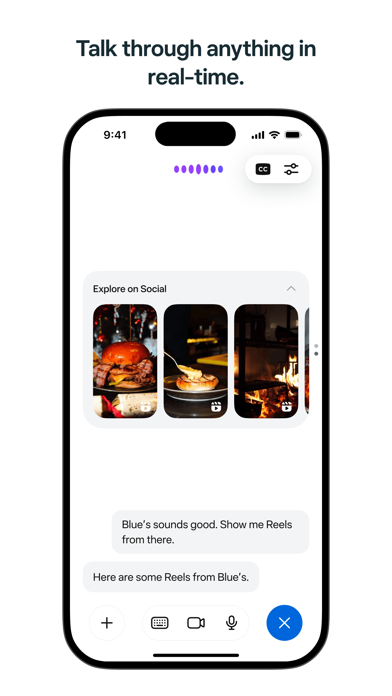
Meta AI is your personal AI assistant—connected to the world, but rooted in yours. Get answers, recommendations, and inspiration you can actually use. • Richer responses: Meta AI taps into what people are sharing and talking about across Instagram, Facebook, and Threads. • Shop smarter: Describe what you're looking for or snap a photo to find inspiration. Meta AI picks up on the creators you follow and the brands you love to surface recommendations that reflect your style. • Discover local spots: Ask for restaurant recommendations, things to do, or where to go this weekend. Meta AI draws from real reviews, posts, and what's trending to surface suggestions—with ratings, photos, and details. • Get answers from any photo, video, doc, or file: Snap a pic for instant help. Upload docs, PDFs, or spreadsheets for summaries, comparisons, or analysis. Send multiple files and Meta AI works th…
App details
What you can learn from Meta AI
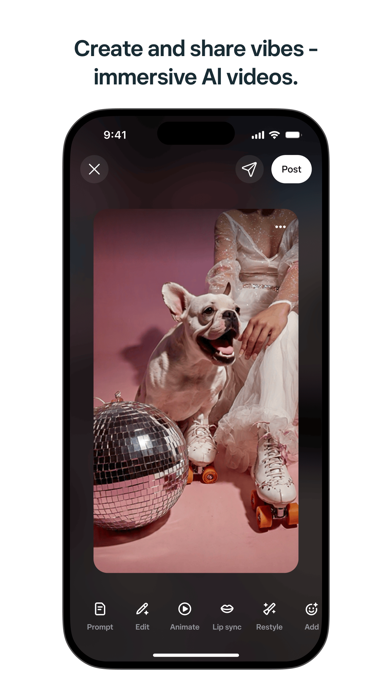
Every shipping app on the App Store has gone through the same decisions you're working through right now: which screenshot goes first, what caption sits over it, which device frame to show, what color the background should be. The 8 screenshots above are Meta AI's answers to those questions — they're public, they're real, and they made it through Apple's review.
Notice the first screenshot in particular. It's the one users see in search results and on the product page, and it's where most apps spend their best caption and tightest design. Look at the proportion of background to phone, where the text sits, what one thing the image is trying to communicate.
Want to see how other Productivity apps approach the same problem? Browse more Productivity apps in the showcase.
Take what works into your own screenshots
Open LaunchShots and design your App Store & Google Play screenshots — pick a device frame, drop captions, ship in minutes. Free, in your browser.
Open the screenshot editor →