Screenshots
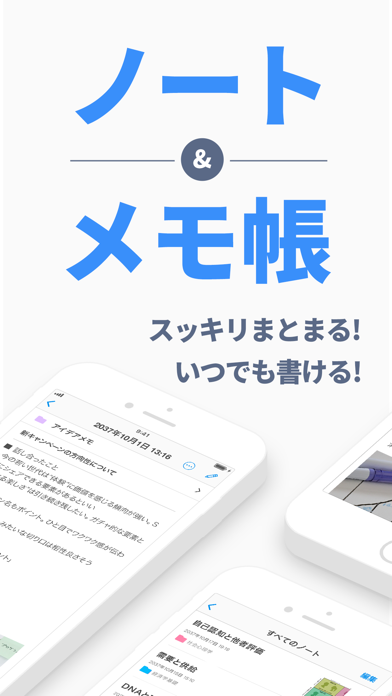
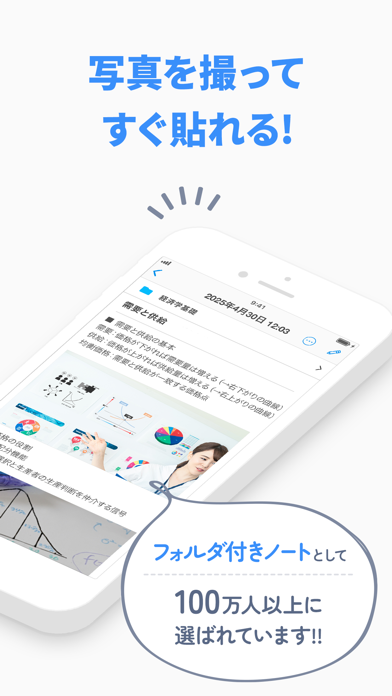
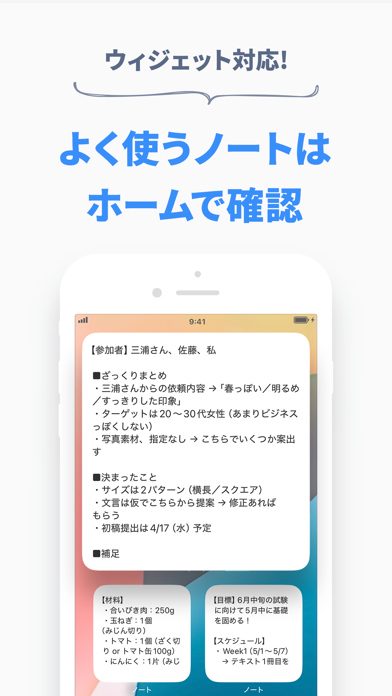
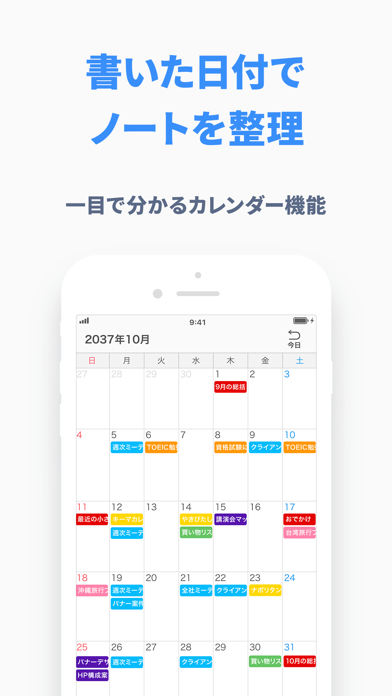
iPad screenshots


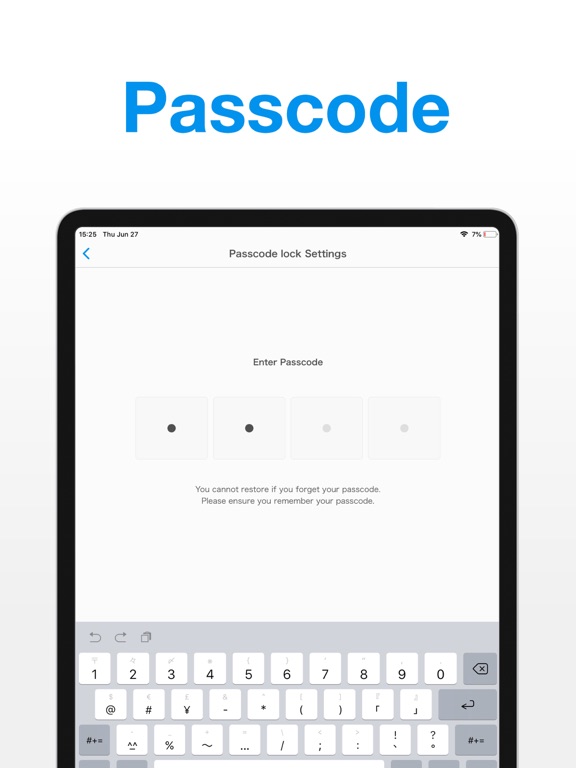
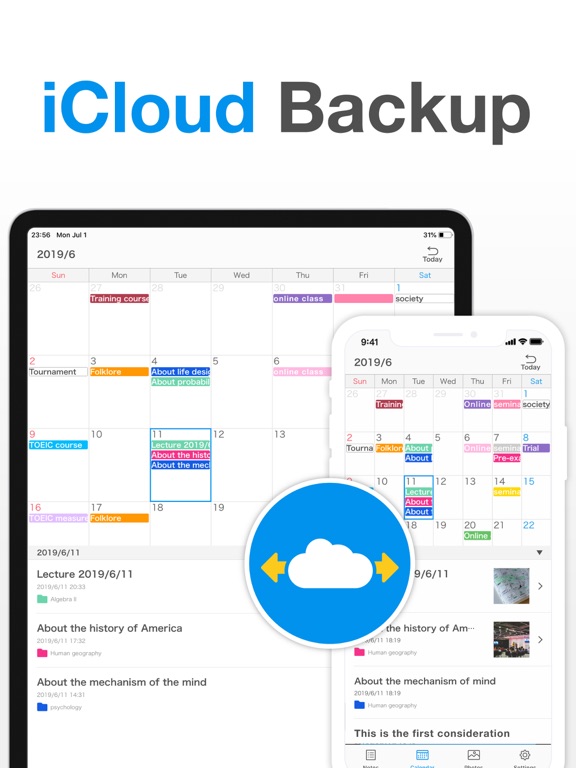
Icon palette
About this app
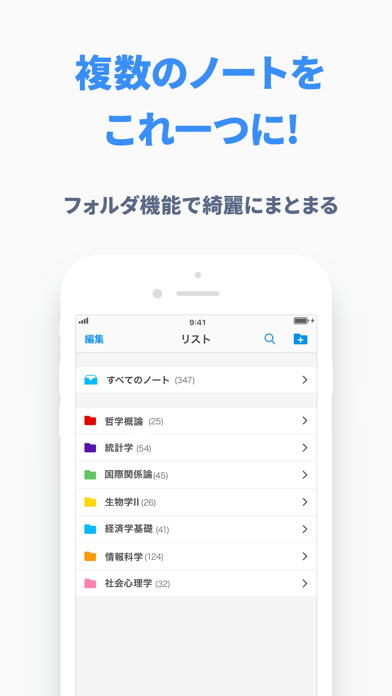
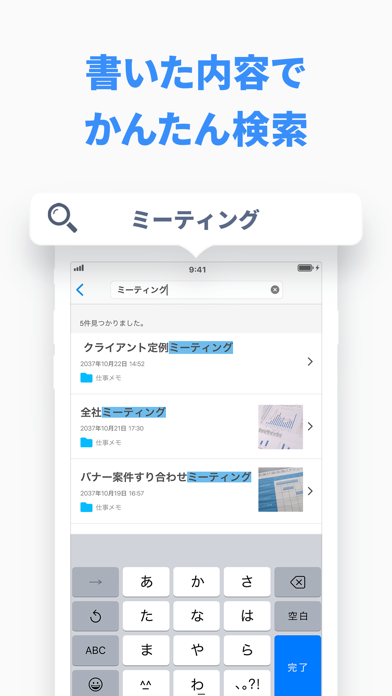
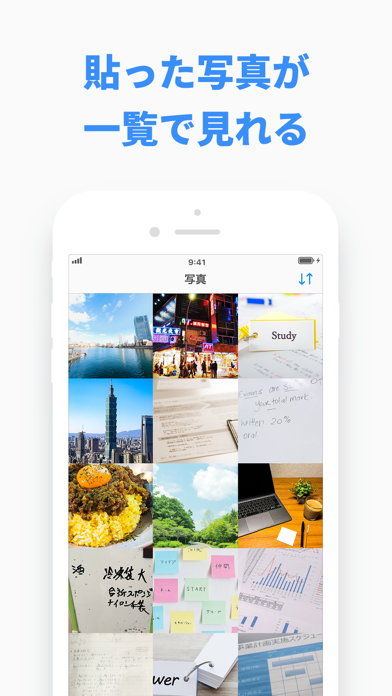
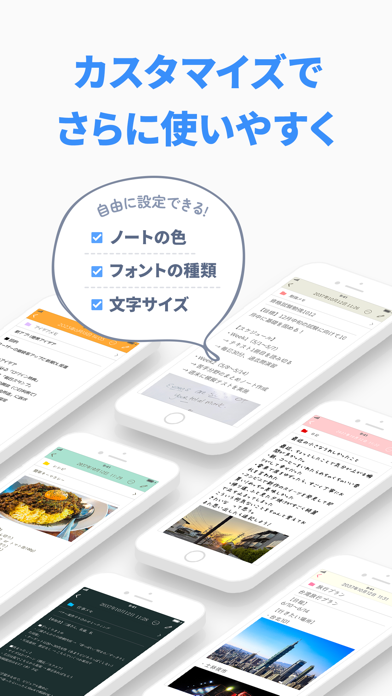
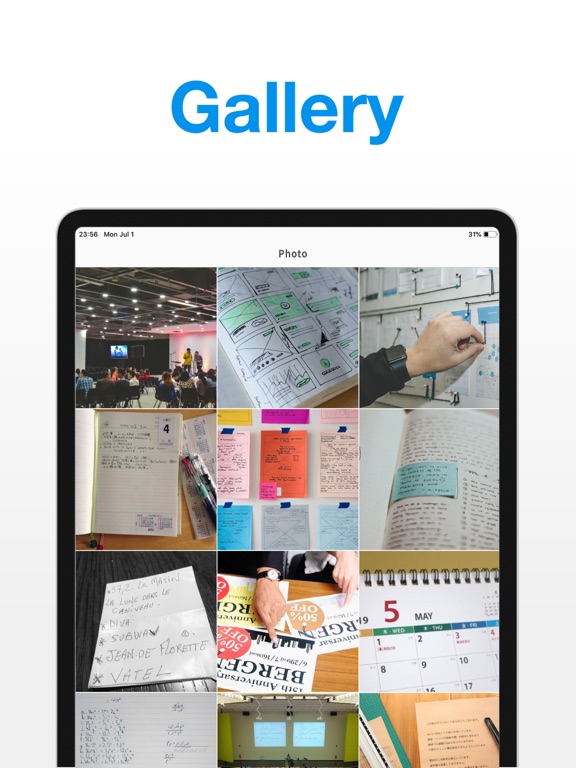
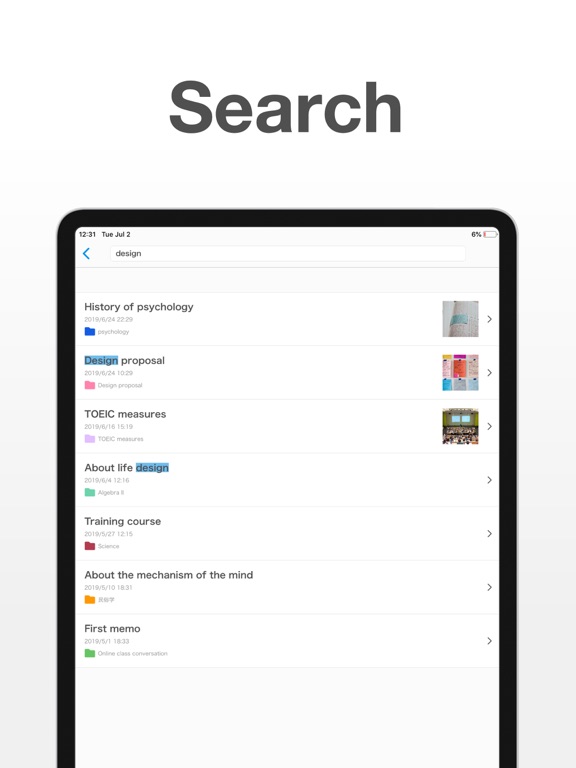
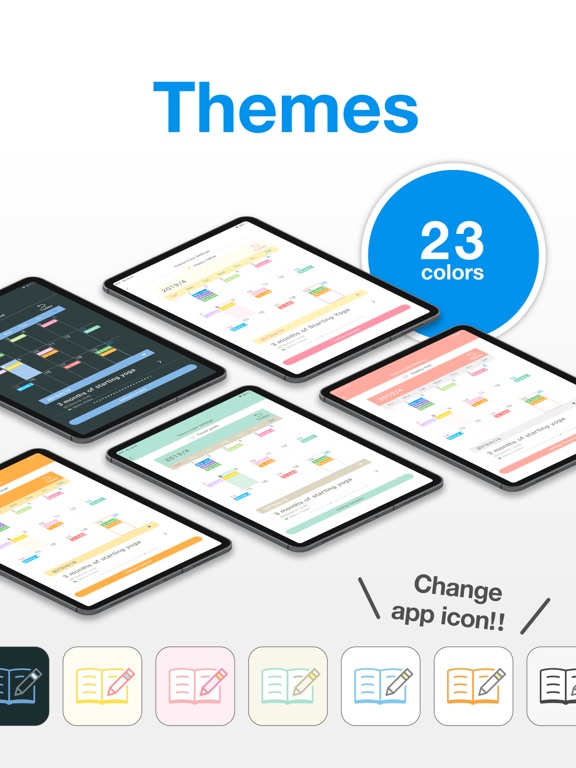
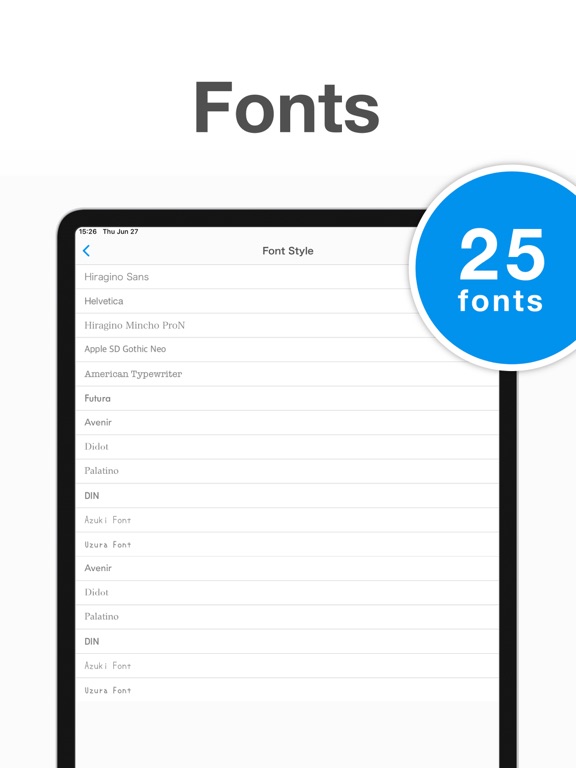
ノート・メモ帳のアプリを選ぶなら"シンプルノート"!シンプルなのに高機能で使いやすいノート・メモ帳アプリです。 長く使いたいノートアプリだから、月額課金もなし、アカウント登録なしでバックアップもできちゃう、シンプルで1番便利なノートアプリを作りました。 ノート・メモを管理をするなら、ぜひ最高のノートアプリをダウンロードして試してみてください! 【機能の一覧】 ■ノートに写真を貼れる 1つのノートに写真や画像を貼れます。カメラロールから撮影した写真や、保存した画像を貼れます。もちろんその場でカメラで写真を撮って貼ることもできます。 ■フォルダ ジャンルごとにフォルダを作ってノート・メモを管理できます。フォルダは24色のカラーで覚えやすい色を付けられます。 ■カレンダー このアプリはカレンダー画面があり、ノート・メモを付けた日付にノートが表示されます。カレンダーから探せるので便利です。たくさんあるメモ帳・ノートアプリの中でも、このアプリならではの機能です。 ■写真アルバム ノートに貼った写真の一覧が表示さ…
App details
What you can learn from シンプルノート - メモ帳・ノート管理(めも帳)のメモアプリ
Every shipping app on the App Store has gone through the same decisions you're working through right now: which screenshot goes first, what caption sits over it, which device frame to show, what color the background should be. The 17 screenshots above are シンプルノート - メモ帳・ノート管理(めも帳)のメモアプリ's answers to those questions — they're public, they're real, and they made it through Apple's review.
Notice the first screenshot in particular. It's the one users see in search results and on the product page, and it's where most apps spend their best caption and tightest design. Look at the proportion of background to phone, where the text sits, what one thing the image is trying to communicate.
Want to see how other Productivity apps approach the same problem? Browse more Productivity apps in the showcase.
Take what works into your own screenshots
Open LaunchShots and design your App Store & Google Play screenshots — pick a device frame, drop captions, ship in minutes. Free, in your browser.
Open the screenshot editor →