Chart position — tracked daily by LaunchShots
Screenshot style breakdown
Sampled from 4 of 藏书馆-借书看书阅读神器's App Store screenshots — background, accent and theme, measured by LaunchShots (not something Apple publishes).
#FCFCFC bg
#DDDDDD
#7494C4 accent
#111111 text
Screenshots


iPad screenshots


Icon palette
About this app
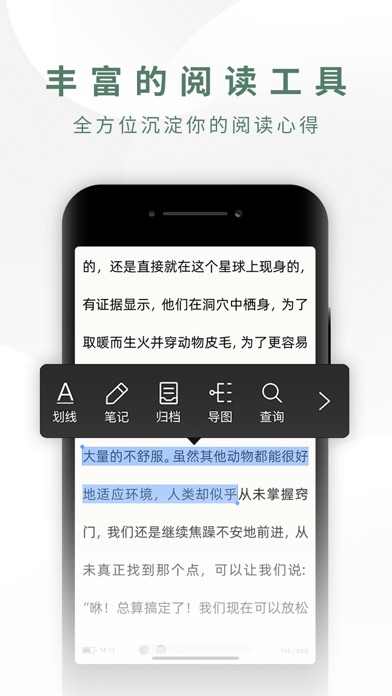
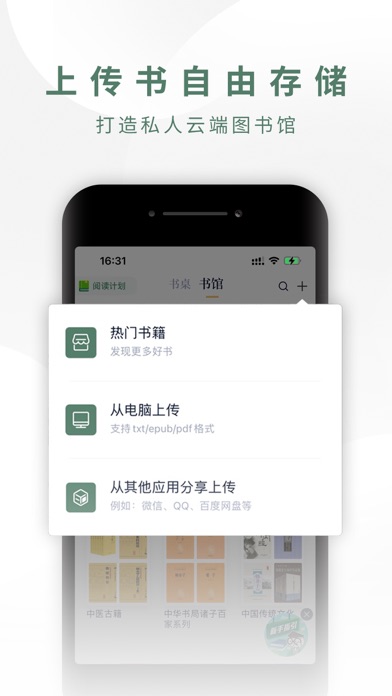
【创新借阅模式,200万本电子书自由借阅】 书非借,不能读也!200万本正版电子出版物自由借阅! 【多种阅读工具,沉浸式阅读体验】 读书阅历、思维导图、笔记归档、知识大脑,全方位沉淀你的阅读收获。 ①读书阅历——全面读书统计 ②思维导图——窥一图见全书 ③笔记归档——知识归档成集 ④知识大脑——读出“最强大脑” 【共读挑战——组队PK悄悄拔尖】 加入共读,摆脱孤“读”!和书友交流读书心得,养成阅读习惯! 【上传书自由存储——云端私人图书馆】 把书放到云端里,释放本地存储空间。 【购书即享所有权——买卖出借自由处置】 所售电子书具有商品属性,购买即拥有所有权,可出售、赠送、出借、收藏、捐赠。 【融合媒体电子书——全新阅读体验】 加入音频、视频、动图等融合媒体元素,体验沉浸式阅读和多媒体的互动乐趣! 【校友图书馆——共建互享新模式】 一座公益性质的电子书公共网络图书馆,既能借书也能捐书,开启共建互享全新借阅模式,实现先进带后进。 【藏书馆深度阅读vip自动订阅服务说明】 1、订阅服务:藏书馆深入阅读vip连续包月(1个月) 2、订阅价格:连续包…
App details
What you can learn from 藏书馆-借书看书阅读神器
Every shipping app on the App Store has gone through the same decisions you're working through right now: which screenshot goes first, what caption sits over it, which device frame to show, what color the background should be. The 8 screenshots above are 藏书馆-借书看书阅读神器's answers to those questions — they're public, they're real, and they made it through Apple's review.
What the numbers say: 藏书馆-借书看书阅读神器 runs a light set with one background colour (#FCFCFC) carried across every screenshot — the listing reads as a single poster when the shots sit side by side in search results. The accent colour we picked up, #7494C4, is the one to reuse for badges, arrows and highlighted words if you borrow this look. Hit Use this style to open the editor with these exact colours and drop your own screenshot in.
Notice the first screenshot in particular. It's the one users see in search results and on the product page, and it's where most apps spend their best caption and tightest design. Look at the proportion of background to phone, where the text sits, what one thing the image is trying to communicate.
Want to see how other Book apps approach the same problem? Browse more Book apps in the showcase.
Take what works into your own screenshots
Open LaunchShots and design your App Store & Google Play screenshots — pick a device frame, drop captions, ship in minutes. Free, in your browser.
Open the screenshot editor →Apps with a similar look
Closest background + accent colours among the listings we've analysed — useful when you want to see the same palette handled by a different team.