Chart position — tracked daily by LaunchShots
Screenshot style breakdown
Sampled from 6 of 保護者用ルクミー for FAMILY's App Store screenshots — background, accent and theme, measured by LaunchShots (not something Apple publishes).
#FCFCF4 bg
#DDDDD6
#F4B434 accent
#111111 text
Reading the caption text from the screenshots in your browser…
Screenshots
iPad screenshots


Icon palette
About this app
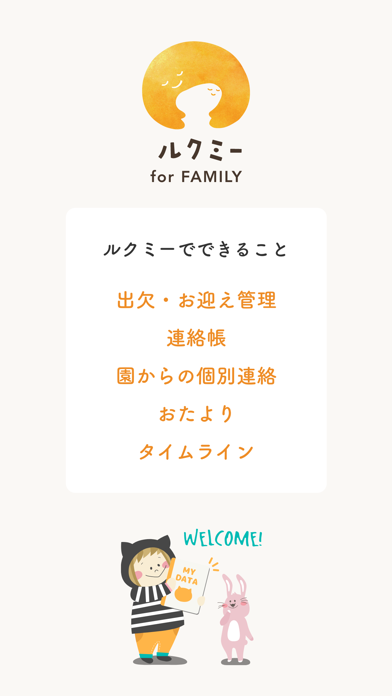
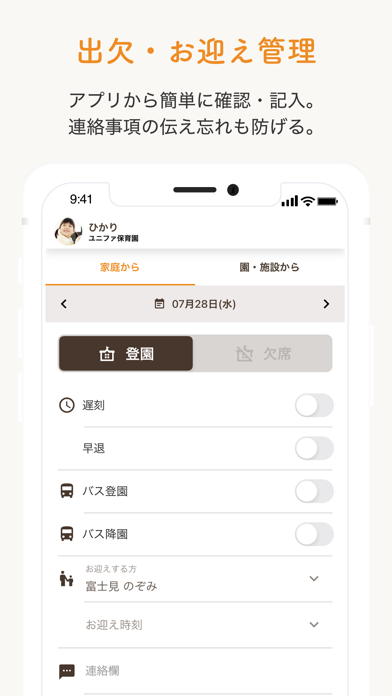
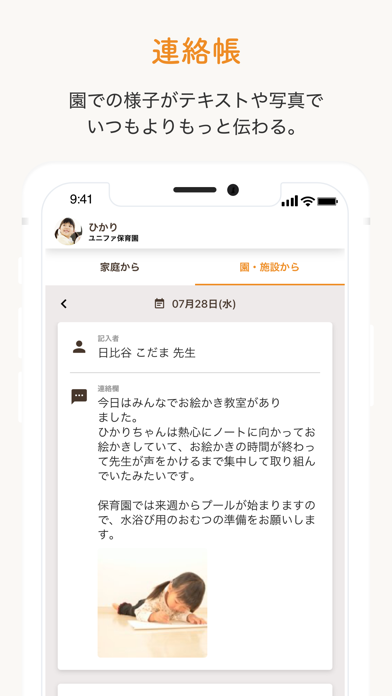
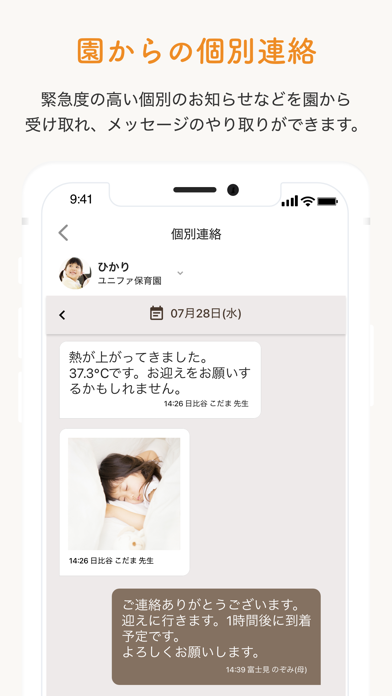
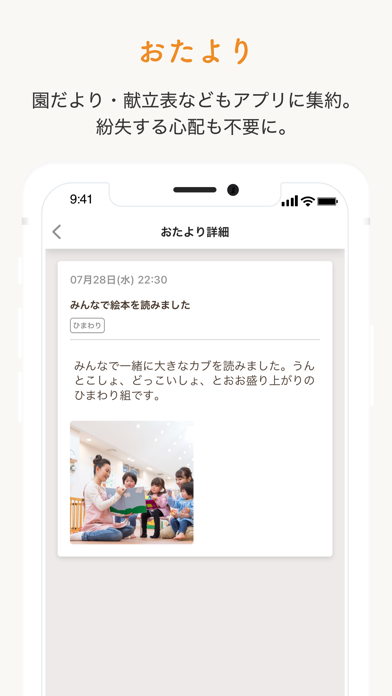
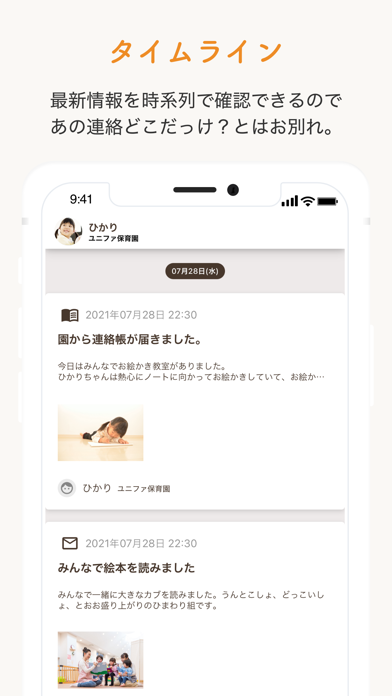
◇ルクミー for FAMILYでできること 「ルクミー for FAMILY」には園・施設と保護者の方のやりとりを、もっとスムーズにする機能がいっぱい。さらに、今後もさまざまな機能の追加を予定しています。 ■ 連絡帳 園との連絡帳のやりとりをアプリ上で行えます。連絡帳の作成を保護者で手分けして行うことも可能です。一時保存機能で作成途中の連絡帳を簡単に保護者間で共有できます。 ■ 個別連絡 園との連絡をチャット形式で行えます。園で急に熱が出てしまったときの連絡や次の行事についての質問など、電話が繋がるかどうかを気にせず行える機能です。 ■ おたより 給食だよりや保健だよりなど、園からのおたよりをアプリ上で確認できます。データでやりとりできるので、なくす心配もありません。 ■ タイムライン アプリへ届いた情報をタイムラインからまとめて確認できます。時系列で確認できるので、最新情報をすぐに把握できます。 ■ 登園・降園時刻の打刻(ルクミー登降園連携) 登降園管理システム「ルクミー登降園」との連携で、園・施設のタブレットでの打刻に…
App details
What you can learn from 保護者用ルクミー for FAMILY
Every shipping app on the App Store has gone through the same decisions you're working through right now: which screenshot goes first, what caption sits over it, which device frame to show, what color the background should be. The 12 screenshots above are 保護者用ルクミー for FAMILY's answers to those questions — they're public, they're real, and they made it through Apple's review.
What the numbers say: 保護者用ルクミー for FAMILY runs a light set with one background colour (#FCFCF4) carried across every screenshot — the listing reads as a single poster when the shots sit side by side in search results. The accent colour we picked up, #F4B434, is the one to reuse for badges, arrows and highlighted words if you borrow this look. Hit Use this style to open the editor with these exact colours and drop your own screenshot in.
Notice the first screenshot in particular. It's the one users see in search results and on the product page, and it's where most apps spend their best caption and tightest design. Look at the proportion of background to phone, where the text sits, what one thing the image is trying to communicate.
Want to see how other Education apps approach the same problem? Browse more Education apps in the showcase.
Take what works into your own screenshots
Open LaunchShots and design your App Store & Google Play screenshots — pick a device frame, drop captions, ship in minutes. Free, in your browser.
Open the screenshot editor →Apps with a similar look
Closest background + accent colours among the listings we've analysed — useful when you want to see the same palette handled by a different team.