Screenshots


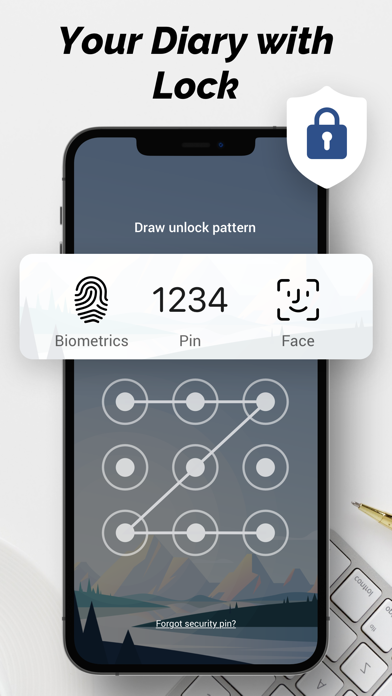
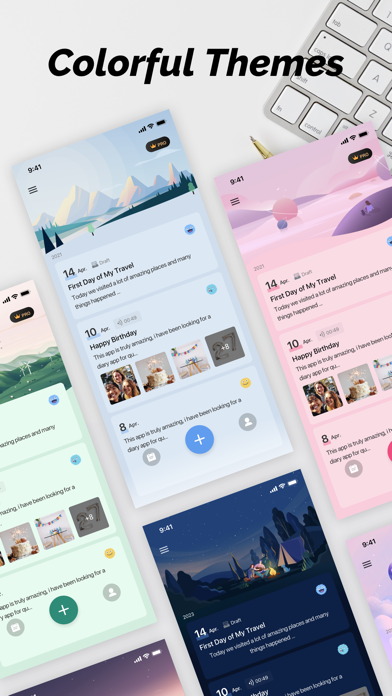


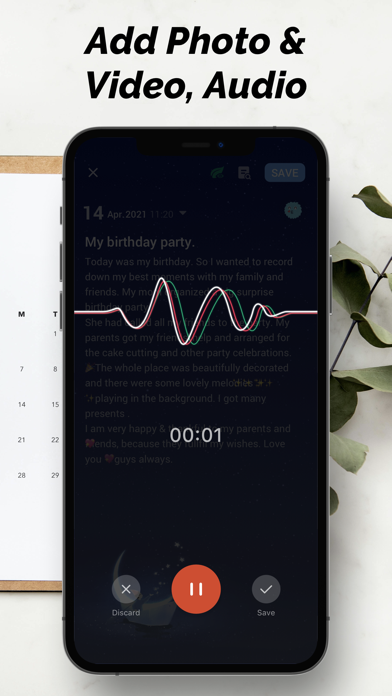
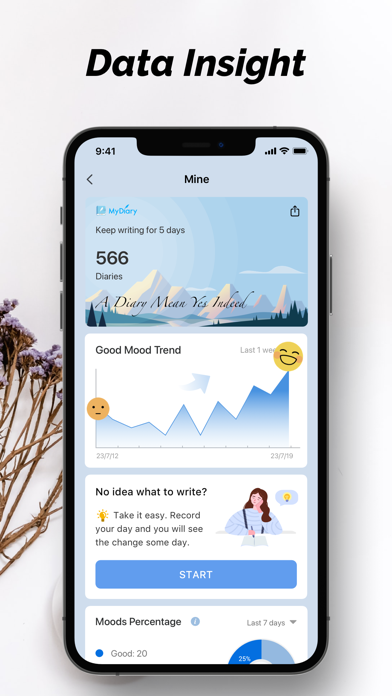
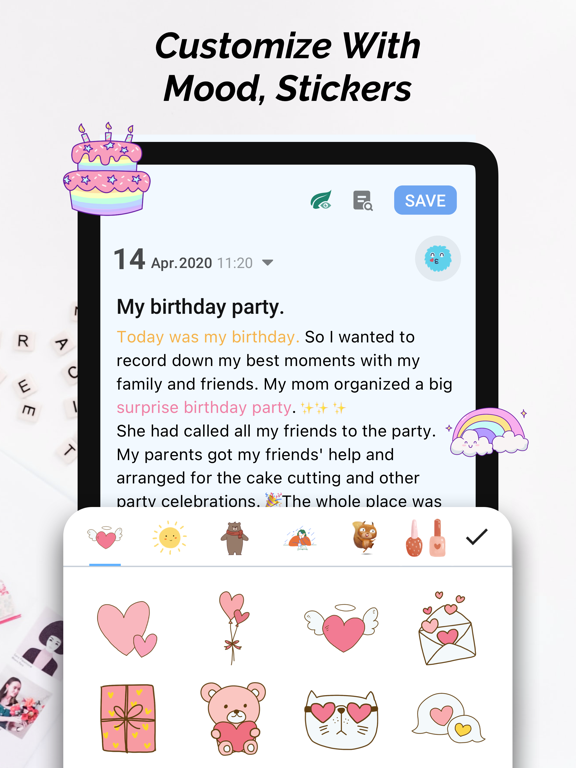
iPad screenshots




Icon palette
About this app
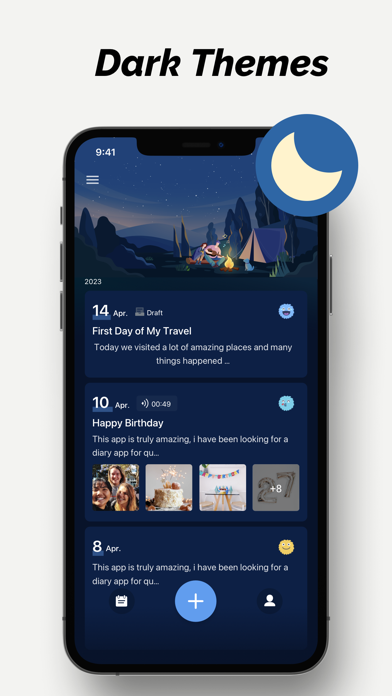
My Diary provides a friendly, professional, and personalized diary-journal experience. With its beautiful and thoughtful design, it lets you enjoy every memorable moment. WHAT IS MY DIARY? My Diary is a free online diary with lock. You can use it to record daily journals, secret thoughts, journeys, mood trackers, and any private moments. It is a diary that supports adding photos, themes, diary background, mood, font effects, etc., making your private diary more vivid and safe. Committed to providing the most intimate diary-journal writing experience for users who want to keep a diary and care about their mental health. With the My Diary app, you can: Write diaries or record journeys anytime, anywhere Write photo diaries. Add pictures or drawings to make your personal diary more vivid Customize your journals with themes, moods, font effects, stickers Use it as a mood-tracker and ge…
App details
What you can learn from My Diary - Journal with Lock
Every shipping app on the App Store has gone through the same decisions you're working through right now: which screenshot goes first, what caption sits over it, which device frame to show, what color the background should be. The 19 screenshots above are My Diary - Journal with Lock's answers to those questions — they're public, they're real, and they made it through Apple's review.
Notice the first screenshot in particular. It's the one users see in search results and on the product page, and it's where most apps spend their best caption and tightest design. Look at the proportion of background to phone, where the text sits, what one thing the image is trying to communicate.
Want to see how other Lifestyle apps approach the same problem? Browse more Lifestyle apps in the showcase.
Take what works into your own screenshots
Open LaunchShots and design your App Store & Google Play screenshots — pick a device frame, drop captions, ship in minutes. Free, in your browser.
Open the screenshot editor →