Screenshot style breakdown
Sampled from 6 of 明光義塾アプリ塾生証's App Store screenshots — background, accent and theme, measured by LaunchShots (not something Apple publishes).
#2494E4 bg
#42A2E7
#FCEC04 accent
#FFFFFF text
Screenshots
iPad screenshots



Icon palette
About this app
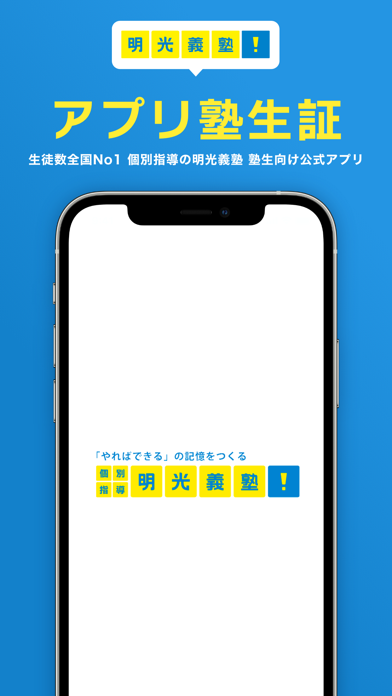
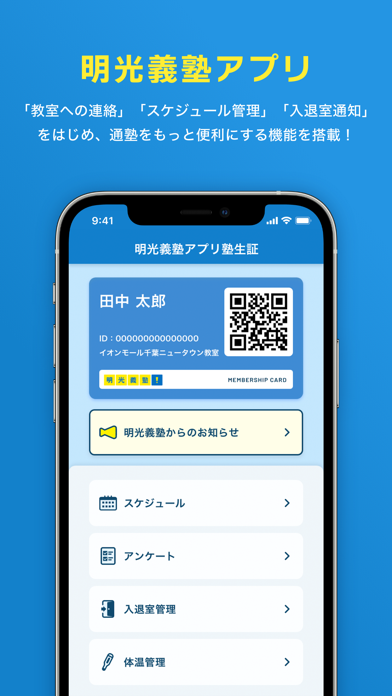
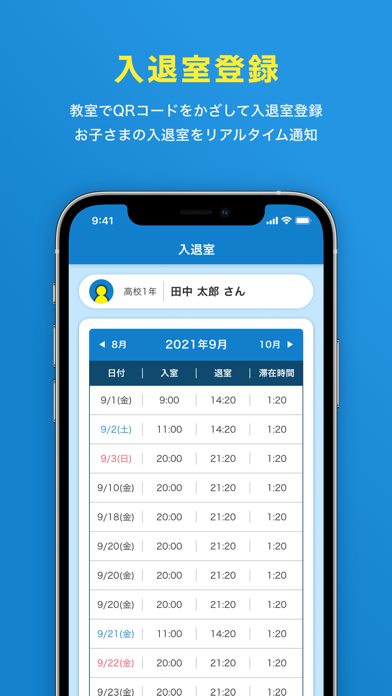
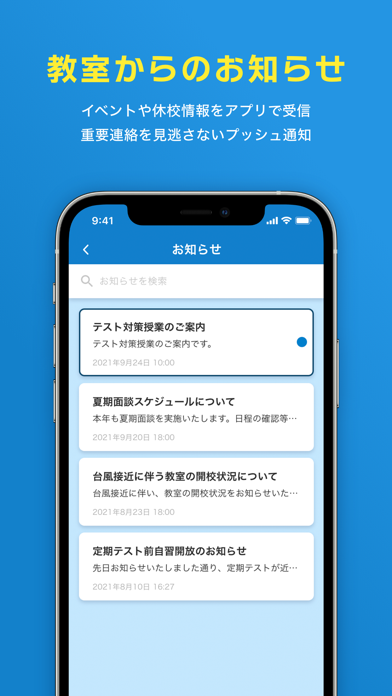
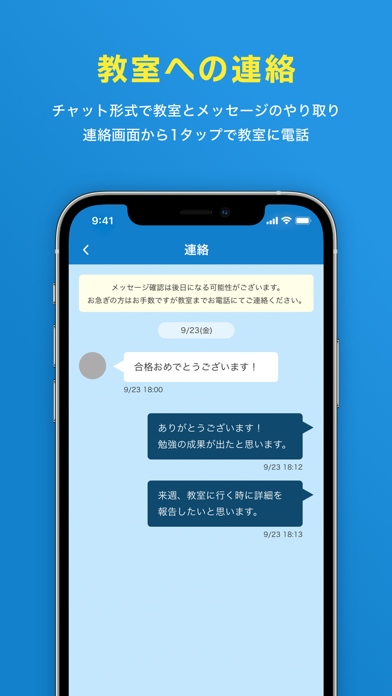
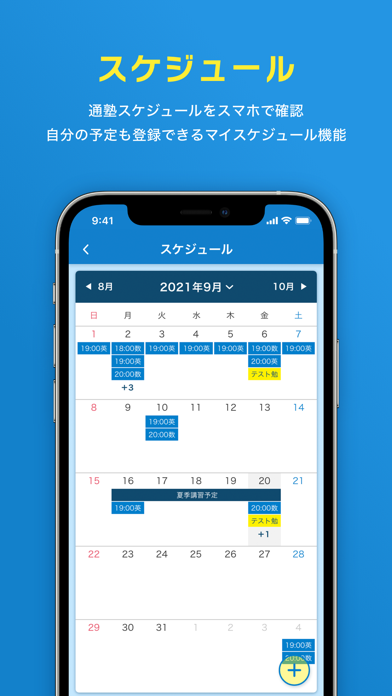
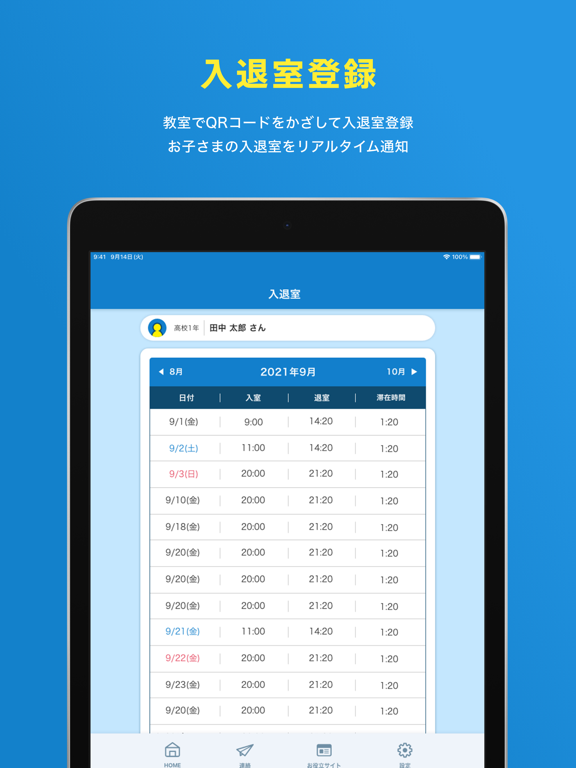
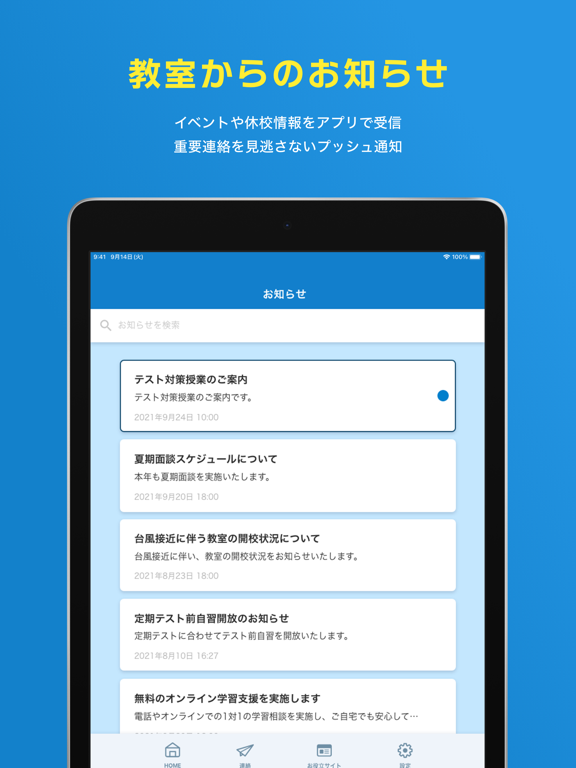
<明光義塾アプリについて> 本アプリは、明光義塾にお通いの生徒/保護者様と明光義塾の教室とのコミュニケーションを活性化させる塾生証アプリです。 <明光義塾アプリ塾生証の主な機能> ▼教室への連絡 ・チャット形式で教室とメッセージのやり取り ・連絡画面から1タップで教室に電話 ▼教室からのお知らせ ・イベントや休校情報をアプリで受信 ・重要連絡を見逃さないプッシュ通知 ▼入退室登録 ・教室でQRコードをかざして入退室登録 ・お子さまの入退室をリアルタイム通知 ▼スケジュール ・通塾スケジュールをスマホで確認 ・自分の予定も登録できるマイスケジュール機能 ▼体温管理 ・スマホから教室に体温報告 ▼請求書 ・毎月の請求内容を確認 ▼家スタディ ・自宅学習を支援 ・生徒の自宅学習開始を保護者へ通知 <注意事項> ・本アプリは明光義塾アプリ導入教室にお通いの生徒/保護者様がご利用いただけます。 ・教室によっては機能が制限される場合がございます。 ・明光義塾アプリを利用できない教室もございます。詳細は明光義塾各教室にお問い合わ…
App details
What you can learn from 明光義塾アプリ塾生証
Every shipping app on the App Store has gone through the same decisions you're working through right now: which screenshot goes first, what caption sits over it, which device frame to show, what color the background should be. The 12 screenshots above are 明光義塾アプリ塾生証's answers to those questions — they're public, they're real, and they made it through Apple's review.
What the numbers say: 明光義塾アプリ塾生証 runs a dark set with one background colour (#2494E4) carried across every screenshot — the listing reads as a single poster when the shots sit side by side in search results. The accent colour we picked up, #FCEC04, is the one to reuse for badges, arrows and highlighted words if you borrow this look. Hit Use this style to open the editor with these exact colours and drop your own screenshot in.
Notice the first screenshot in particular. It's the one users see in search results and on the product page, and it's where most apps spend their best caption and tightest design. Look at the proportion of background to phone, where the text sits, what one thing the image is trying to communicate.
Want to see how other Education apps approach the same problem? Browse more Education apps in the showcase.
Take what works into your own screenshots
Open LaunchShots and design your App Store & Google Play screenshots — pick a device frame, drop captions, ship in minutes. Free, in your browser.
Open the screenshot editor →Apps with a similar look
Closest background + accent colours among the listings we've analysed — useful when you want to see the same palette handled by a different team.