Screenshots

Icon palette
About this app
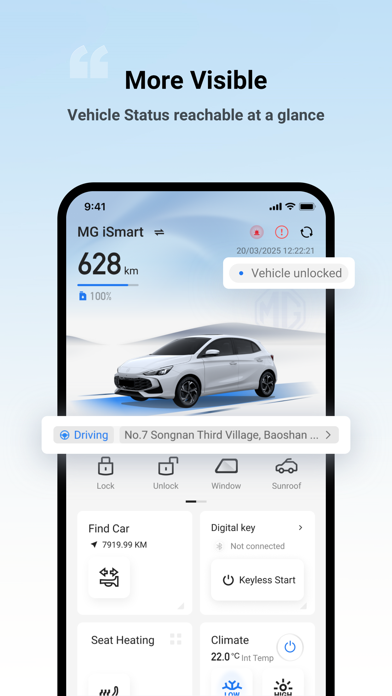
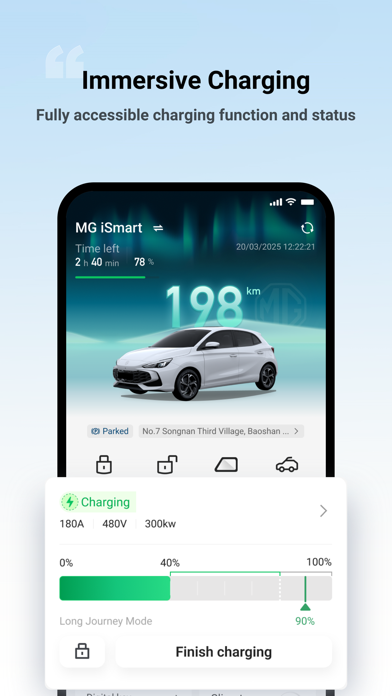
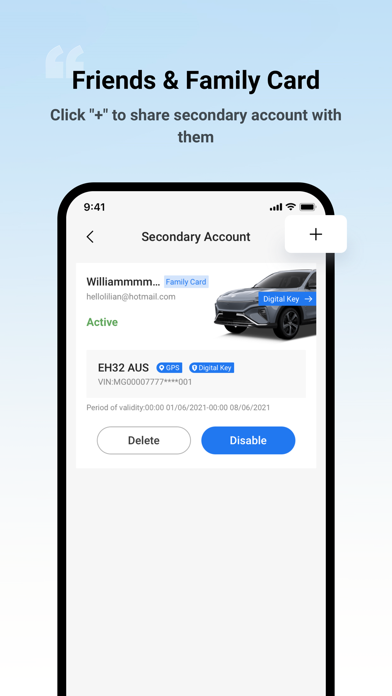
With MG iSMART, control key functions of your vehicle remotely — all from your smartphone. CHECK MG OUT All from the iSMART app, you can conveniently check your vehicle’s status, including door locks, tyre pressure, EV State of Charge (SoC)* or fuel levels and engine health, airbag readiness, and more, all from your smartphone. REMOTELY CONTROL FUNCTIONS Enjoy the convenience of setting the air conditioning to cool your MG before you even get in, perfect for your daily commute or summer adventures. During colder months, you can remotely activate the driver’s seat heating to stay cozy.** Plus, lock and unlock your MG with ease—all from a distance. HEY, WHERE’S MY MG? Lost track of where you parked? With a simple tap, the app shows your MG’s precise location on the map, so you can navigate back easily.*** For added convenience, activate the car’s horn and flash the headlights to spot i…
App details
What you can learn from MG iSMART AU & NZ
Every shipping app on the App Store has gone through the same decisions you're working through right now: which screenshot goes first, what caption sits over it, which device frame to show, what color the background should be. The 4 screenshots above are MG iSMART AU & NZ's answers to those questions — they're public, they're real, and they made it through Apple's review.
Notice the first screenshot in particular. It's the one users see in search results and on the product page, and it's where most apps spend their best caption and tightest design. Look at the proportion of background to phone, where the text sits, what one thing the image is trying to communicate.
Want to see how other Lifestyle apps approach the same problem? Browse more Lifestyle apps in the showcase.
Take what works into your own screenshots
Open LaunchShots and design your App Store & Google Play screenshots — pick a device frame, drop captions, ship in minutes. Free, in your browser.
Open the screenshot editor →