Screenshot changes — detected by LaunchShots
Screenshot style breakdown
Sampled from 4 of 押したの誰だ!?'s App Store screenshots — background, accent and theme, measured by LaunchShots (not something Apple publishes).
#040404 bg
#272727
#0404B4 accent
#FFFFFF text
Reading the caption text from the screenshots in your browser…
Screenshots


iPad screenshots

Icon palette
About this app
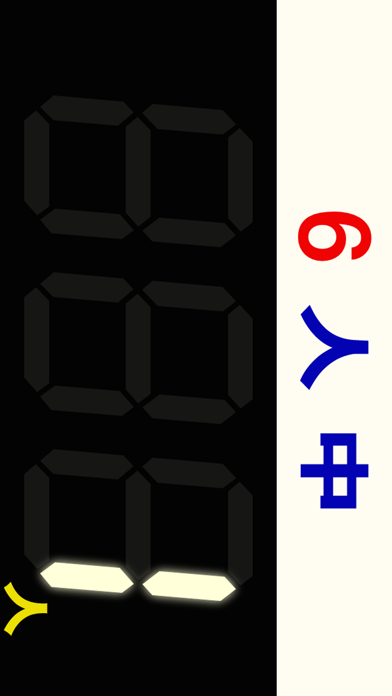
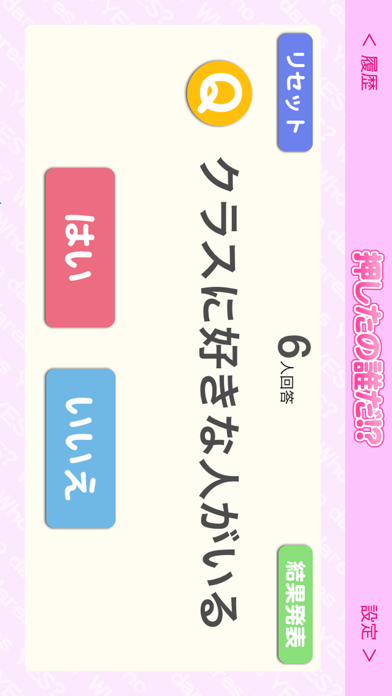
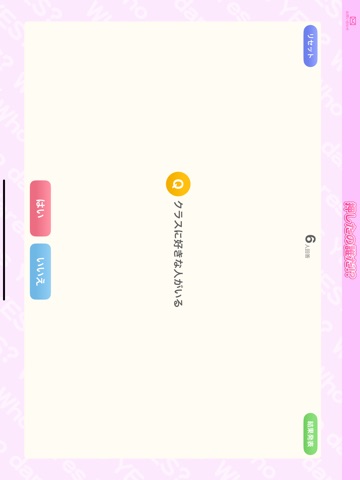
押したの誰だ!?は、テレビでよく見るトータライザー(「○○だと思う人、スイッチオン!」ってアンケートで使われる機械)を再現したアプリです。これがあれば、いつでもどこでもアンケートをとることができます。 トータライザーには、質問に「はい」と答えた人数だけが表示されます。誰が答えたか分からないので、きわどい質問もできるかも!? 学校で… Q. クラスに好きな人がいる Q. 今付合ってる人がいる Q. キスしたことがある Q. ○○さんの秘密を知っている 職場の飲み会で… Q. 今の仕事は面白い Q. 転職を考えている Q. 俺が一番仕事ができる Q. 職場恋愛をしたことがある 同窓会で… Q. この中に当時好きだった人がいる Q. この中に昔付合ってた人がいる Q. この中に名前を思い出せない人がいる Q. ただ今恋人募集中! 合コンで… Q. 好みの人がいる Q. 今日は勝負下着だ Q. 今までに10人以上と付合った Q. なんだか今日はいけそうな気がする〜 お姉さんがいる飲み屋で… Q. 彼氏がいる Q. 実はサバをよんでいる Q. 実は結婚している Q. 実は子…
App details
What you can learn from 押したの誰だ!?
Every shipping app on the App Store has gone through the same decisions you're working through right now: which screenshot goes first, what caption sits over it, which device frame to show, what color the background should be. The 6 screenshots above are 押したの誰だ!?'s answers to those questions — they're public, they're real, and they made it through Apple's review.
What the numbers say: 押したの誰だ!? runs a mixed light-and-dark set where the background shifts from screenshot to screenshot (first shot #040404) — each image has to stand on its own, so the captions carry more of the story. The accent colour we picked up, #0404B4, is the one to reuse for badges, arrows and highlighted words if you borrow this look. Hit Use this style to open the editor with these exact colours and drop your own screenshot in.
Notice the first screenshot in particular. It's the one users see in search results and on the product page, and it's where most apps spend their best caption and tightest design. Look at the proportion of background to phone, where the text sits, what one thing the image is trying to communicate.
Want to see how other Entertainment apps approach the same problem? Browse more Entertainment apps in the showcase.
Take what works into your own screenshots
Open LaunchShots and design your App Store & Google Play screenshots — pick a device frame, drop captions, ship in minutes. Free, in your browser.
Open the screenshot editor →Apps with a similar look
Closest background + accent colours among the listings we've analysed — useful when you want to see the same palette handled by a different team.