Screenshots
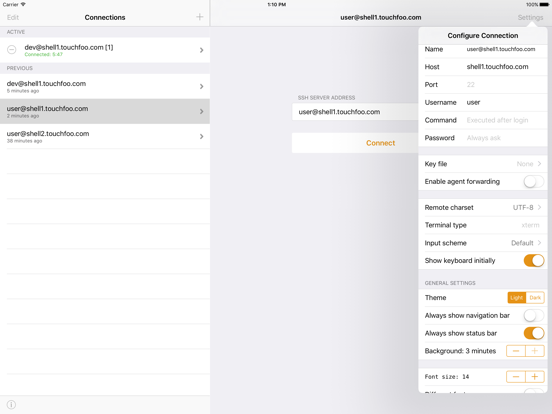
iPad screenshots


Icon palette
About this app
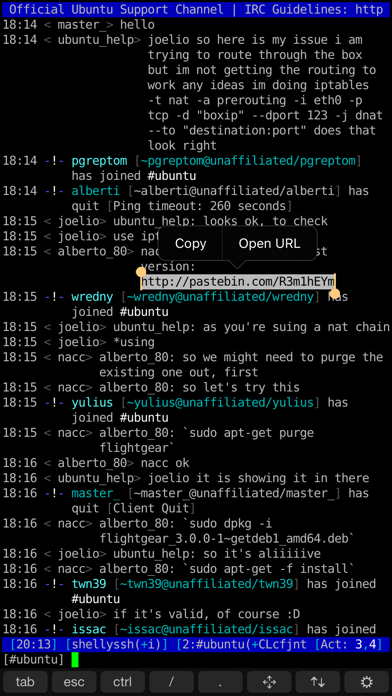
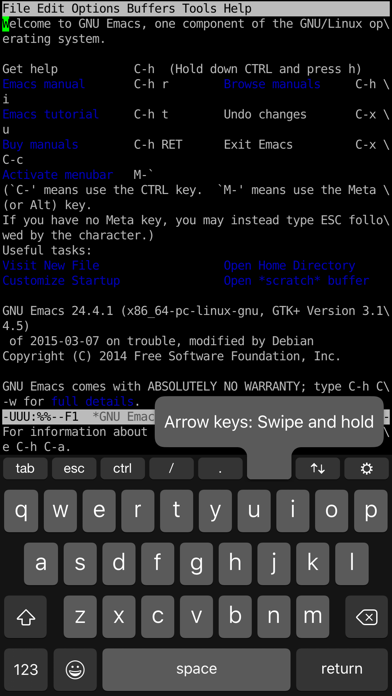
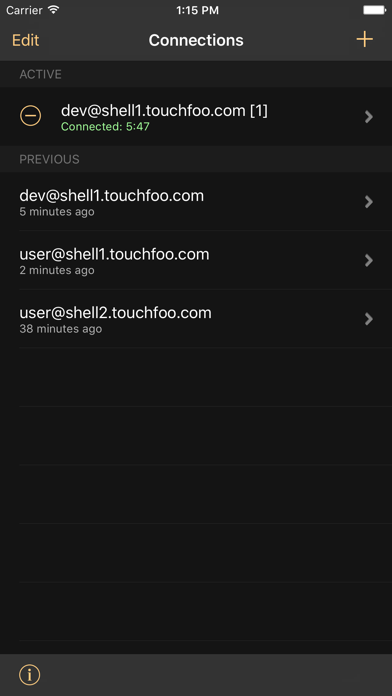
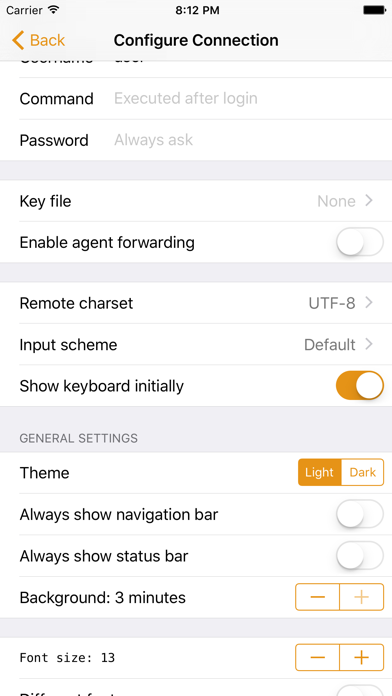
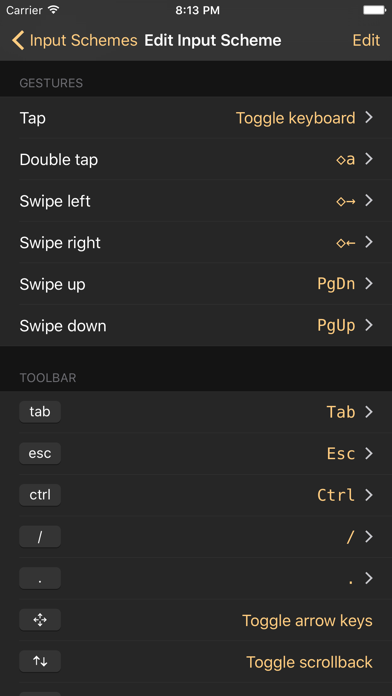
SSH client designed for usability and performance. RELIABLE AND FAST • Hardware accelerated text rendering. • Robust terminal emulation based on the PuTTY engine. • Works great with programs such as 'screen' and 'irssi'. CONTROL WITH GESTURES • Default gestures optimized for irssi. Just swipe to switch channels or to scroll up and down. • Fully customizable. Any keypress or action can be attached to any gesture. EASY CONNECTING • Save user credentials and configure a remote command such as ‘screen -rd’ to connect with one tap. • 3D touch support. Connect directly from the iOS home screen. CUSTOMIZABLE KEYBOARD • Easily bind custom actions to buttons on the keyboard toolbar. • Works with custom iOS keyboards such as SwiftKey. OPEN LINKS AND SELECT TEXT • Familiar iOS text selection experience. Long-press on text to show the selection controls. • Copy and paste text. • Select a URL t…
App details
What you can learn from Shelly - SSH Client
Every shipping app on the App Store has gone through the same decisions you're working through right now: which screenshot goes first, what caption sits over it, which device frame to show, what color the background should be. The 8 screenshots above are Shelly - SSH Client's answers to those questions — they're public, they're real, and they made it through Apple's review.
Notice the first screenshot in particular. It's the one users see in search results and on the product page, and it's where most apps spend their best caption and tightest design. Look at the proportion of background to phone, where the text sits, what one thing the image is trying to communicate.
Want to see how other Developer Tools apps approach the same problem? Browse more Developer Tools apps in the showcase.
Take what works into your own screenshots
Open LaunchShots and design your App Store & Google Play screenshots — pick a device frame, drop captions, ship in minutes. Free, in your browser.
Open the screenshot editor →