Chart position — tracked daily by LaunchShots
Screenshot changes — detected by LaunchShots
Screenshot style breakdown
Sampled from 6 of TouchRetouch: Rimuovi Oggetti's App Store screenshots — background, accent and theme, measured by LaunchShots (not something Apple publishes).
#ECF4FC bg
#CFD6DD
#CC9C84 accent
#111111 text
Screenshots

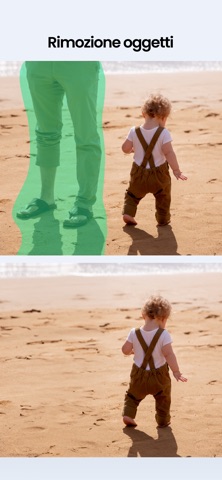


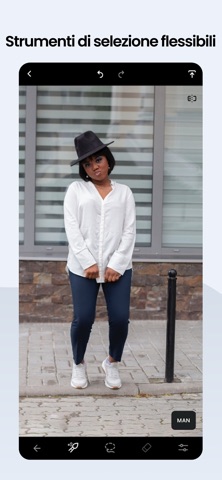
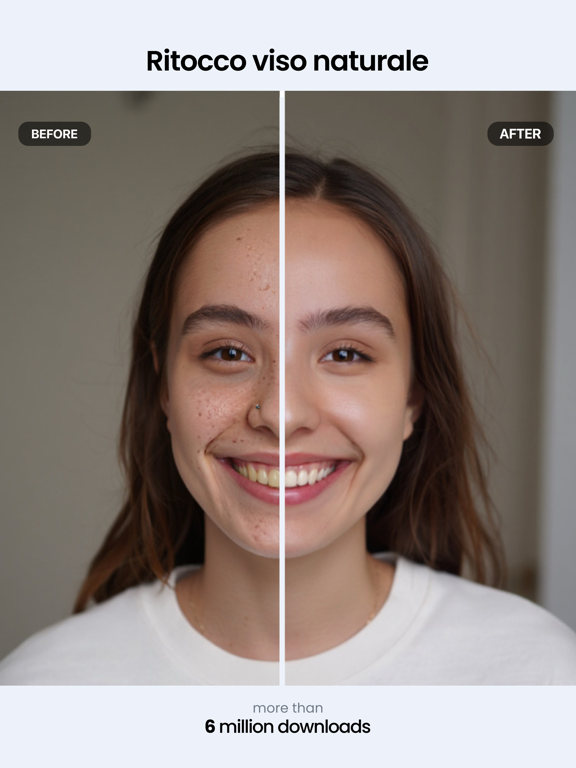
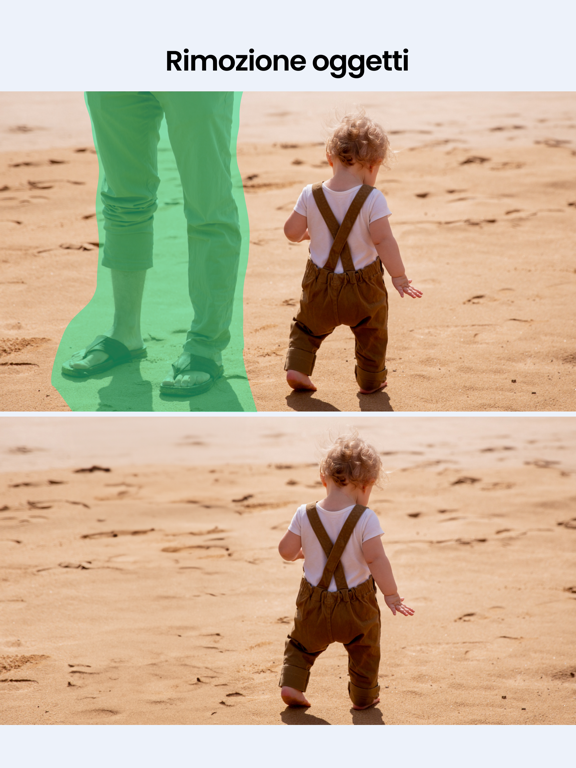
iPad screenshots


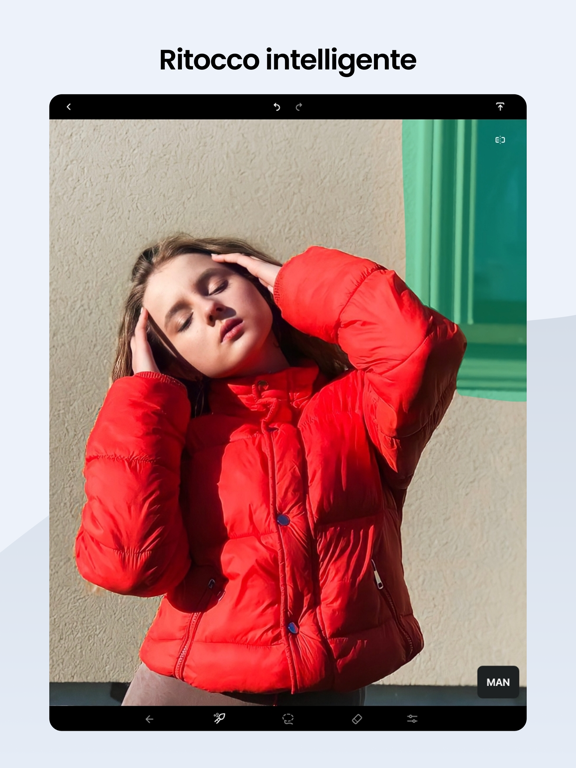
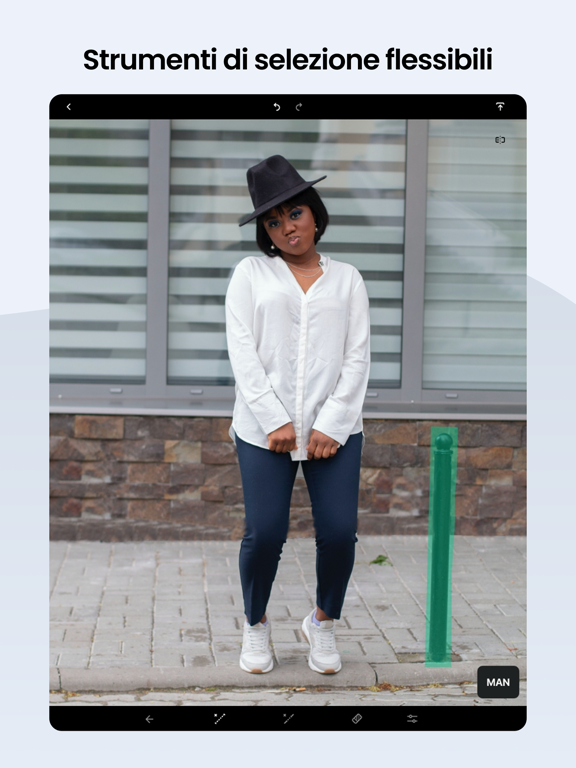
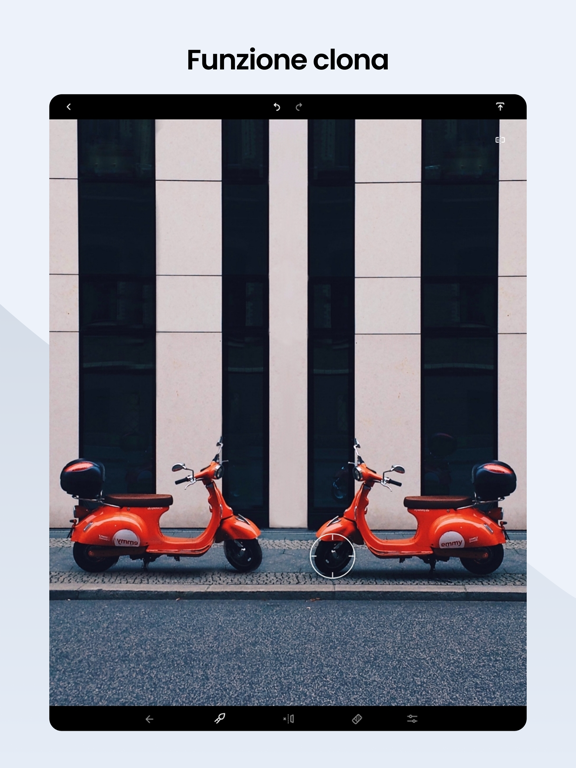
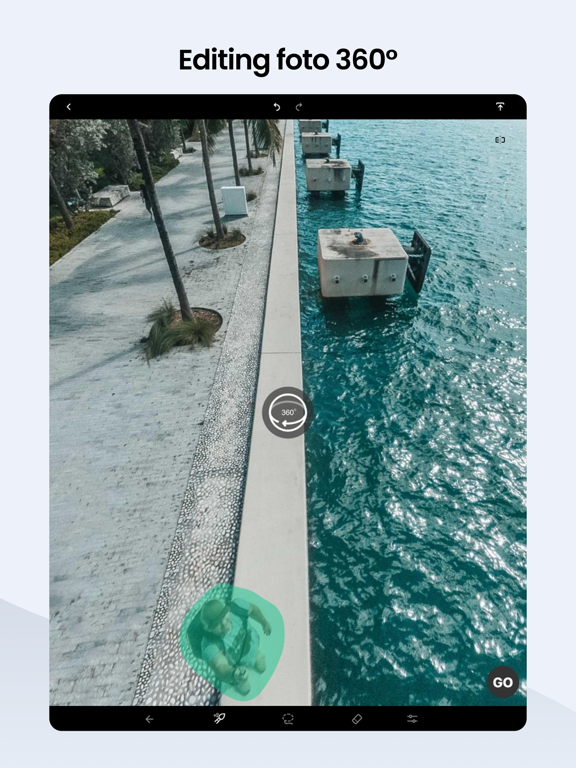
Icon palette
About this app
La tua app di fotoritocco tascabile per ritoccare foto, rimuovere elementi indesiderati dalle foto ovunque ti trovi e molto altro. Dona alle tue foto un aspetto naturale facendoti risparmiare tempo prezioso. Un oggetto capitato per caso, anche se può sembrare piccolo e innocuo, può rovinare completamente l’intera composizione di una foto e renderla inutilizzabile. Ma non è un problema se hai il tuo amato TouchRetouch sempre a portata di mano. In ADVA Soft innoviamo continuamente. I nostri ultimi aggiornamenti, tra cui Editing by text, la rimozione e l’aggiunta di persone alla foto, Natural face retouch, la funzione Cancella AI, lo strumento per cancellare e cambiare lo sfondo e funzioni come Reti e la rimozione di oggetti con AI edge-aware, sono stati progettati tenendo conto del tuo feedback. VANTAGGI: • Rimuovi oggetti e persone, ritocca i volti e cambia sfondo • Ottieni ritocchi …
App details
What you can learn from TouchRetouch: Rimuovi Oggetti
Every shipping app on the App Store has gone through the same decisions you're working through right now: which screenshot goes first, what caption sits over it, which device frame to show, what color the background should be. The 20 screenshots above are TouchRetouch: Rimuovi Oggetti's answers to those questions — they're public, they're real, and they made it through Apple's review.
What the numbers say: TouchRetouch: Rimuovi Oggetti runs a light set with one background colour (#ECF4FC) carried across every screenshot — the listing reads as a single poster when the shots sit side by side in search results. The accent colour we picked up, #CC9C84, is the one to reuse for badges, arrows and highlighted words if you borrow this look. Hit Use this style to open the editor with these exact colours and drop your own screenshot in.
Notice the first screenshot in particular. It's the one users see in search results and on the product page, and it's where most apps spend their best caption and tightest design. Look at the proportion of background to phone, where the text sits, what one thing the image is trying to communicate.
Want to see how other Photo & Video apps approach the same problem? Browse more Photo & Video apps in the showcase.
Take what works into your own screenshots
Open LaunchShots and design your App Store & Google Play screenshots — pick a device frame, drop captions, ship in minutes. Free, in your browser.
Open the screenshot editor →Apps with a similar look
Closest background + accent colours among the listings we've analysed — useful when you want to see the same palette handled by a different team.