Chart position — tracked daily by LaunchShots
Screenshot style breakdown
Sampled from 4 of SideBooks's App Store screenshots — background, accent and theme, measured by LaunchShots (not something Apple publishes).
#040404 bg
#272727
#BC642C accent
#FFFFFF text
Screenshots
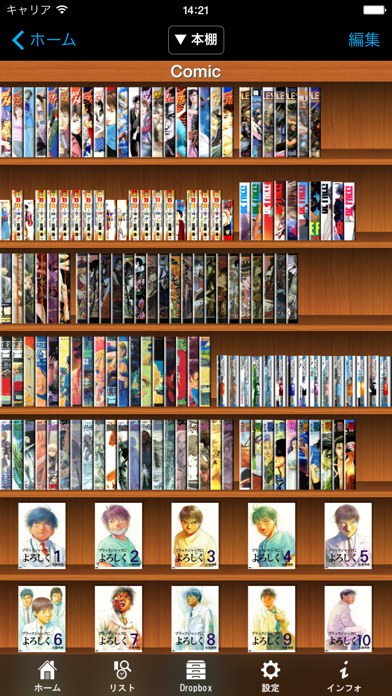
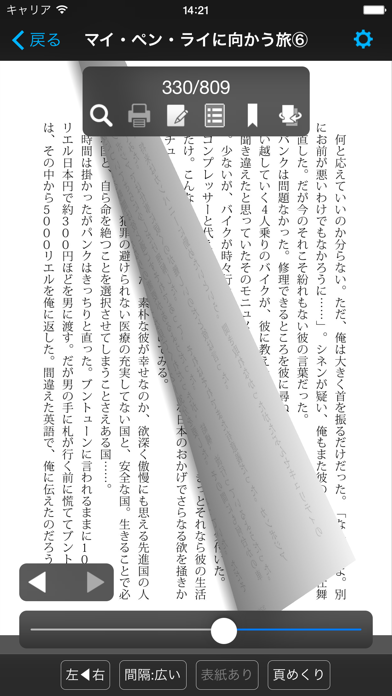
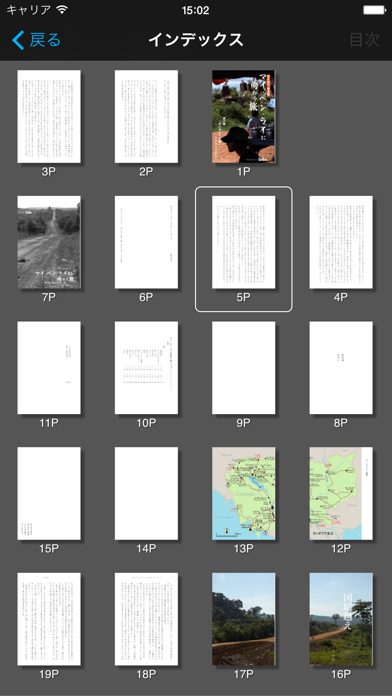
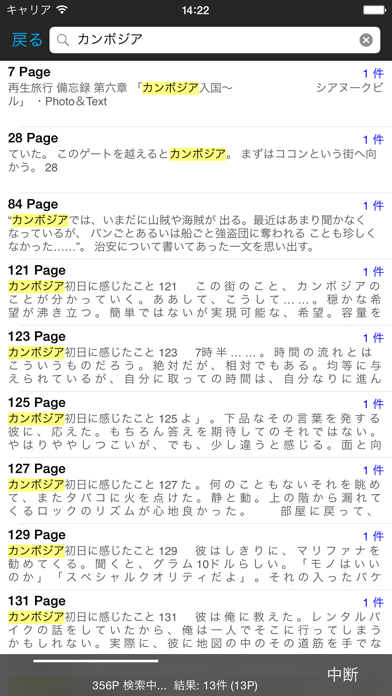
iPad screenshots
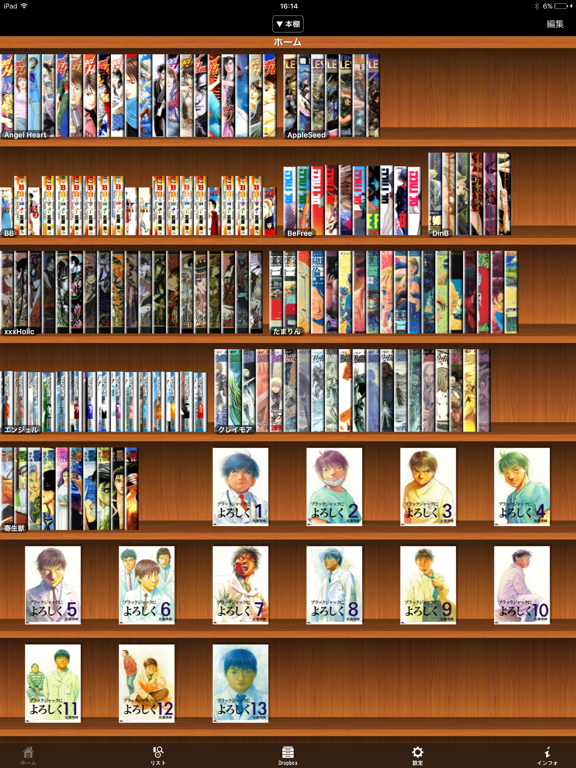
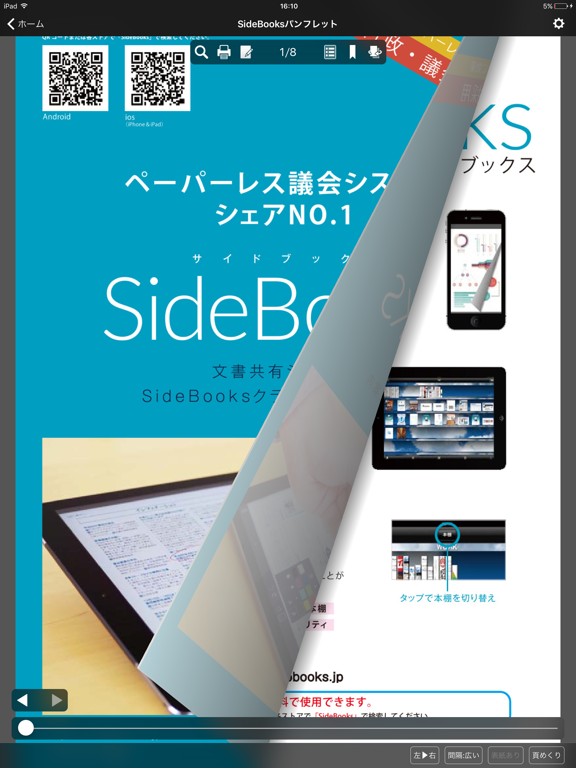
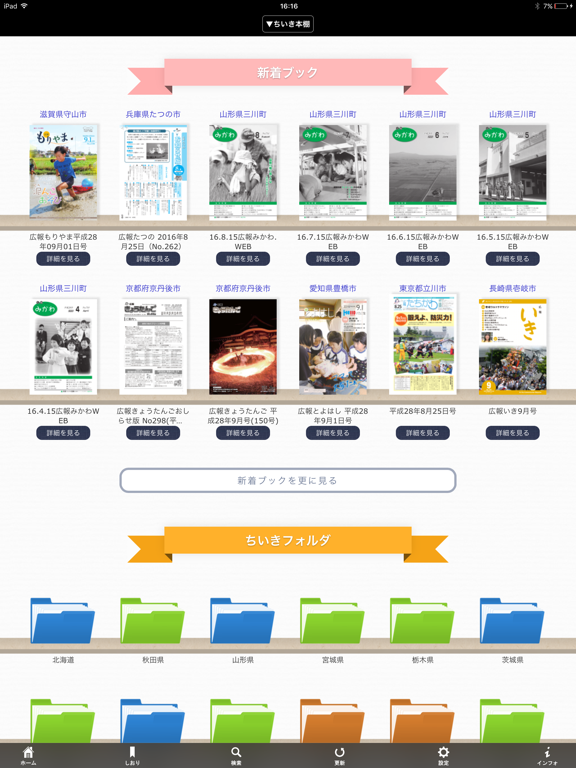

Icon palette
About this app
SideBooks(サイドブックス)は、まるで実際の紙をめくるような感覚で読書を楽しめる、高機能かつ高速なPDFビューア&コミックビューアです。 PDF,ZIP,CBZ,RAR,CBR形式のファイルに対応しています。 【メッセージ送信について】 インストール後初回起動時にメッセージ送信の許可を求めるダイアログが表示されます。 これは法人向けのSideBooksクラウド本棚で使用するためのものであり、一般のユーザー様へ広告メッセージ等を配信する用途ではない点、ご安心ください。 【特徴】 通常のページスライドに加え、実際の紙をめくるようなリアルなカールアニメーションを実現。 閲覧方法は右開き、左開き、縦開きの3方向に対応。どんな書籍も最適な環境で閲覧できます。 あらゆる表示倍率で最適化された、高速で美しい画面表示。 無限階層のフォルダ作成、移動、削除、リネームなど、充実した本棚管理機能。 背表紙風表示にも対応したリアルなビジュアル本棚機能。 ファイルの取り込み方法は、Dropboxによるネットワーク転送、iTunesによるUSB転送、他のアプリから直接転…
App details
What you can learn from SideBooks
Every shipping app on the App Store has gone through the same decisions you're working through right now: which screenshot goes first, what caption sits over it, which device frame to show, what color the background should be. The 8 screenshots above are SideBooks's answers to those questions — they're public, they're real, and they made it through Apple's review.
What the numbers say: SideBooks runs a mixed light-and-dark set where the background shifts from screenshot to screenshot (first shot #040404) — each image has to stand on its own, so the captions carry more of the story. The accent colour we picked up, #BC642C, is the one to reuse for badges, arrows and highlighted words if you borrow this look. Hit Use this style to open the editor with these exact colours and drop your own screenshot in.
Notice the first screenshot in particular. It's the one users see in search results and on the product page, and it's where most apps spend their best caption and tightest design. Look at the proportion of background to phone, where the text sits, what one thing the image is trying to communicate.
Want to see how other Book apps approach the same problem? Browse more Book apps in the showcase.
Take what works into your own screenshots
Open LaunchShots and design your App Store & Google Play screenshots — pick a device frame, drop captions, ship in minutes. Free, in your browser.
Open the screenshot editor →Apps with a similar look
Closest background + accent colours among the listings we've analysed — useful when you want to see the same palette handled by a different team.