Chart position — tracked daily by LaunchShots
Screenshot style breakdown
Sampled from 6 of 賃貸物件検索アプリ お部屋探しはアパマンショップ's App Store screenshots — background, accent and theme, measured by LaunchShots (not something Apple publishes).
#ACACAC bg
#979797
#043C94 accent
#111111 text
Screenshots


iPad screenshots
Icon palette
About this app
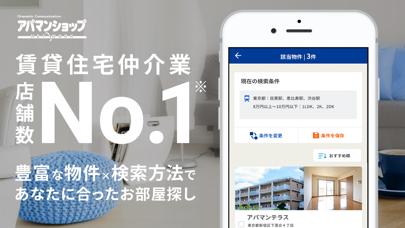
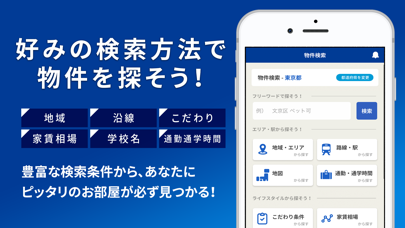
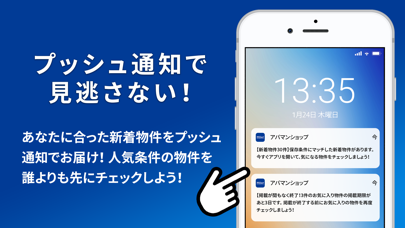
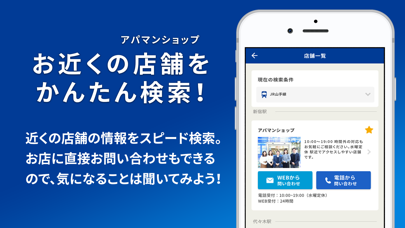
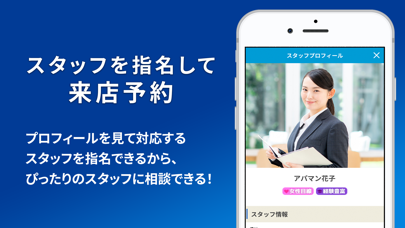
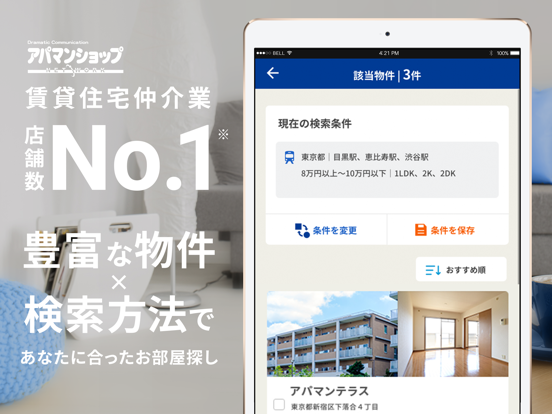
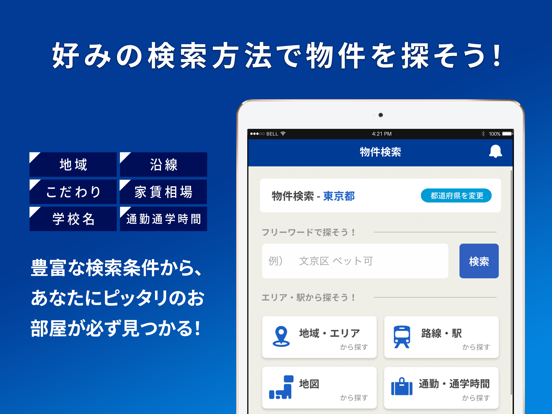
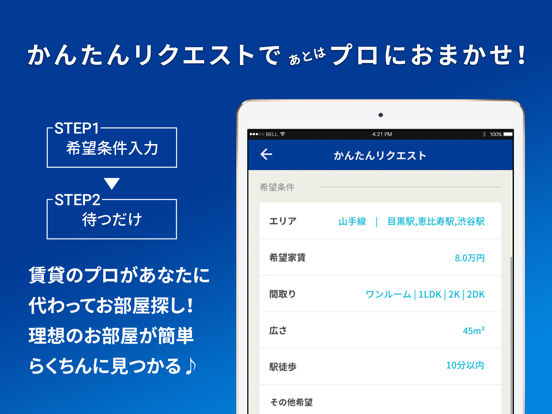
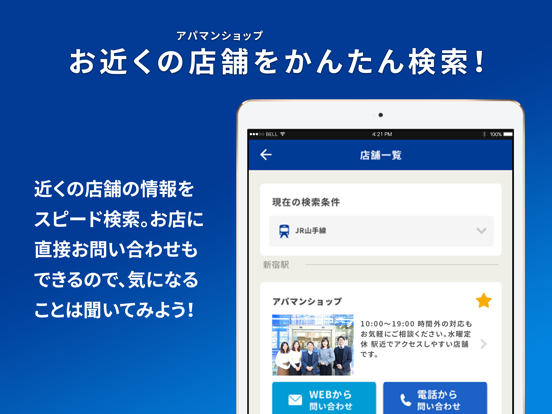
●アパマンショップ公式アプリとは? アパマンショップ公式アプリは、お部屋探し専用に作られた賃貸物件検索アプリです。 日本最大級の店舗ネットワークで北海道から沖縄まで、日本全国の不動産情報から様々なお部屋・物件をアプリで簡単に検索できます! WEBサイトでも人気の「かんたんリクエスト」機能や「通勤、通学時間」検索などの便利機能に加え、地図からお部屋・物件を検索可能! 検索項目も豊富なので、ひとり暮らし向けの賃貸マンション、シェアルームや、カップル向けの2DK・2LDK物件、ファミリー向けの広々とした賃貸マンション、一戸建てなど、希望のお部屋が探しやすい! 賃貸住宅仲介業店舗数No.1*なので、賃貸物件を検索後の相談・内見もラクラク! アパマンショップ公式アプリを使って理想のお部屋や物件が検索して見つけて下さい! ●豊富な検索機能紹介 ・フリーワードで探す お部屋の条件が既に決まっている人には「フリーワード検索」が便利です!検索ボックスに地域名や駅名、お部屋の広さやこだわり条件など、希望の条件を入力するだけ…
App details
What you can learn from 賃貸物件検索アプリ お部屋探しはアパマンショップ
Every shipping app on the App Store has gone through the same decisions you're working through right now: which screenshot goes first, what caption sits over it, which device frame to show, what color the background should be. The 14 screenshots above are 賃貸物件検索アプリ お部屋探しはアパマンショップ's answers to those questions — they're public, they're real, and they made it through Apple's review.
What the numbers say: 賃貸物件検索アプリ お部屋探しはアパマンショップ runs a mixed light-and-dark set where the background shifts from screenshot to screenshot (first shot #ACACAC) — each image has to stand on its own, so the captions carry more of the story. The accent colour we picked up, #043C94, is the one to reuse for badges, arrows and highlighted words if you borrow this look. Hit Use this style to open the editor with these exact colours and drop your own screenshot in.
Notice the first screenshot in particular. It's the one users see in search results and on the product page, and it's where most apps spend their best caption and tightest design. Look at the proportion of background to phone, where the text sits, what one thing the image is trying to communicate.
Want to see how other Navigation apps approach the same problem? Browse more Navigation apps in the showcase.
Take what works into your own screenshots
Open LaunchShots and design your App Store & Google Play screenshots — pick a device frame, drop captions, ship in minutes. Free, in your browser.
Open the screenshot editor →Apps with a similar look
Closest background + accent colours among the listings we've analysed — useful when you want to see the same palette handled by a different team.