Chart position — tracked daily by LaunchShots
Screenshot style breakdown
Sampled from 4 of internavi Pocket's App Store screenshots — background, accent and theme, measured by LaunchShots (not something Apple publishes).
#142424 bg
#344242
#0404FC accent
#FFFFFF text
Screenshots
Icon palette
About this app
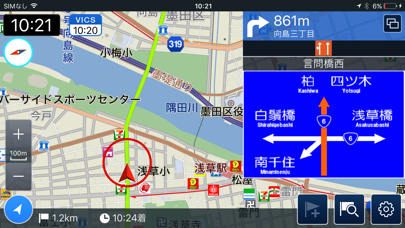
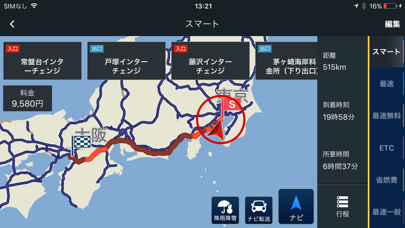
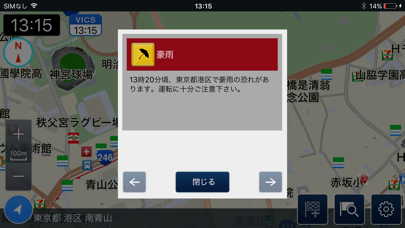
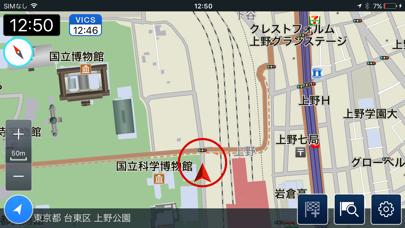
2016年11月「インターナビポケット」が新しくなりました! 「インターナビ ポケット」は、Hondaが提供するHonda四輪車オーナーのためのカーライフサービスアプリ「インターナビ・リンク」とHonda二輪車オーナーのための バイクライフサービスアプリ「Honda Moto LINC」と連携させ、ドライブ前のルートチェックやプランニングができるアプリです。 さらに、有料の「ナビゲーション機能」をご購入いただくと、本格的なルート案内や音声案内、オートリルートに対応し、 Hondaの純正カーナビ「インターナビ」をスマートフォンでご利用いただけます。 ナビゲーション機能(有料オプション)は1ヶ月間無料でお使いいただけます。ぜひ、ご購入の前に一度お試しください。 ◆ 「インターナビ ポケット」の主な機能 ・基本機能(無料) 「インターナビポケット」に標準搭載された地図上に目的地までのルートを表示し、地図が現在地の変化に追従。まるでナビのように便利に使えます。 ルート検索はHonda独自の交通情報を活用し、6つの多彩なルートからお客様のニーズに…
App details
What you can learn from internavi Pocket
Every shipping app on the App Store has gone through the same decisions you're working through right now: which screenshot goes first, what caption sits over it, which device frame to show, what color the background should be. The 4 screenshots above are internavi Pocket's answers to those questions — they're public, they're real, and they made it through Apple's review.
What the numbers say: internavi Pocket runs a dark set where the background shifts from screenshot to screenshot (first shot #142424) — each image has to stand on its own, so the captions carry more of the story. The accent colour we picked up, #0404FC, is the one to reuse for badges, arrows and highlighted words if you borrow this look. Hit Use this style to open the editor with these exact colours and drop your own screenshot in.
Notice the first screenshot in particular. It's the one users see in search results and on the product page, and it's where most apps spend their best caption and tightest design. Look at the proportion of background to phone, where the text sits, what one thing the image is trying to communicate.
Want to see how other Navigation apps approach the same problem? Browse more Navigation apps in the showcase.
Take what works into your own screenshots
Open LaunchShots and design your App Store & Google Play screenshots — pick a device frame, drop captions, ship in minutes. Free, in your browser.
Open the screenshot editor →Apps with a similar look
Closest background + accent colours among the listings we've analysed — useful when you want to see the same palette handled by a different team.