Chart position — tracked daily by LaunchShots
Screenshot style breakdown
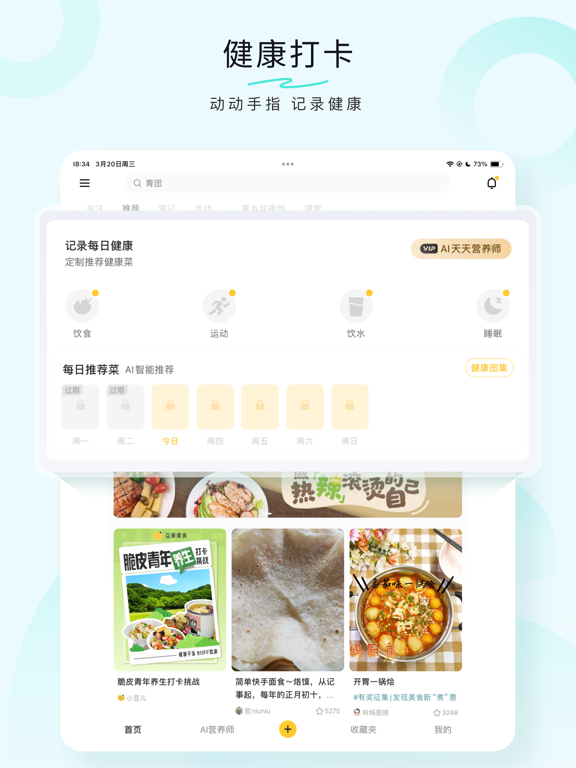
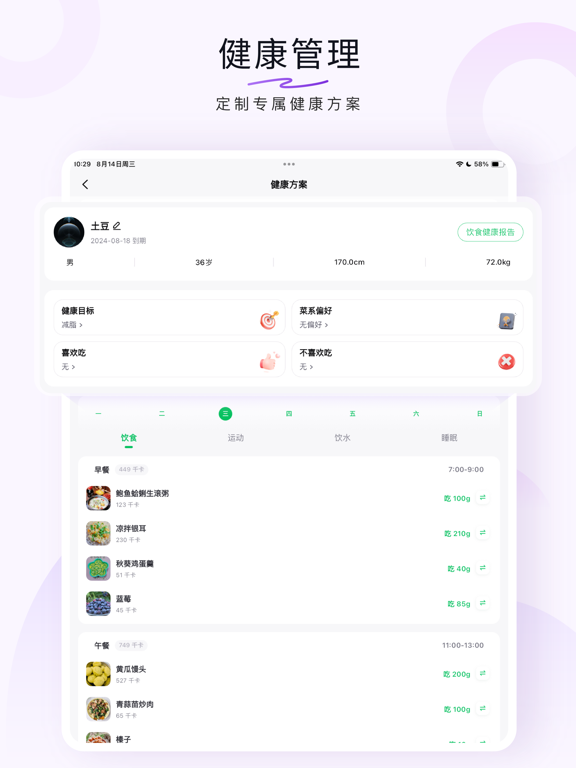
Sampled from 6 of 豆果美食-菜谱食谱视频菜谱大全's App Store screenshots — background, accent and theme, measured by LaunchShots (not something Apple publishes).
#D4FCE4 bg
#BADDC8
#ACE47C accent
#111111 text
Screenshots


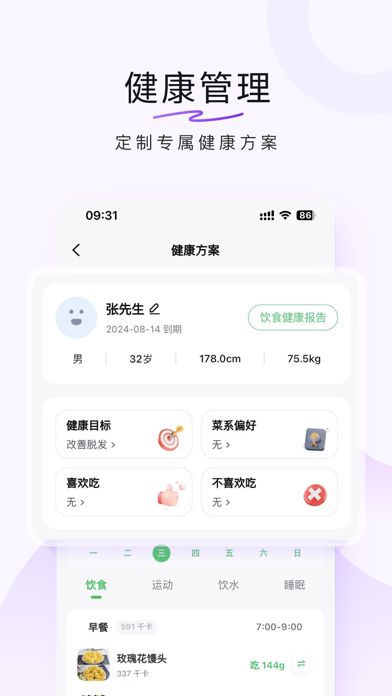


iPad screenshots



Icon palette
About this app
汇聚 3 亿美食用户,精选 300 万道美食菜谱,迸发美食灵感,尽在豆果美食。 【主要功能】 ——发现热门内容: 从吃货日常“家常菜”到全球各国 “各地美味”,有无辣不欢“下饭菜”,也有新手小白“快手餐”在这里找到你365天的每一餐,海量食谱、菜单任你挑选!千万厨娘、厨神在此集结,各种生活相关优质内容呈现,品质趣文,想看就看! ——在线课堂: 美食视频在线教学,直击现场,大咖0距离面授厨房秘籍,在线互动问答,助你扫清烹饪路上的所有难题。 ——笔记: 美食爱好者的交流平台,分享你的生活点点滴滴,与千万爱吃的灵魂们一起,缔造美好生活! ——商城: 帮您严格甄选品质好物,把关商品质量,严苛服务品质,提高生活品质,安全、放心购买,只为让您的购买更轻松~关于吃,我们很认真! 更多体验,等你发现... 【连续续费会员说明】 1. 订阅服务:连续包月会员、连续包季会员、连续包年服务。 2. 订阅周期:1个月(连续包月会员);3个月(连续包季会员);12个月(连续包年会员) 3. 订阅价格:连续包月产品首月5元,月度续费19元;连续包季产品每季58元;连…
App details
What you can learn from 豆果美食-菜谱食谱视频菜谱大全
Every shipping app on the App Store has gone through the same decisions you're working through right now: which screenshot goes first, what caption sits over it, which device frame to show, what color the background should be. The 12 screenshots above are 豆果美食-菜谱食谱视频菜谱大全's answers to those questions — they're public, they're real, and they made it through Apple's review.
What the numbers say: 豆果美食-菜谱食谱视频菜谱大全 runs a light set with one background colour (#D4FCE4) carried across every screenshot — the listing reads as a single poster when the shots sit side by side in search results. The accent colour we picked up, #ACE47C, is the one to reuse for badges, arrows and highlighted words if you borrow this look. Hit Use this style to open the editor with these exact colours and drop your own screenshot in.
Notice the first screenshot in particular. It's the one users see in search results and on the product page, and it's where most apps spend their best caption and tightest design. Look at the proportion of background to phone, where the text sits, what one thing the image is trying to communicate.
Want to see how other Food & Drink apps approach the same problem? Browse more Food & Drink apps in the showcase.
Take what works into your own screenshots
Open LaunchShots and design your App Store & Google Play screenshots — pick a device frame, drop captions, ship in minutes. Free, in your browser.
Open the screenshot editor →Apps with a similar look
Closest background + accent colours among the listings we've analysed — useful when you want to see the same palette handled by a different team.