Chart position — tracked daily by LaunchShots
Screenshot changes — detected by LaunchShots
Screenshot style breakdown
Sampled from 6 of Lingualeo: учи английский язык's App Store screenshots — background, accent and theme, measured by LaunchShots (not something Apple publishes).
#F4FCFC bg
#D6DDDD
#2C4C74 accent
#111111 text
Screenshots


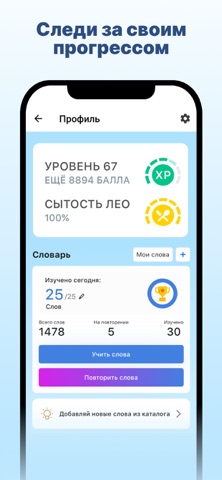


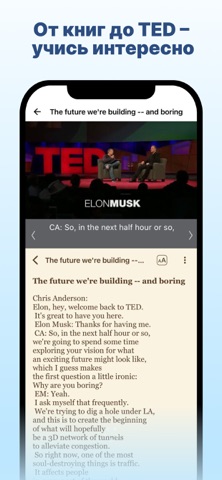

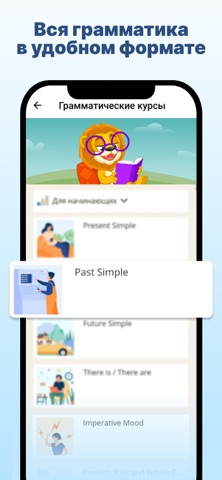
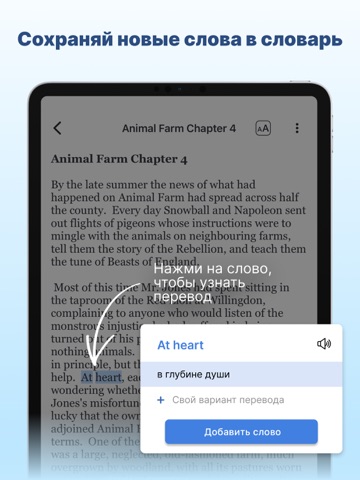
iPad screenshots




Icon palette
About this app
Более 23 миллионов пользователей по всему миру уже изучают языки с Lingualeo! Lingualeo — это многофункциональное приложение для изучения языков. Оно помогает легко и с интересом осваивать английский, китайский, чешский, нидерландский, французский, немецкий, греческий, хинди, индонезийский, итальянский, японский, корейский, польский, португальский, русский, сербский, испанский, турецкий, украинский, вьетнамский и другие языки. Приложение использует технологии персонализации , чтобы подбирать упражнения и материалы с учётом вашего уровня и целей обучения. Хотите понимать грамматику, улучшить чтение, разговорную речь, письмо или понимание на слух? В Lingualeo есть все необходимые инструменты, чтобы двигаться к результату уверенно и в своем темпе. Почему выбирают Lingualeo: 1. Интерактивные уроки и упражнения Читайте тексты и смотрите видео на языке оригинала. Незнакомые слова можно…
App details
What you can learn from Lingualeo: учи английский язык
Every shipping app on the App Store has gone through the same decisions you're working through right now: which screenshot goes first, what caption sits over it, which device frame to show, what color the background should be. The 20 screenshots above are Lingualeo: учи английский язык's answers to those questions — they're public, they're real, and they made it through Apple's review.
What the numbers say: Lingualeo: учи английский язык runs a light set with one background colour (#F4FCFC) carried across every screenshot — the listing reads as a single poster when the shots sit side by side in search results. The accent colour we picked up, #2C4C74, is the one to reuse for badges, arrows and highlighted words if you borrow this look. Hit Use this style to open the editor with these exact colours and drop your own screenshot in.
Notice the first screenshot in particular. It's the one users see in search results and on the product page, and it's where most apps spend their best caption and tightest design. Look at the proportion of background to phone, where the text sits, what one thing the image is trying to communicate.
Want to see how other Education apps approach the same problem? Browse more Education apps in the showcase.
Take what works into your own screenshots
Open LaunchShots and design your App Store & Google Play screenshots — pick a device frame, drop captions, ship in minutes. Free, in your browser.
Open the screenshot editor →Apps with a similar look
Closest background + accent colours among the listings we've analysed — useful when you want to see the same palette handled by a different team.