Chart position — tracked daily by LaunchShots
Screenshot style breakdown
Sampled from 5 of DMI Vejr's App Store screenshots — background, accent and theme, measured by LaunchShots (not something Apple publishes).
#FCFCFC bg
#DDDDDD
#142C6C accent
#111111 text
Screenshots
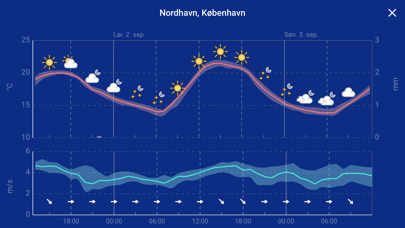
iPad screenshots
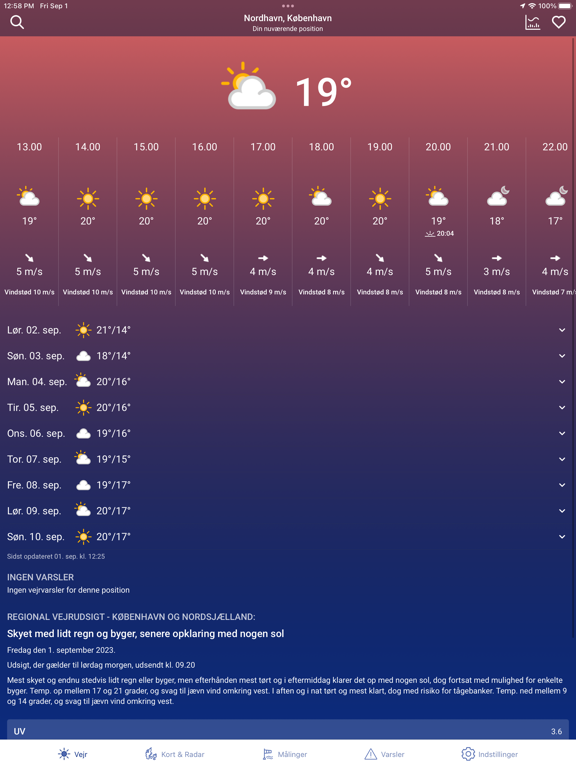
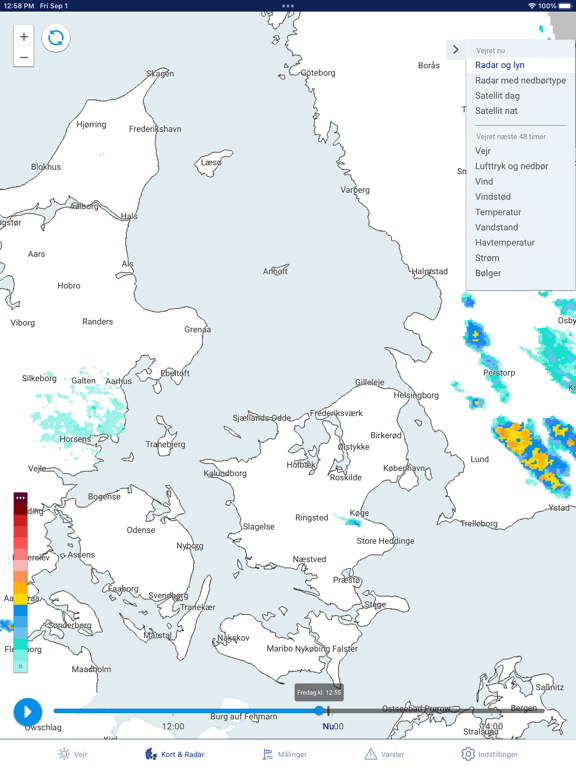
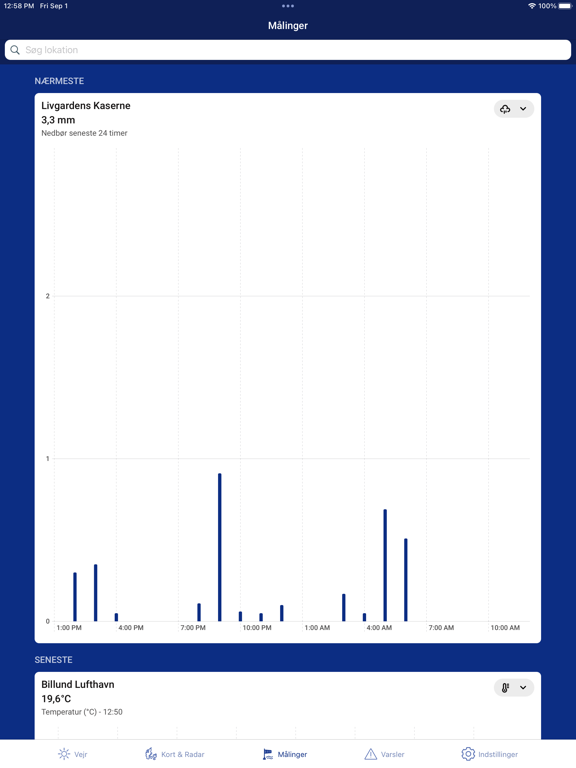
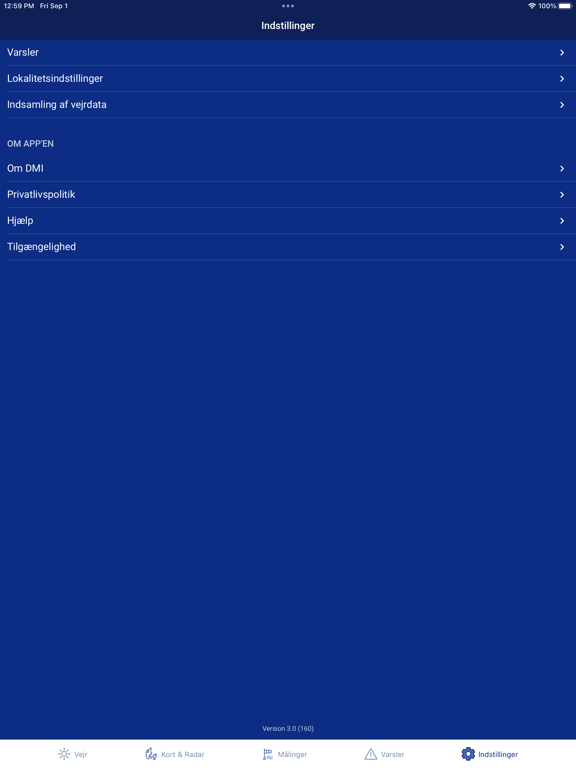
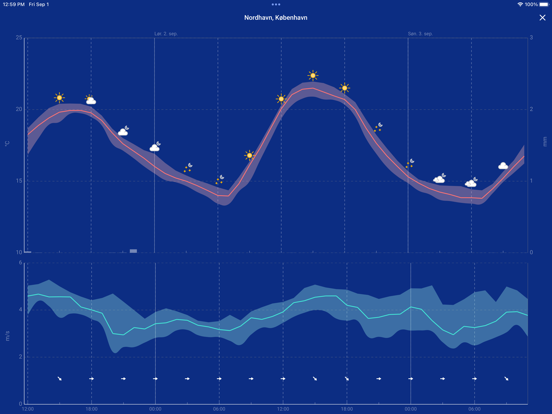
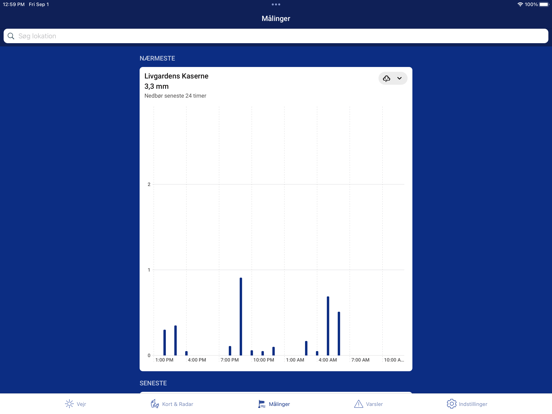
Icon palette
About this app
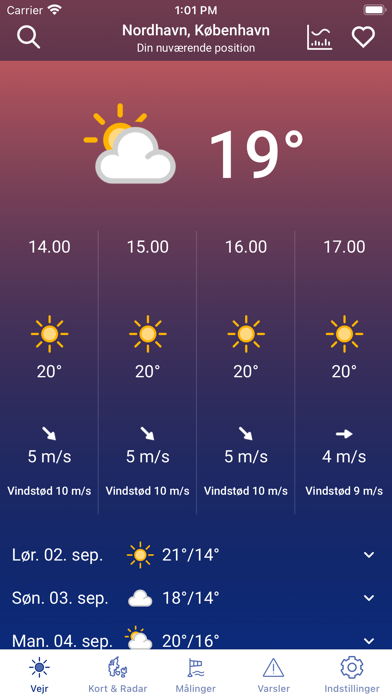
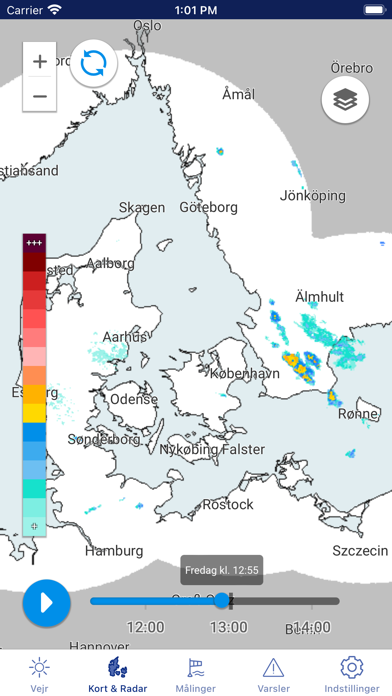
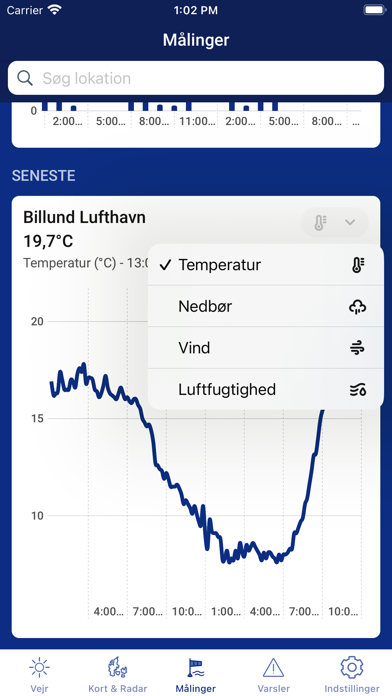
I DMI Vejr giver Danmarks Meteorologiske Institut dig hele verdens vejr direkte i lommen. Uanset hvor du er, har du adgang til den fineste kvalitet af vejrudsigter ni dage ud i fremtiden. Vi fokuserer selvfølgelig på det danske vejr, men med telefonens GPS får du altid den nærmeste vejrudsigt ud af DMI’s godt 300.000 mulige lokationer. Slå geolokation til, eller søg din favoritby frem. I Danmark har app’en al den vejrinformation, du kan ønske dig. Du kan se på radaren, om vasketøjet skal ind, du kan se på satellitbilleder, om vejrsystemer nærmer sig, og du kan se meteorologernes skrevne udsigter, når du skal have overblikket. Du får naturligvis også en advarsel, når der er farligt vejr på vej. Du kan tilgå tilgængelighedserklæringen for appen her https://www.was.digst.dk/app-dmi-app
App details
What you can learn from DMI Vejr
Every shipping app on the App Store has gone through the same decisions you're working through right now: which screenshot goes first, what caption sits over it, which device frame to show, what color the background should be. The 11 screenshots above are DMI Vejr's answers to those questions — they're public, they're real, and they made it through Apple's review.
What the numbers say: DMI Vejr runs a mixed light-and-dark set where the background shifts from screenshot to screenshot (first shot #FCFCFC) — each image has to stand on its own, so the captions carry more of the story. The accent colour we picked up, #142C6C, is the one to reuse for badges, arrows and highlighted words if you borrow this look. Hit Use this style to open the editor with these exact colours and drop your own screenshot in.
Notice the first screenshot in particular. It's the one users see in search results and on the product page, and it's where most apps spend their best caption and tightest design. Look at the proportion of background to phone, where the text sits, what one thing the image is trying to communicate.
Want to see how other Weather apps approach the same problem? Browse more Weather apps in the showcase.
Take what works into your own screenshots
Open LaunchShots and design your App Store & Google Play screenshots — pick a device frame, drop captions, ship in minutes. Free, in your browser.
Open the screenshot editor →Apps with a similar look
Closest background + accent colours among the listings we've analysed — useful when you want to see the same palette handled by a different team.