Chart position — tracked daily by LaunchShots
Screenshot style breakdown
Sampled from 6 of MyShows - трекер сериалов's App Store screenshots — background, accent and theme, measured by LaunchShots (not something Apple publishes).
#FCCC0C bg
#DDB30A
#A48404 accent
#111111 text
Screenshots
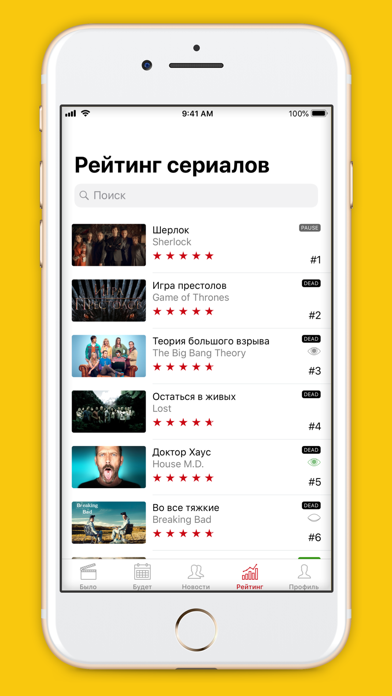

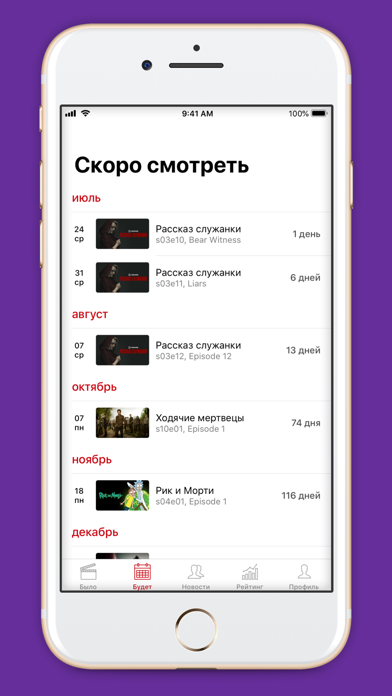
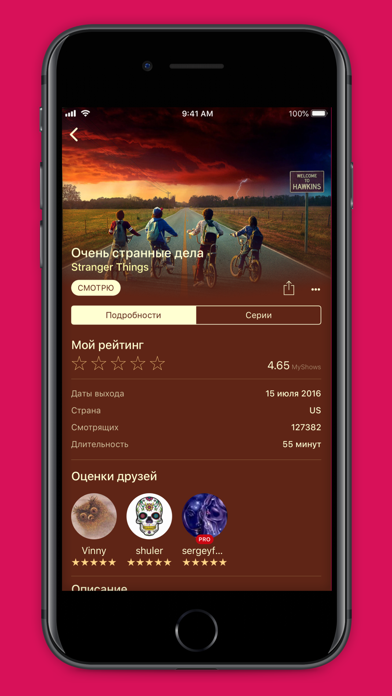
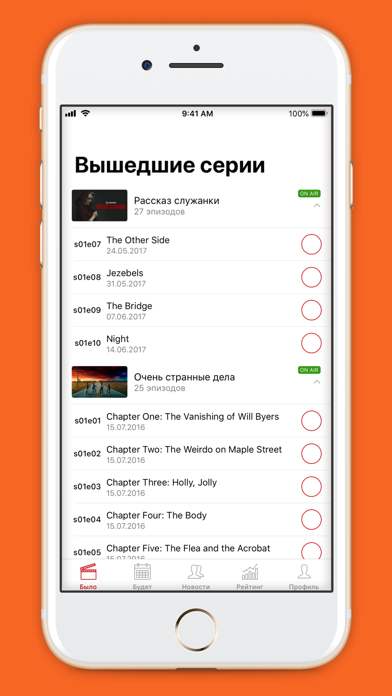
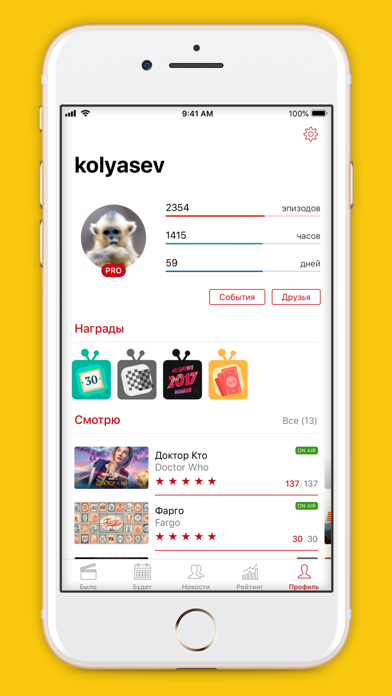
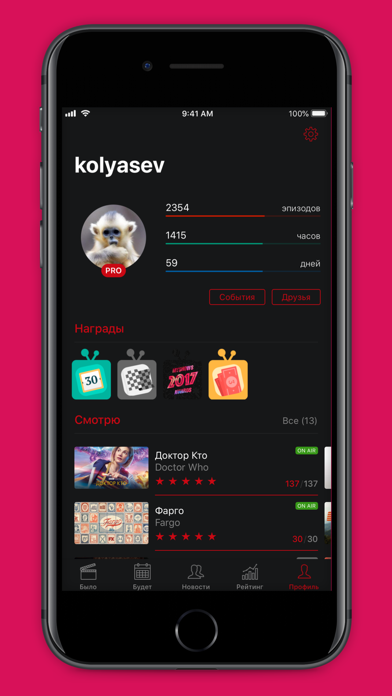
iPad screenshots


Icon palette
About this app
В этом приложении НЕЛЬЗЯ смотреть фильмы и сериалы! MyShows — идеальное приложение для отслеживания просмотренных сериалов и фильмов, общения и поиска, что посмотреть. У нас огромная база данных о сериалах, эпизодах, актерах, фильмах, а также уникальные пользовательские рейтинги. MyShows поможет вам отслеживать просмотры сериалов и фильмов: - Отмечайте просмотренные эпизоды и фильмы. - Выставляйте оценки просмотренным фильмам и эпизодам. - Добавляйте фильмы и сериалы в списки на просмотр. - Получайте напоминания о премьерах и выходе новых серий. - Добавляйте любимые сериалы и эпизоды в Избранное. - Отслеживайте свою статистику просмотров. MyShows поможет сделать выбор, что посмотреть и где: - Воспользуйтесь персональными рекомендациями на основе ваших оценок и просмотров. - Добавьте себе в календарь график выхода серий с напоминаниями или пользуйтесь им в приложении. - Переходите на…
App details
What you can learn from MyShows - трекер сериалов
Every shipping app on the App Store has gone through the same decisions you're working through right now: which screenshot goes first, what caption sits over it, which device frame to show, what color the background should be. The 12 screenshots above are MyShows - трекер сериалов's answers to those questions — they're public, they're real, and they made it through Apple's review.
What the numbers say: MyShows - трекер сериалов runs a mixed light-and-dark set where the background shifts from screenshot to screenshot (first shot #FCCC0C) — each image has to stand on its own, so the captions carry more of the story. The accent colour we picked up, #A48404, is the one to reuse for badges, arrows and highlighted words if you borrow this look. Hit Use this style to open the editor with these exact colours and drop your own screenshot in.
Notice the first screenshot in particular. It's the one users see in search results and on the product page, and it's where most apps spend their best caption and tightest design. Look at the proportion of background to phone, where the text sits, what one thing the image is trying to communicate.
Want to see how other Entertainment apps approach the same problem? Browse more Entertainment apps in the showcase.
Take what works into your own screenshots
Open LaunchShots and design your App Store & Google Play screenshots — pick a device frame, drop captions, ship in minutes. Free, in your browser.
Open the screenshot editor →Apps with a similar look
Closest background + accent colours among the listings we've analysed — useful when you want to see the same palette handled by a different team.