Chart position — tracked daily by LaunchShots
Screenshot changes — detected by LaunchShots
Screenshot style breakdown
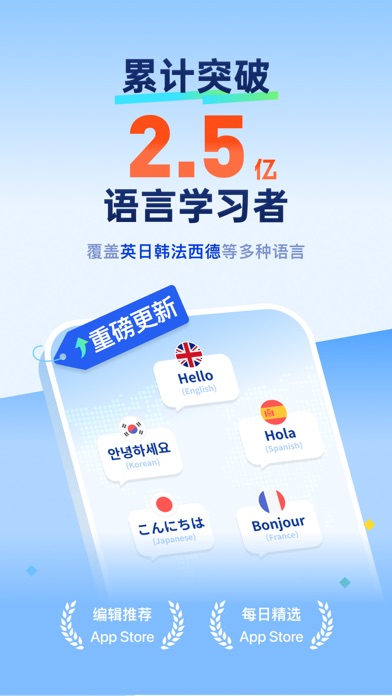
Sampled from 6 of 百词斩-背单词、学英语日语韩语法语's App Store screenshots — background, accent and theme, measured by LaunchShots (not something Apple publishes).
#7CBCFC bg
#6DA5DD
#FC6C44 accent
#111111 text
Screenshots


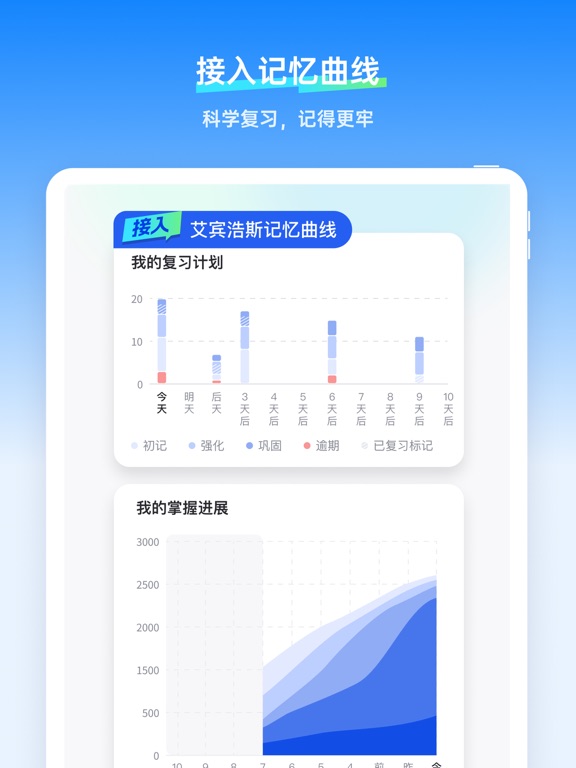
iPad screenshots



Icon palette
About this app
■ iPhone 装机必备推荐应用 ■ App Store 背单词推荐应用 ■ App Store 超100万五星好评 2 亿人都在用百词斩背单词! 不止英语,日语、韩语、法语、西语、德语、粤语都能学! 想备考,也想追剧看动漫多懂一点?先从每天几个新词开始。 新语言不用一下子学会。 每天背几个新词,追剧、看动漫、旅行时,慢慢就能多懂一点。 百词斩不只是英语背词工具,现在也能陪你从考试、兴趣、旅行、日常表达等场景开始学习新语言。 【英语、小语种,想学就开始】 • 英语、日语、韩语、法语、西语、德语、粤语等词书持续更新 • 英语覆盖小学、中学、四六级、考研、雅思、托福等学习需求 • 日语、韩语、法语、西语、德语等新语言词书,适合兴趣入门和日常积累 • 想备考、追剧、看动漫、旅行,都可以找到适合自己的词书 【新语言,也可以从日常里开始】 • 追剧时听到的词、动漫里反复出现的词、旅行前想先学会的词,都可以先背起来 • 不用一下子学完整门语言,先从你真的会遇到、真的用得上的词开始 • 每天多认识几个词,下一次看到、听到的时候,就可能突然反应过来 • 英语之外,日…
App details
What you can learn from 百词斩-背单词、学英语日语韩语法语
Every shipping app on the App Store has gone through the same decisions you're working through right now: which screenshot goes first, what caption sits over it, which device frame to show, what color the background should be. The 12 screenshots above are 百词斩-背单词、学英语日语韩语法语's answers to those questions — they're public, they're real, and they made it through Apple's review.
What the numbers say: 百词斩-背单词、学英语日语韩语法语 runs a mixed light-and-dark set where the background shifts from screenshot to screenshot (first shot #7CBCFC) — each image has to stand on its own, so the captions carry more of the story. The accent colour we picked up, #FC6C44, is the one to reuse for badges, arrows and highlighted words if you borrow this look. Hit Use this style to open the editor with these exact colours and drop your own screenshot in.
Notice the first screenshot in particular. It's the one users see in search results and on the product page, and it's where most apps spend their best caption and tightest design. Look at the proportion of background to phone, where the text sits, what one thing the image is trying to communicate.
Want to see how other Education apps approach the same problem? Browse more Education apps in the showcase.
Take what works into your own screenshots
Open LaunchShots and design your App Store & Google Play screenshots — pick a device frame, drop captions, ship in minutes. Free, in your browser.
Open the screenshot editor →Apps with a similar look
Closest background + accent colours among the listings we've analysed — useful when you want to see the same palette handled by a different team.