Screenshots


iPad screenshots
Icon palette
About this app
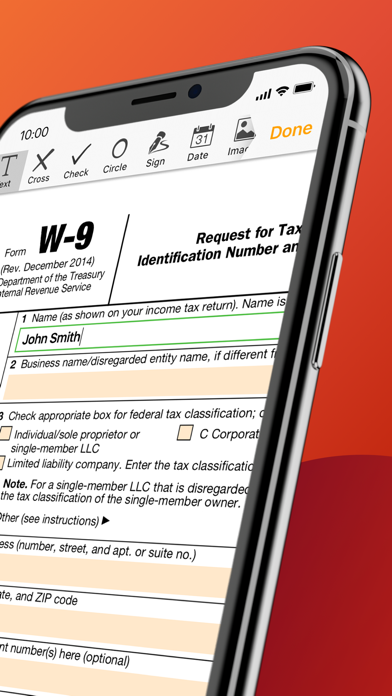
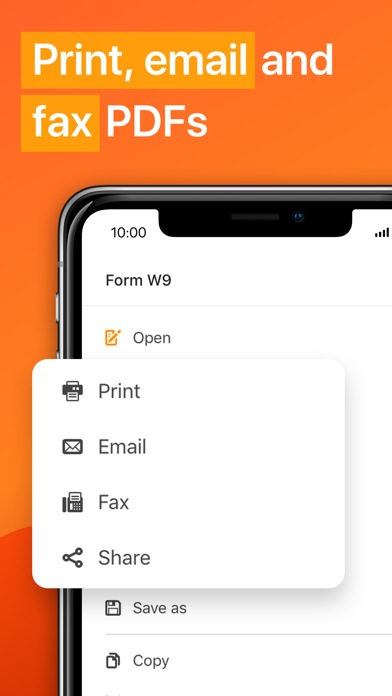
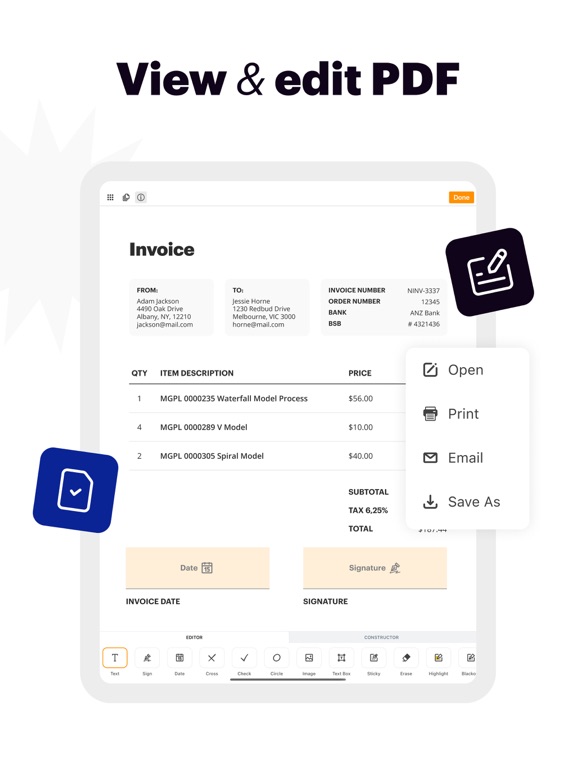
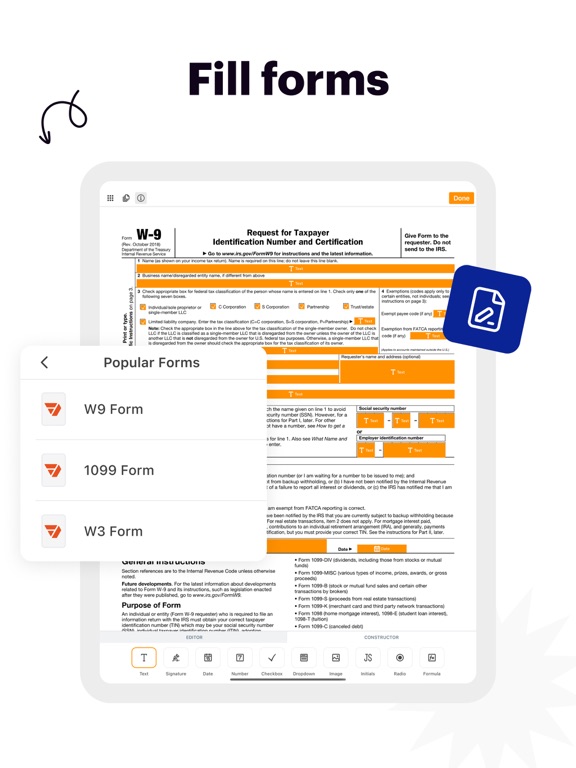
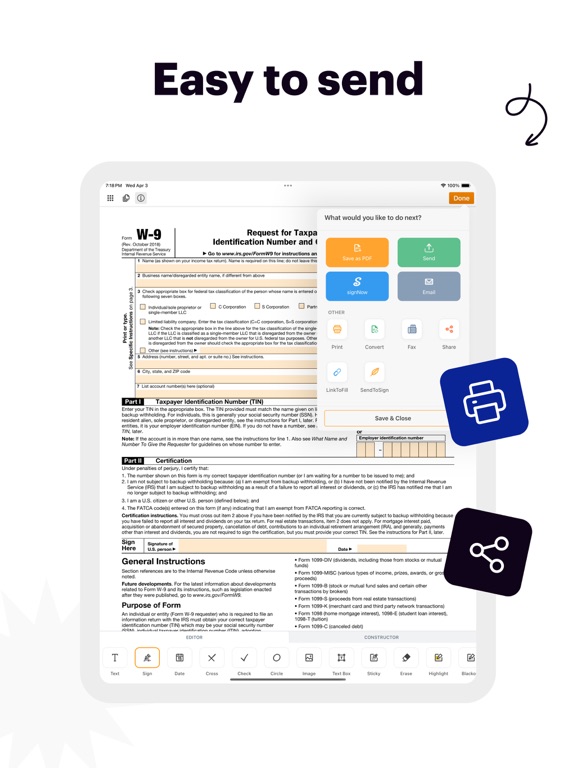
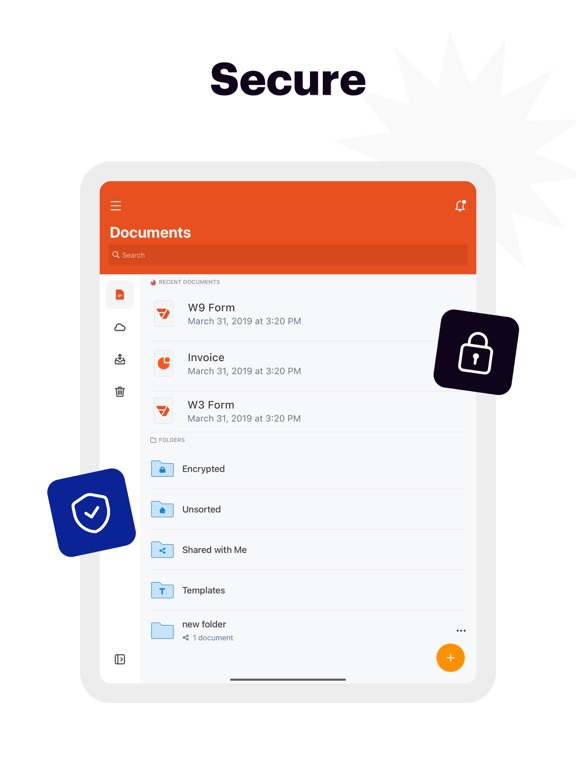
pdfFiller is a powerful mobile app that transforms your iOS device into a fully equipped office. With an extensive set of features, you can edit, eSign, and manage an unlimited number of PDF documents from anywhere. Try pdfFiller to see how it can revolutionize the way you work. “pdfFiller does more than just bring a few new editing tricks to PDFs. Actually, this PDF app can add extra depth to the way we interact with these popular files.” — CultOfMac.com “The app is easy to use, lets you organize files into folders, and connects to Dropbox, Google Drive, Box, and OneDrive.” — MakeUseOf.com EDIT PDF DOCUMENTS • Easily edit any PDF contract, invoice, or tax form on your mobile device • Highlight content, erase, or blackout sensitive information in the documents • Use various annotation tools to add text, images, dates, check marks, and more ESIGN AND FILL OUT FILLABLE FORMS • Quickly…
App details
What you can learn from pdfFiller: docs & PDF editor
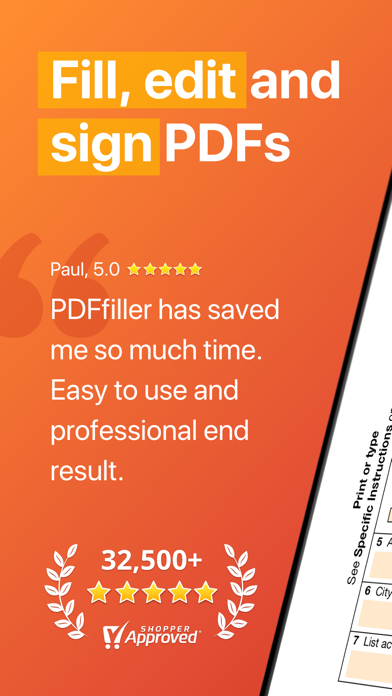
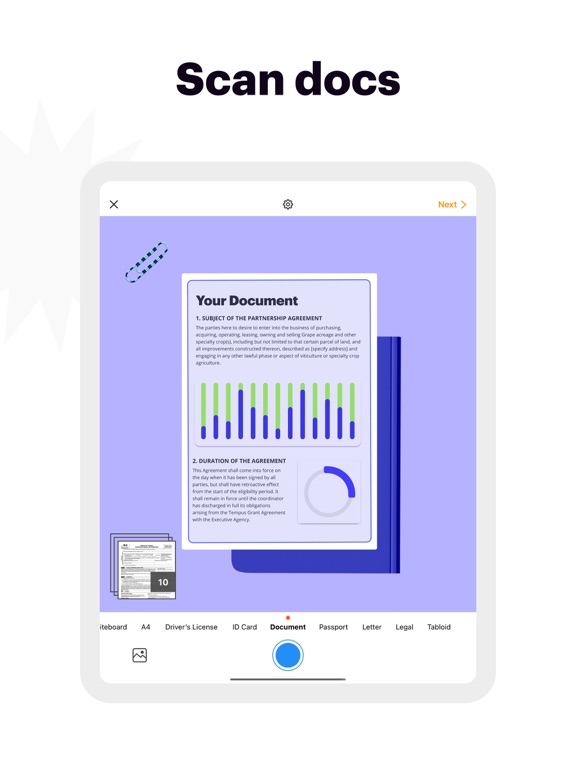
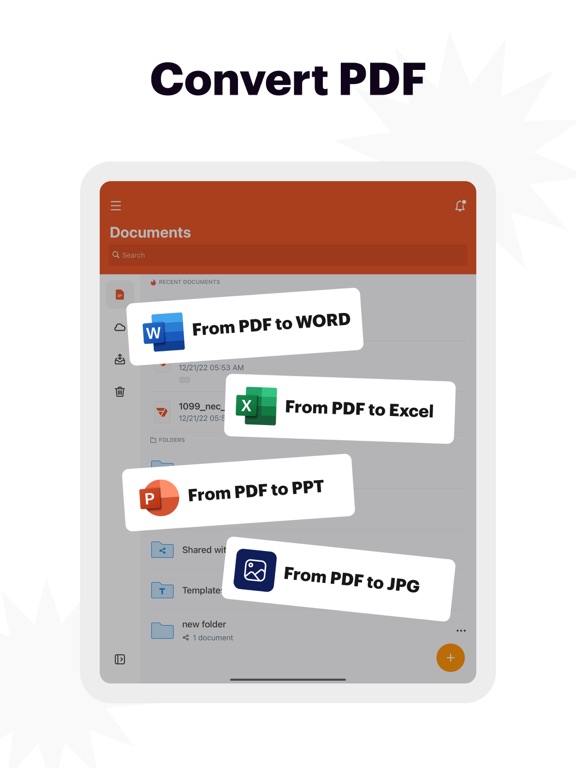
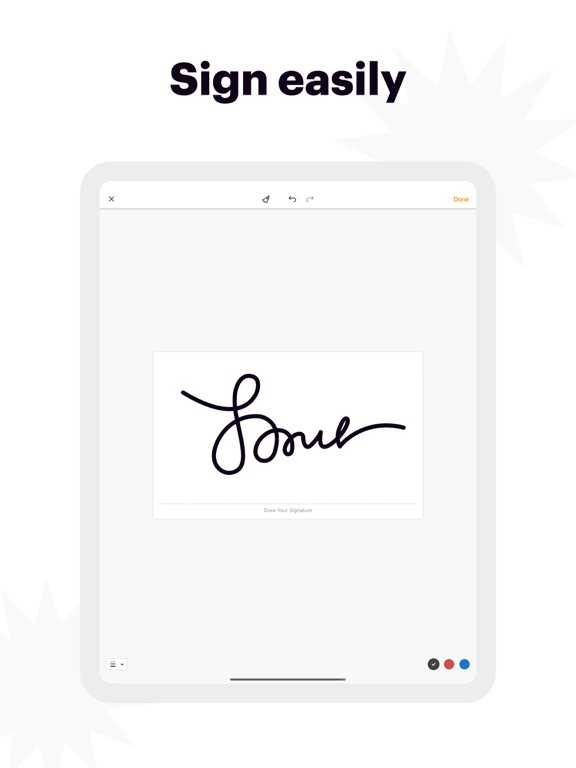
Every shipping app on the App Store has gone through the same decisions you're working through right now: which screenshot goes first, what caption sits over it, which device frame to show, what color the background should be. The 12 screenshots above are pdfFiller: docs & PDF editor's answers to those questions — they're public, they're real, and they made it through Apple's review.
Notice the first screenshot in particular. It's the one users see in search results and on the product page, and it's where most apps spend their best caption and tightest design. Look at the proportion of background to phone, where the text sits, what one thing the image is trying to communicate.
Want to see how other Business apps approach the same problem? Browse more Business apps in the showcase.
Take what works into your own screenshots
Open LaunchShots and design your App Store & Google Play screenshots — pick a device frame, drop captions, ship in minutes. Free, in your browser.
Open the screenshot editor →