Screenshot style breakdown
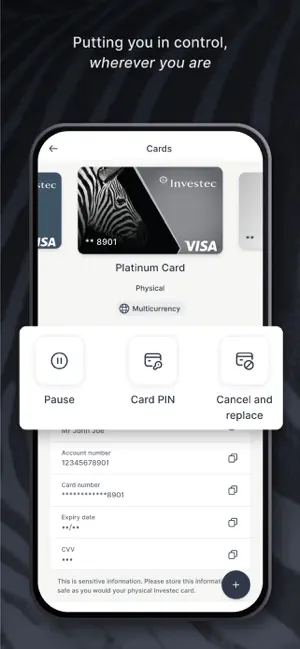
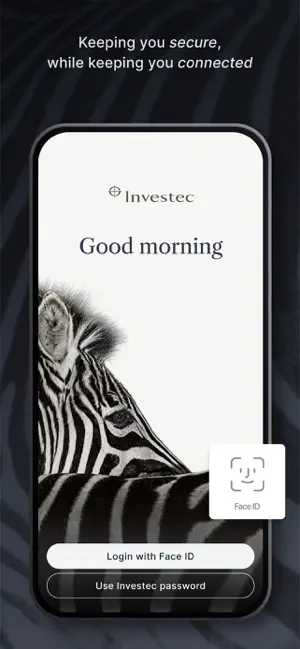
Sampled from 6 of Investec Private Client's App Store screenshots — background, accent and theme, measured by LaunchShots (not something Apple publishes).
#FCFCFC bg
#DDDDDD
#E49C84 accent
#111111 text
Screenshots
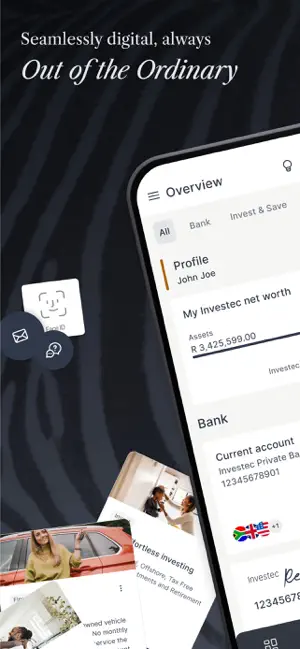
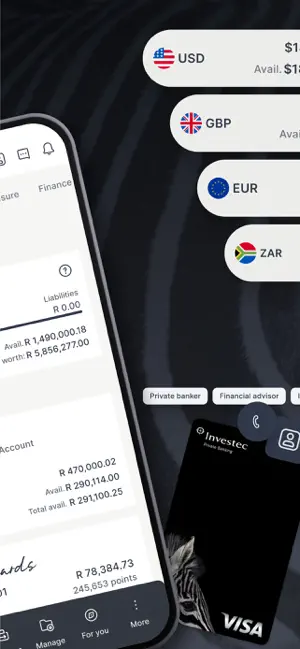
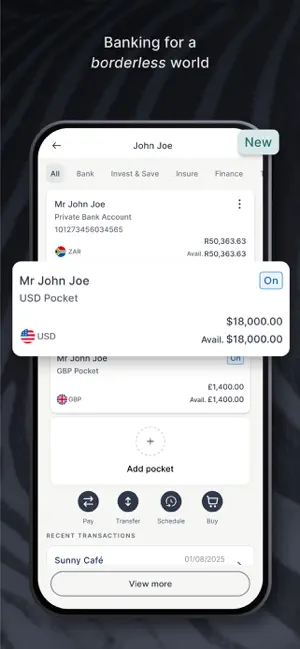
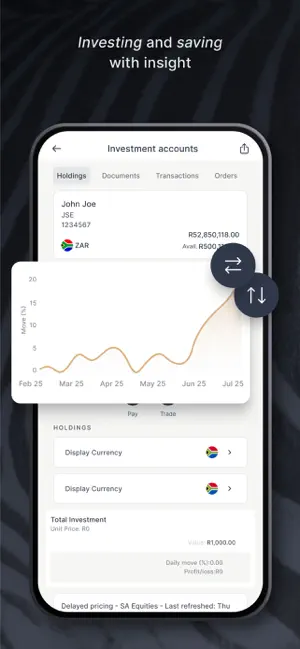
Icon palette
About this app
Effortless banking and investing at your fingertips Daily transactional banking made easy Make payments, add beneficiaries, transfer funds, check and redeem Investec Rewards point, buy airtime and electricity, send cash to yourself or someone else – it’s easy and convenient. Secure Log into your account with biometrics as a safe alternative to your password. Investec Visa card Temporarily block card, view card details or PIN. You can change or resend your card PIN, or let us know when you will use your card abroad. In App authentication If you’re connected to a Wi-Fi network, you can use In App authentication when you log into Investec Online - useful if you’re travelling abroad. Find and download documents Download statements, email statements, proof of payments, reference letters, tax certificates and visa letters. Trading Seamlessly buy and sell JSE-listed equities. Mar…
App details
What you can learn from Investec Private Client
Every shipping app on the App Store has gone through the same decisions you're working through right now: which screenshot goes first, what caption sits over it, which device frame to show, what color the background should be. The 6 screenshots above are Investec Private Client's answers to those questions — they're public, they're real, and they made it through Apple's review.
What the numbers say: Investec Private Client runs a mixed light-and-dark set where the background shifts from screenshot to screenshot (first shot #FCFCFC) — each image has to stand on its own, so the captions carry more of the story. The accent colour we picked up, #E49C84, is the one to reuse for badges, arrows and highlighted words if you borrow this look. Hit Use this style to open the editor with these exact colours and drop your own screenshot in.
Notice the first screenshot in particular. It's the one users see in search results and on the product page, and it's where most apps spend their best caption and tightest design. Look at the proportion of background to phone, where the text sits, what one thing the image is trying to communicate.
Want to see how other Finance apps approach the same problem? Browse more Finance apps in the showcase.
Take what works into your own screenshots
Open LaunchShots and design your App Store & Google Play screenshots — pick a device frame, drop captions, ship in minutes. Free, in your browser.
Open the screenshot editor →Apps with a similar look
Closest background + accent colours among the listings we've analysed — useful when you want to see the same palette handled by a different team.