Chart position — tracked daily by LaunchShots
Screenshot style breakdown
Sampled from 5 of Swedbank företag's App Store screenshots — background, accent and theme, measured by LaunchShots (not something Apple publishes).
#ECF4FC bg
#CFD6DD
#FC5C04 accent
#111111 text
Screenshots



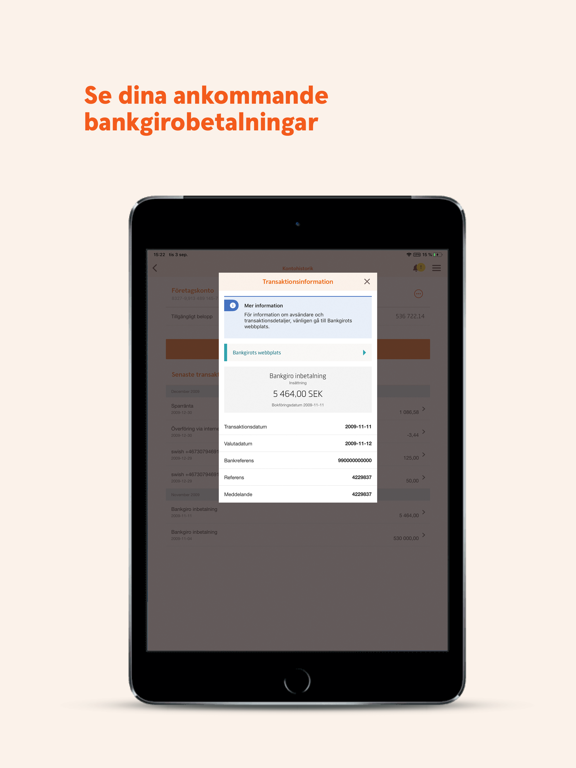
iPad screenshots



Icon palette
About this app
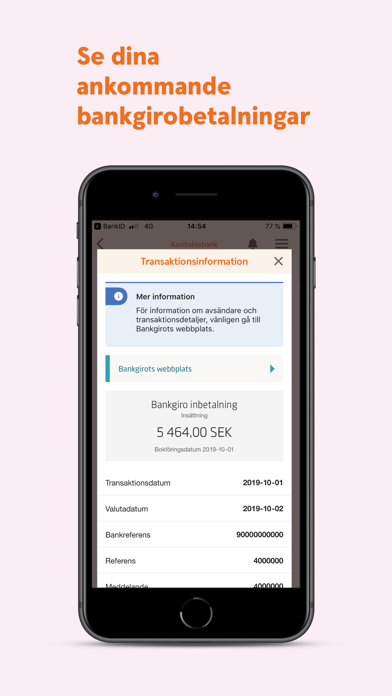
Välkommen till Swedbank! Med vår företagsapp, som är full av smarta funktioner, kan du göra vardagen lite enklare för dig och ditt företag. Du kan bland annat överblicka företagets konton och betala räkningar. Du kan också: - Ha koll på bankgiroinbetalningar - Göra överföringar med kontrasignering - Betala räkningar med hjälp av OCR-skanner - Handla värdepapper - Få push-notiser Du loggar enklast in med Mobilt BankID. Behöver du stöd och hjälp? Välkommen att kontakta oss på telefonnummer 0771-977512 (öppet dygnet runt alla dagar). Så hanteras dina personuppgifter Av säkerhetsskäl samlar vi in alla transaktioner som skickas från din dator, mobiltelefon eller annan enhet till vår app. Det gäller även den IP-adress som används när du öppnar vår applikation och använder tjänsten. Mer information om hur vi hanterar personuppgifter finner du på Swedbanks hemsida, swedbank.se.
App details
What you can learn from Swedbank företag
Every shipping app on the App Store has gone through the same decisions you're working through right now: which screenshot goes first, what caption sits over it, which device frame to show, what color the background should be. The 10 screenshots above are Swedbank företag's answers to those questions — they're public, they're real, and they made it through Apple's review.
What the numbers say: Swedbank företag runs a light set with one background colour (#ECF4FC) carried across every screenshot — the listing reads as a single poster when the shots sit side by side in search results. The accent colour we picked up, #FC5C04, is the one to reuse for badges, arrows and highlighted words if you borrow this look. Hit Use this style to open the editor with these exact colours and drop your own screenshot in.
Notice the first screenshot in particular. It's the one users see in search results and on the product page, and it's where most apps spend their best caption and tightest design. Look at the proportion of background to phone, where the text sits, what one thing the image is trying to communicate.
Want to see how other Finance apps approach the same problem? Browse more Finance apps in the showcase.
Take what works into your own screenshots
Open LaunchShots and design your App Store & Google Play screenshots — pick a device frame, drop captions, ship in minutes. Free, in your browser.
Open the screenshot editor →Apps with a similar look
Closest background + accent colours among the listings we've analysed — useful when you want to see the same palette handled by a different team.