Chart position — tracked daily by LaunchShots
Screenshot style breakdown
Sampled from 6 of 法律法规及司法解释速查's App Store screenshots — background, accent and theme, measured by LaunchShots (not something Apple publishes).
#F4F4F4 bg
#D6D6D6
#AC7C54 accent
#111111 text
Screenshots
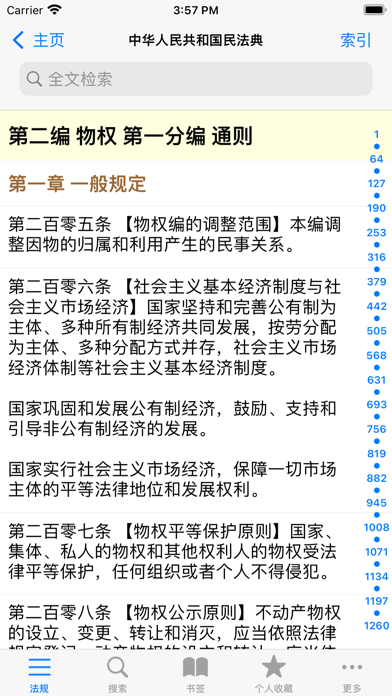

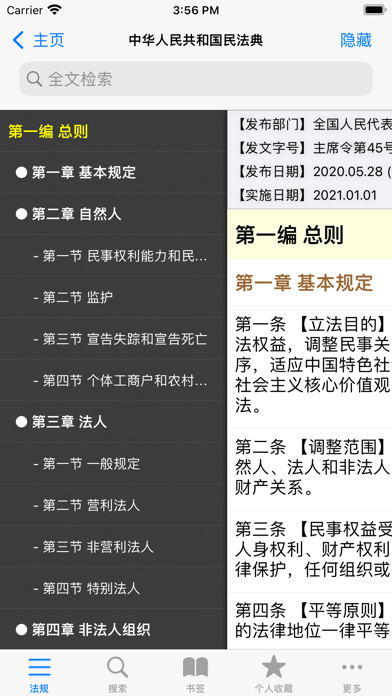
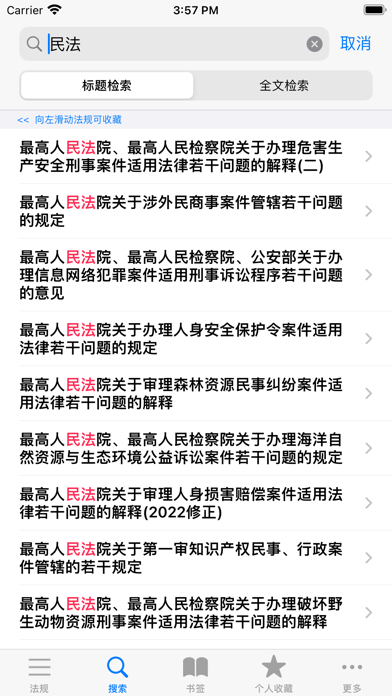
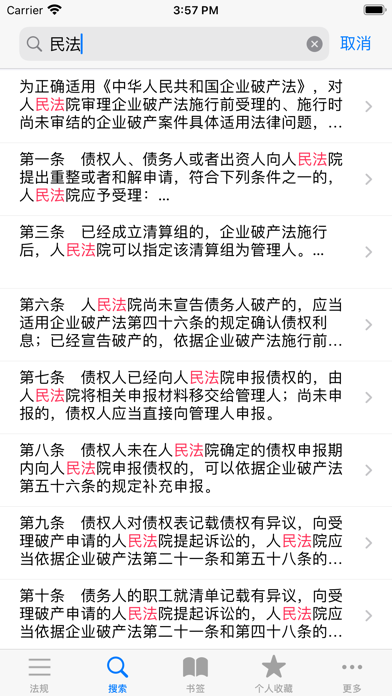
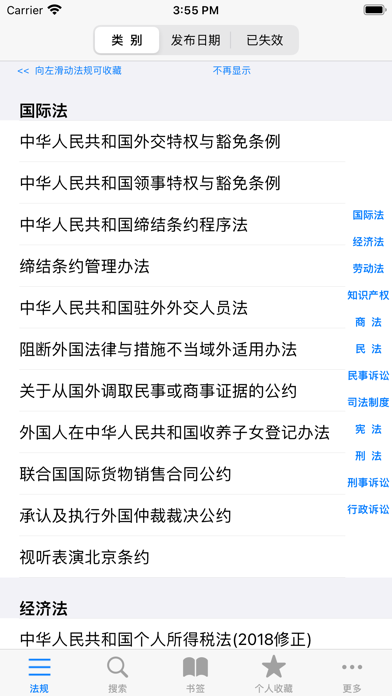
iPad screenshots


Icon palette
About this app
随身携带的法律资料库,绝无仅有的使用体验 轻量化专业法律工具|高性价比订阅|打破专业法律资料查阅壁垒 • 数千部核心法规免费阅读:满足日常法条检索、合规核对、基础学习等高频需求,彻底打破专业法律资料的查阅壁垒。 • 轻量化付费:聚焦核心,付费订阅可开通一键导出,个人数据云同步等功能,花费不到专业服务的百分之一。 • 深耕法条整理,背后是海量精细化工作:每一部收录的法规,均经过逐条整理后入库,可快速索引定位,支持全文搜索,序号直达。 我们不追求做最全的法律数据库,只专注做最亲民、最实用、最靠谱的普惠型法律工具。 市面上的重型专业法律服务,固然覆盖范围更广,但对应的是极高的年费成本,更适合大型机构、律所等重度专业用户;而对于绝大多数个人、小微团队、普通职场人来说,真正需要的是主流核心法规能免费看,关键内容能低成本导出,不用为冗余功能和海量闲置内容承担巨额费用。 我们耗时良久搭建这套法规库,把专业的法律资料变得触手可及,让每一个有需求的用户,都能轻松用上靠谱的法规查阅工具,这是我们的初心,也是我们坚…
App details
What you can learn from 法律法规及司法解释速查
Every shipping app on the App Store has gone through the same decisions you're working through right now: which screenshot goes first, what caption sits over it, which device frame to show, what color the background should be. The 11 screenshots above are 法律法规及司法解释速查's answers to those questions — they're public, they're real, and they made it through Apple's review.
What the numbers say: 法律法规及司法解释速查 runs a mixed light-and-dark set where the background shifts from screenshot to screenshot (first shot #F4F4F4) — each image has to stand on its own, so the captions carry more of the story. The accent colour we picked up, #AC7C54, is the one to reuse for badges, arrows and highlighted words if you borrow this look. Hit Use this style to open the editor with these exact colours and drop your own screenshot in.
Notice the first screenshot in particular. It's the one users see in search results and on the product page, and it's where most apps spend their best caption and tightest design. Look at the proportion of background to phone, where the text sits, what one thing the image is trying to communicate.
Want to see how other Reference apps approach the same problem? Browse more Reference apps in the showcase.
Take what works into your own screenshots
Open LaunchShots and design your App Store & Google Play screenshots — pick a device frame, drop captions, ship in minutes. Free, in your browser.
Open the screenshot editor →Apps with a similar look
Closest background + accent colours among the listings we've analysed — useful when you want to see the same palette handled by a different team.