Screenshots


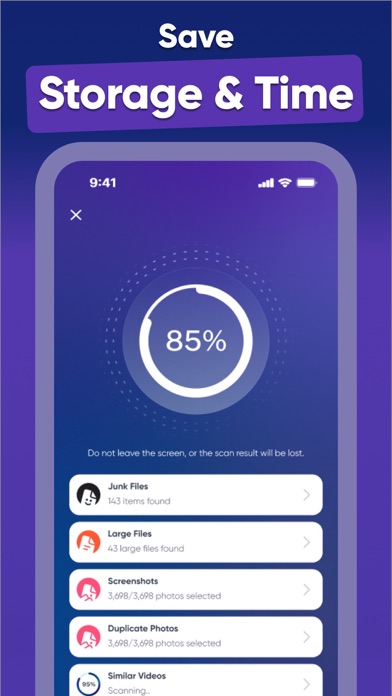


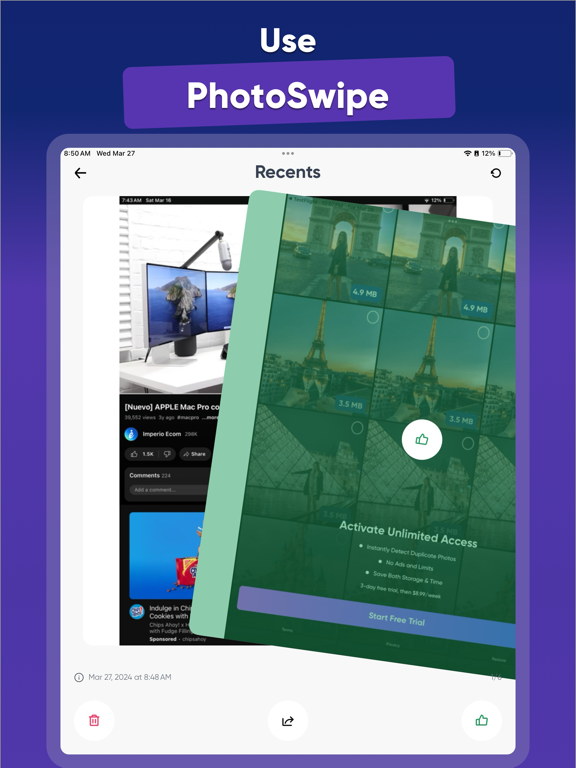
iPad screenshots




Icon palette
About this app
LET'S BE HONEST: TIDYING UP YOUR PHOTO COLLECTION CAN FEEL LIKE A TEDIOUS CHORE! But fear not, Cleaner is here to simplify this process, making it enjoyable and secure. EFFORTLESS GALLERY CLEANUP With Cleaner, decluttering your gallery is a breeze using PhotoSwipe: - Swipe left to remove unwanted photos or duplicates - Swipe right to preserve the cherished memories You'll be amazed at how many unnecessary photos you've been hoarding! KEEP ONLY THE FINEST SNAPS When faced with similar photos, Cleaner guides you towards the best choice by: - Identifying images where you're directly facing the camera - Highlighting those with optimal focus - Selecting ones where you're smiling - Recommending ones you've previously edited or favorited Rest assured, Cleaner never deletes anything without your consent. ULTIMATE CONTROL Think of Cleaner’s Trash folder like the one on your computer. After d…
App details
What you can learn from Cleaner ・Phone Storage Cleanup
Every shipping app on the App Store has gone through the same decisions you're working through right now: which screenshot goes first, what caption sits over it, which device frame to show, what color the background should be. The 11 screenshots above are Cleaner ・Phone Storage Cleanup's answers to those questions — they're public, they're real, and they made it through Apple's review.
Notice the first screenshot in particular. It's the one users see in search results and on the product page, and it's where most apps spend their best caption and tightest design. Look at the proportion of background to phone, where the text sits, what one thing the image is trying to communicate.
Want to see how other Utilities apps approach the same problem? Browse more Utilities apps in the showcase.
Take what works into your own screenshots
Open LaunchShots and design your App Store & Google Play screenshots — pick a device frame, drop captions, ship in minutes. Free, in your browser.
Open the screenshot editor →