Screenshots


Icon palette
About this app
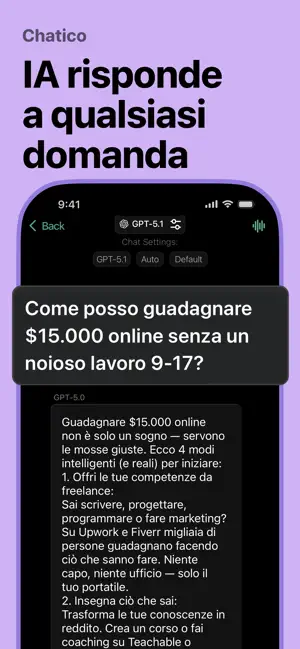
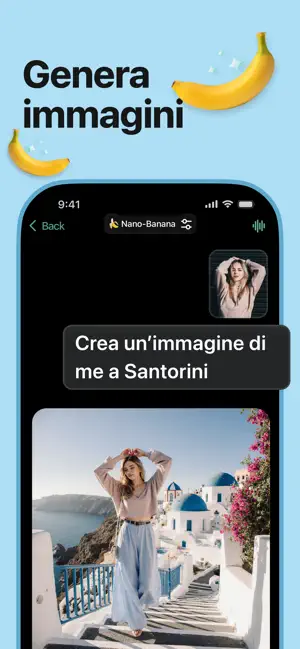
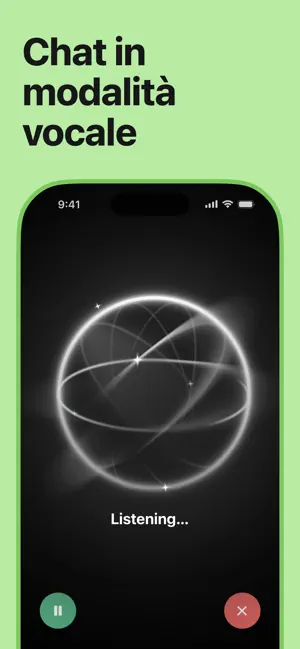
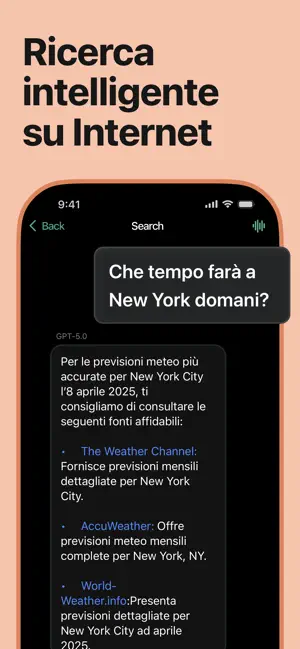
Chatico AI — il rivoluzionario chatbot AI e assistente personale, basato su GPT-5.5, Claude 4.8, Gemini 3.5, Grok 4.3, Mistral, LLaMA, DeepSeek e altri modelli avanzati. Un’unica app — infinite possibilità: apprendimento, creazione di contenuti, interazione vocale, analisi dei dati e produttività quotidiana. ASSISTENTE ALLA SCRITTURA Genera testi per email, post, CV, presentazioni, canzoni e molto altro. ASSISTENTE VOCALE CON AI Parla invece di scrivere. Comunica con intonazione naturale — come con una persona reale. ANALISI WEB E RICERCA INTELLIGENTE Ricevi risposte aggiornate dal web — tendenze, notizie, consigli pratici. COMPITI SENZA STRESS Spiegazioni, risoluzione di esercizi, preparazione agli esami di matematica, biologia, inglese e altre materie. ANALISI DI PDF, YOUTUBE E SITI WEB Inserisci un link — l’AI riassume video, documenti o pagine e risponde alle domande sui conte…
App details
What you can learn from Intelligenza Artificiale - Al
Every shipping app on the App Store has gone through the same decisions you're working through right now: which screenshot goes first, what caption sits over it, which device frame to show, what color the background should be. The 9 screenshots above are Intelligenza Artificiale - Al's answers to those questions — they're public, they're real, and they made it through Apple's review.
Notice the first screenshot in particular. It's the one users see in search results and on the product page, and it's where most apps spend their best caption and tightest design. Look at the proportion of background to phone, where the text sits, what one thing the image is trying to communicate.
Want to see how other Productivity apps approach the same problem? Browse more Productivity apps in the showcase.
Take what works into your own screenshots
Open LaunchShots and design your App Store & Google Play screenshots — pick a device frame, drop captions, ship in minutes. Free, in your browser.
Open the screenshot editor →