Chart position — tracked daily by LaunchShots
Screenshot style breakdown
Sampled from 6 of Tropokolagen's App Store screenshots — background, accent and theme, measured by LaunchShots (not something Apple publishes).
#FCFCFC bg
#DDDDDD
#043454 accent
#111111 text
- #1leczeniu bólu Dowiedz się więcej o zastosowaniu tropokolagenu w jednostkach chorobowych,
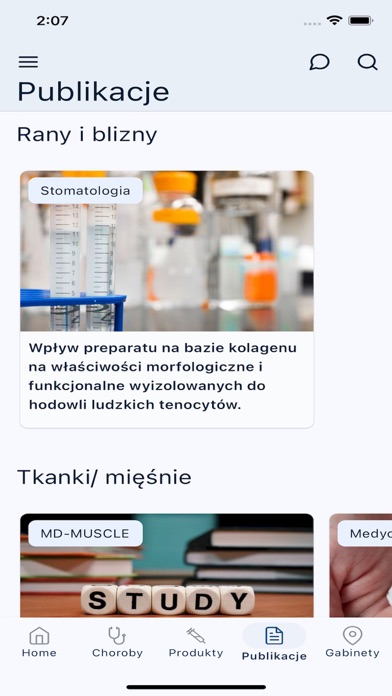
- #2Medycyna bólu Medycyna Rany i blizny estetyczna Home Choroby Produkty Publikacje Gabinety
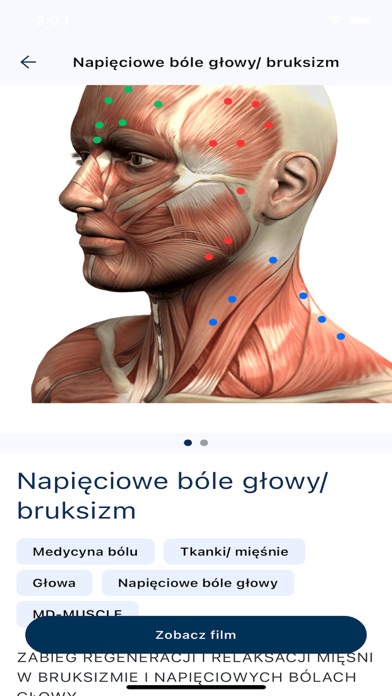
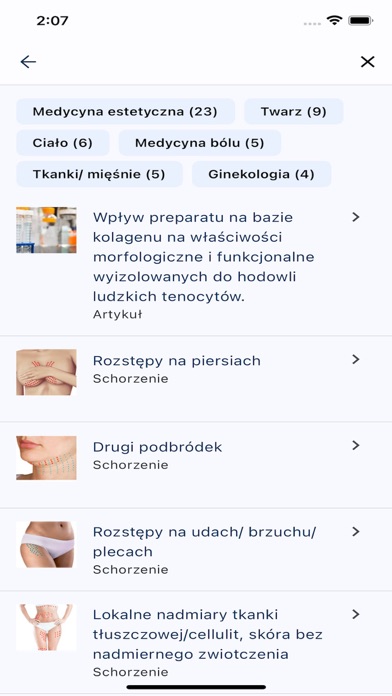
- #3Napięciowe bole growy/ bruksizm Medycyna bélu Tkanki/ mięśnie
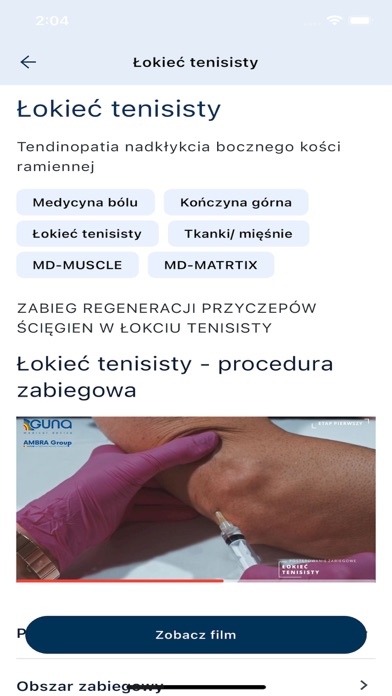
- #6A Zobacz film
Captions read from the screenshots (OCR, may contain small errors): 4 headlines, 8.5 words on average (longest 12).
Screenshots


iPad screenshots


Icon palette
About this app
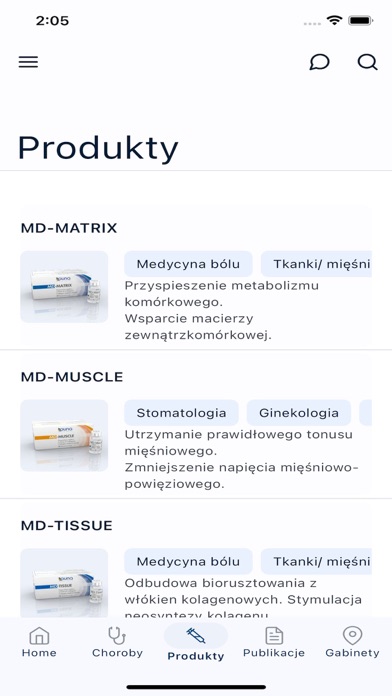
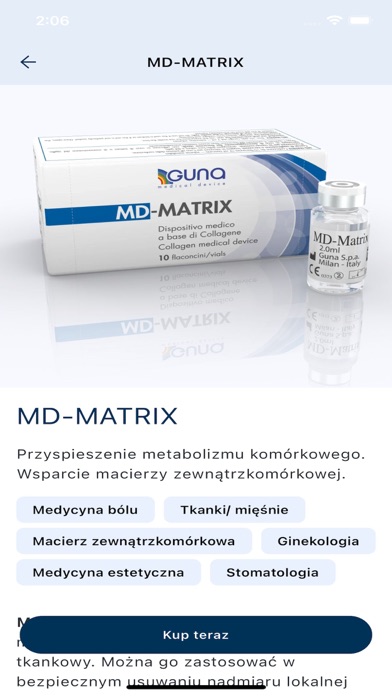
Aplikacja medyczna, będąca wszechstronnym narzędziem w codziennej praktyce lekarza, dostarcza szeroki zakres informacji na temat zastosowania wyrobów medycznych marki Regenova Therapeutics, w celu wspierania kuracji regeneracyjnej. Zapewniamy aktualne, dokładne i rzetelne treści, które pomagają w podejmowaniu decyzji oraz zaplanowaniu skutecznej terapii z użyciem tropokolagenu. Kluczowe funkcje, które oferuje aplikacja: 1. Informacje na temat produktów - aplikacja zawiera szczegółowe informacje na temat kolagenowych wyrobów medycznych włoskiej firmy GUNA. Dzięki niej uzyskasz łatwy dostęp do opisów produktów, wskazań do ich stosowania, składów, sposobu użycia oraz innych ważnych informacji, które pomogą Ci w podjęciu właściwej decyzji terapeutycznej. 2. Schematy zabiegowe – aplikacja zapewnia dostęp do zaktualizowanych i dokładnych schematów zabiegowych oraz rekomendacji postępowania…
App details
What you can learn from Tropokolagen
Every shipping app on the App Store has gone through the same decisions you're working through right now: which screenshot goes first, what caption sits over it, which device frame to show, what color the background should be. The 19 screenshots above are Tropokolagen's answers to those questions — they're public, they're real, and they made it through Apple's review.
What the numbers say: Tropokolagen runs a light set with one background colour (#FCFCFC) carried across every screenshot — the listing reads as a single poster when the shots sit side by side in search results. The accent colour we picked up, #043454, is the one to reuse for badges, arrows and highlighted words if you borrow this look. Hit Use this style to open the editor with these exact colours and drop your own screenshot in.
Notice the first screenshot in particular. It's the one users see in search results and on the product page, and it's where most apps spend their best caption and tightest design. Look at the proportion of background to phone, where the text sits, what one thing the image is trying to communicate.
Want to see how other Medical apps approach the same problem? Browse more Medical apps in the showcase.
Take what works into your own screenshots
Open LaunchShots and design your App Store & Google Play screenshots — pick a device frame, drop captions, ship in minutes. Free, in your browser.
Open the screenshot editor →Apps with a similar look
Closest background + accent colours among the listings we've analysed — useful when you want to see the same palette handled by a different team.