Chart position — tracked daily by LaunchShots
Screenshot changes — detected by LaunchShots
Screenshot style breakdown
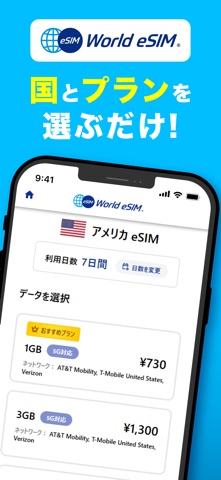
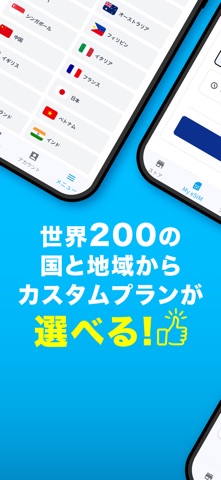
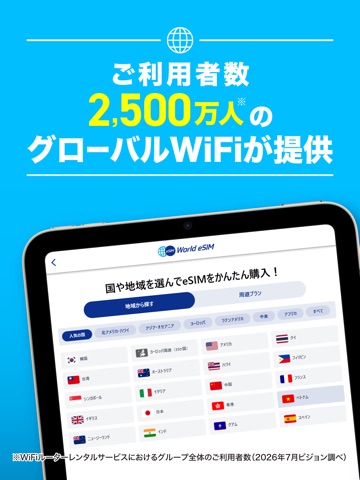
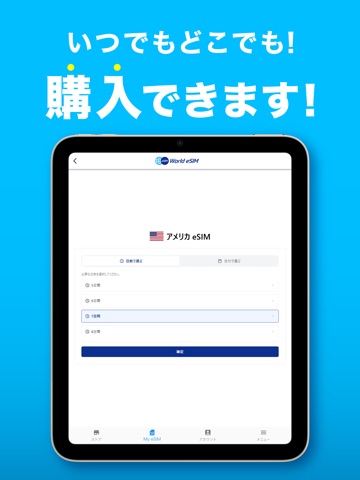
Sampled from 6 of World eSIM 海外旅行は海外eSIMでインターネット's App Store screenshots — background, accent and theme, measured by LaunchShots (not something Apple publishes).
#04BCFC bg
#03A5DD
#6CC4EC accent
#111111 text
Screenshots




iPad screenshots


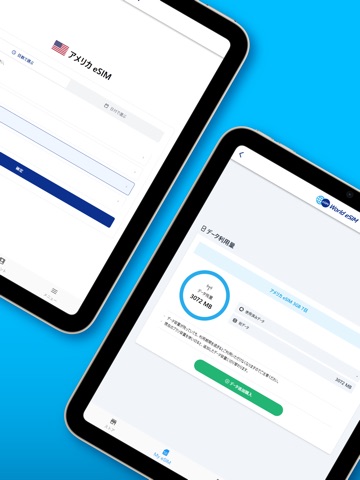
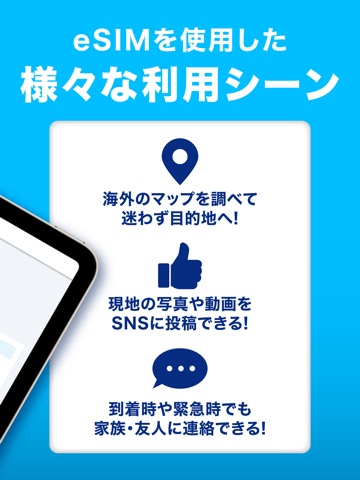


Icon palette
About this app
World eSIMは、海外旅行や国際出張での通信を一層便利かつ手軽にするアプリです。World eSIMを利用することで、どこにいても高速かつ安定したデータ通信をお楽しみいただけます。 World eSIMでは、世界各地で提携している通信事業者のネットワークを活用し、最適な通信環境を提供します。海外でのデータローミング料金を気にすることなく、メールの送受信、ウェブサイトの閲覧、SNSの利用、ビジネスの連絡など、あらゆる通信ニーズに対応します。 シームレスな通信: World eSIMは、世界中の通信事業者と提携し、自動的に最適なネットワークに接続します。通信エリアを気にすることなく、スムーズな通信をお楽しみいただけます。 高速データ通信: World eSIMの高速データ通信により、ウェブサイトの読み込みやファイルのダウンロードが速く、ストレスなく作業や旅行を楽しむことができます。 シンプルな設定: World eSIMアプリをインストールするだけで、煩雑な設定作業は不要です。簡単なステップでご利用いただけます。 データ使用量の管理: World eSIMでは、ご利…
App details
What you can learn from World eSIM 海外旅行は海外eSIMでインターネット
Every shipping app on the App Store has gone through the same decisions you're working through right now: which screenshot goes first, what caption sits over it, which device frame to show, what color the background should be. The 16 screenshots above are World eSIM 海外旅行は海外eSIMでインターネット's answers to those questions — they're public, they're real, and they made it through Apple's review.
What the numbers say: World eSIM 海外旅行は海外eSIMでインターネット runs a light set where the background shifts from screenshot to screenshot (first shot #04BCFC) — each image has to stand on its own, so the captions carry more of the story. The accent colour we picked up, #6CC4EC, is the one to reuse for badges, arrows and highlighted words if you borrow this look. Hit Use this style to open the editor with these exact colours and drop your own screenshot in.
Notice the first screenshot in particular. It's the one users see in search results and on the product page, and it's where most apps spend their best caption and tightest design. Look at the proportion of background to phone, where the text sits, what one thing the image is trying to communicate.
Want to see how other Travel apps approach the same problem? Browse more Travel apps in the showcase.
Take what works into your own screenshots
Open LaunchShots and design your App Store & Google Play screenshots — pick a device frame, drop captions, ship in minutes. Free, in your browser.
Open the screenshot editor →Apps with a similar look
Closest background + accent colours among the listings we've analysed — useful when you want to see the same palette handled by a different team.